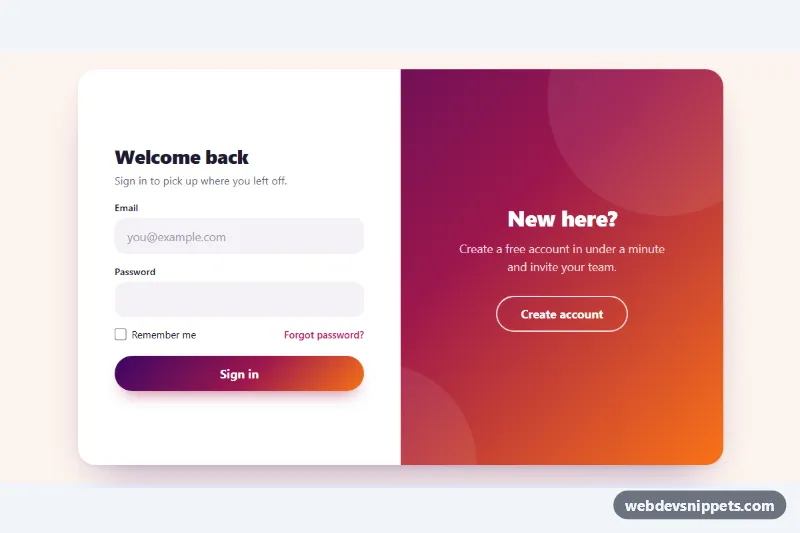
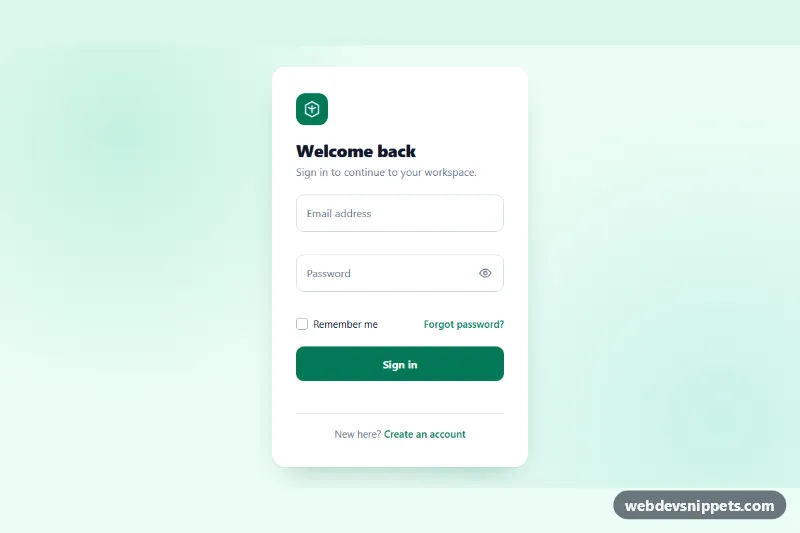
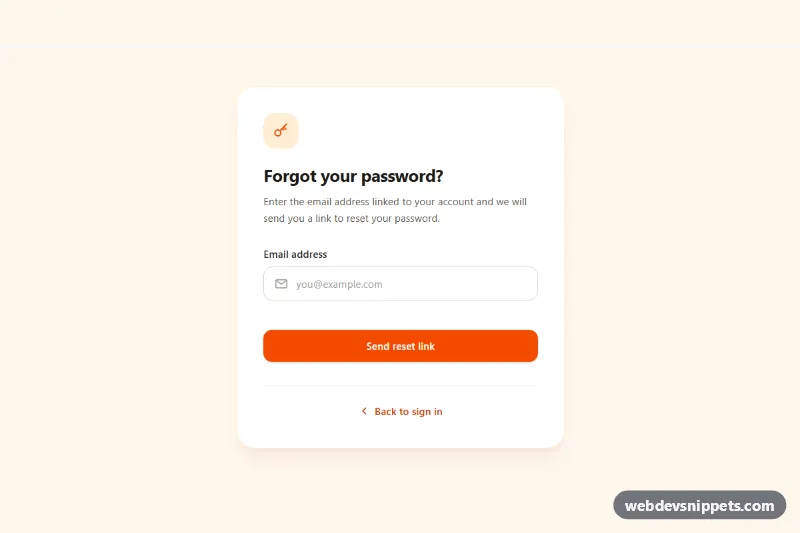
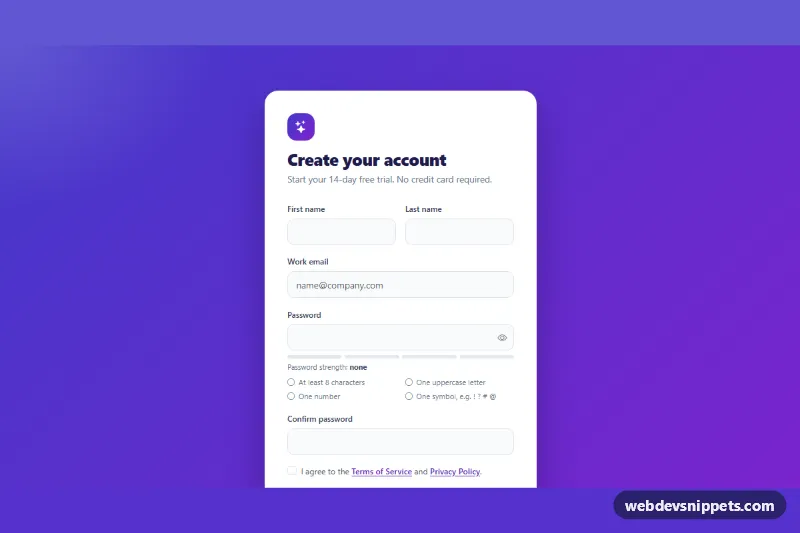
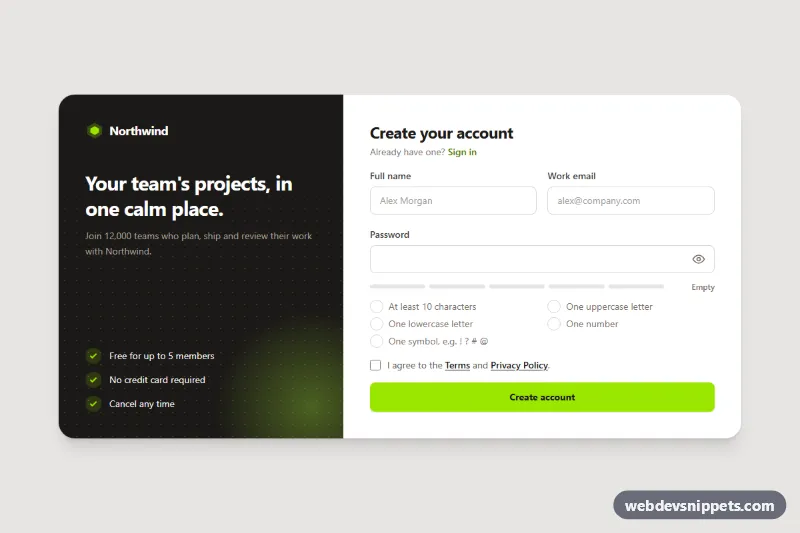
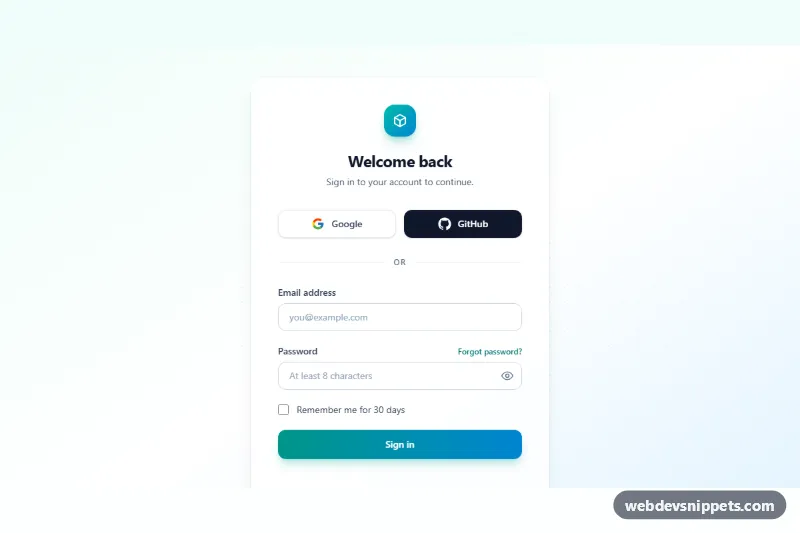
A combined sign in and sign up card built with pure CSS and vanilla JavaScript. On desktop the two forms sit side by side and a plum-to-orange gradient panel slides across to cover the inactive one; on phones the card turns into a single form with a segmented switcher. Use it for SaaS dashboards or community sites that offer login and registration in one place.
How it works
The root section.slr-auth holds one .slr-box. Inside are the mobile .slr-switcher, the two form panels .slr-panel--signin and .slr-panel--signup, and the .slr-overlay-wrap with a .slr-overlay that contains two .slr-overlay-pane blocks (left and right).
From 768px the panels are absolutely positioned at 50% width. The overlay wrapper covers the right half, and the gradient .slr-overlay inside it is twice as wide and shifted left by 100%, so each half of the wrapper shows one pane. Adding is-signup to .slr-box moves the sign up panel to the right, slides the wrapper to the left half and shifts the inner overlay by 50% in the opposite direction, which produces the smooth double slide. Below 768px the overlay is hidden and is-signup simply swaps which panel is displayed.
The script handles every .slr-box on the page. Any element with data-slr-mode (the overlay buttons and the switcher) calls setMode(), which toggles is-signup, updates aria-pressed and sets inert on the hidden panel and overlay pane. Each .slr-form uses novalidate; on submit validateField() checks required fields, the email format and the minimum password length, writes messages into the matching .slr-error element and focuses the first invalid input. Valid forms show a short loading state and a success message in .slr-status.
Customization
--slr-overlayon.slr-auth: the gradient used by the sliding panel, the submit buttons and the active switcher tab.--slr-accent: focus border of inputs, links, checkbox color and focus outlines.--slr-speedand--slr-ease: duration and easing of the slide, e.g.0.45sfor a quicker swap.--slr-height: height of the desktop card; raise it if you add fields.- Add
is-signupto.slr-boxin the markup to open the card on the registration form. MIN_PASSWORDinscript.js: the minimum password length checked before submit.- Replace the
window.setTimeoutcall (delayFAKE_DELAY) in the submit handler with afetch()to your authentication endpoint.
Accessibility
Every input has a visible label, a matching autocomplete value and aria-describedby pointing to its hint and error text. Invalid fields get aria-invalid="true", and results are announced through role="status". Each form is labelled by its heading. The inactive form and overlay pane are made inert, so keyboard and screen reader users only reach the visible content; switching through the overlay moves focus to the first field of the new form. Focus outlines use --slr-accent, and prefers-reduced-motion: reduce turns off the sliding transitions.
Usage notes
The demo never submits; validate again on your server. Element IDs end in -1, so give them a new suffix when you place a second card on the same page.