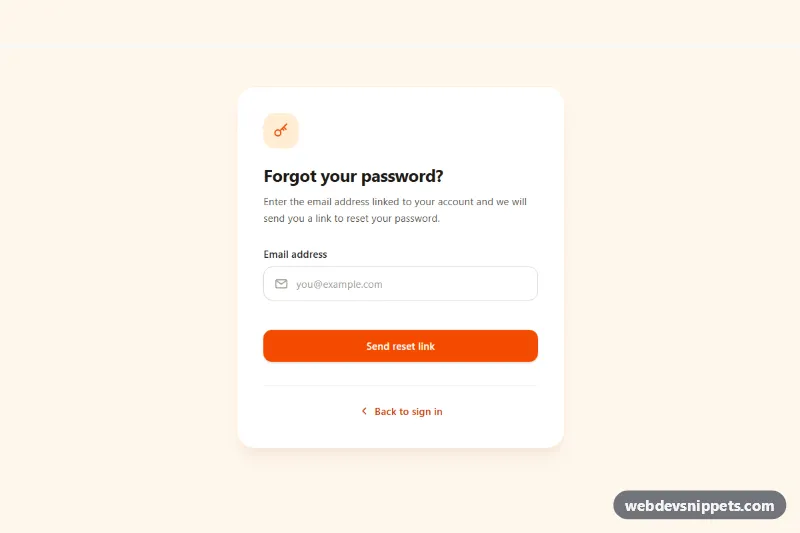
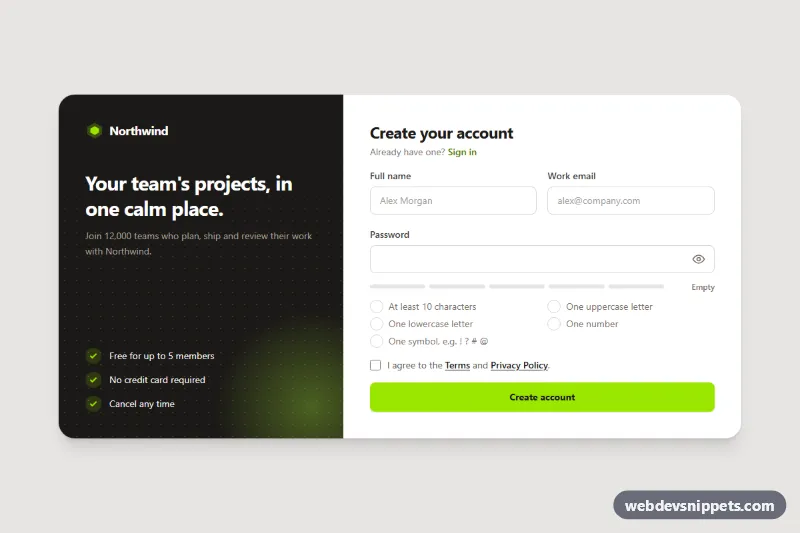
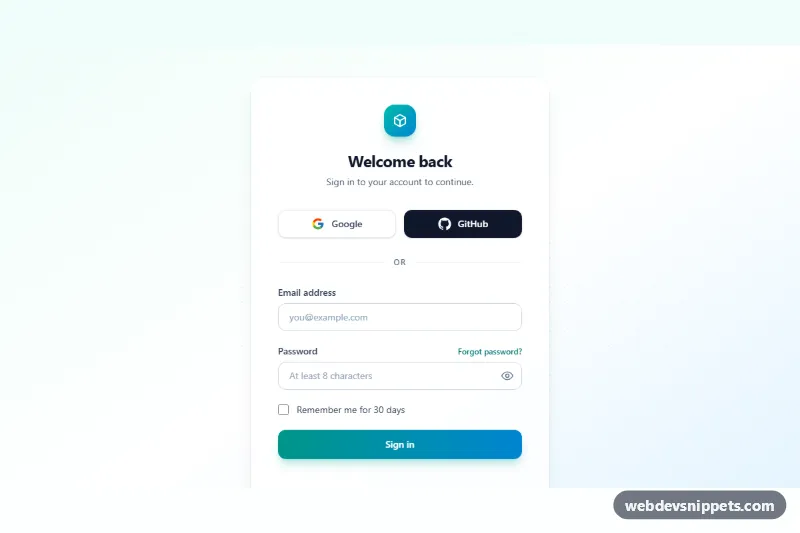
A forgot password form built with Tailwind CSS that validates the email address, shows a loading spinner while the request is "sent" and then switches to a "Check your inbox" success state with a resend cooldown. Use it as the password reset request page of any login flow.
How it works
The root is section.tfp-reset, a warm bg-orange-50 page area with a centered white card. The card holds two views. [data-tfp-request] contains a key icon, the heading, a short explanation and the form [data-tfp-form] with one email input (#tfp-email, with a mail icon inside the field), an error paragraph [data-tfp-error] and the submit button. [data-tfp-success] starts with the hidden attribute and contains the confirmation message, two tips, a "Resend email" button and a "Use another email" button. A "Back to sign in" link sits below both views.
The script runs on DOMContentLoaded for every .tfp-reset. On submit it calls preventDefault(), checks the value against EMAIL_PATTERN and shows a specific message for an empty or malformed address. While the request runs, the button is disabled, gets aria-busy="true", shows the [data-tfp-spinner] icon and reads "Sending link…". After SEND_DELAY the request view is hidden, the address is written into [data-tfp-sent-to], and focus moves to the success heading. The resend button is then locked for RESEND_COOLDOWN seconds with a live "Resend in 30s" countdown. "Use another email" returns to the form and selects the previous address.
The form has novalidate, so the script handles all messages consistently; without JavaScript the native required and type="email" rules still exist.
Customization
sendResetLink()inscript.js: replace thesetTimeoutwith afetch()POST to your password reset endpoint and calldone(email)when it succeeds.SEND_DELAYandRESEND_COOLDOWNat the top ofscript.js: change the simulated wait and the resend lock time in seconds.EMAIL_PATTERNinscript.js: loosen or tighten the email check to match your backend rules.- Orange accent (
bg-orange-600on the submit button,bg-orange-100icon tile,text-orange-700link): swap for another Tailwind color such asindigoto match your brand. - "The link expires in 30 minutes." in
[data-tfp-success]: update to your real token lifetime. bg-orange-50andmin-h-[600px]on.tfp-reset: usemin-h-screenwhen the form is a full page.
Use cases
- Login flows: the page where users request a password reset link by entering their email
- Web apps: inline validation and a loading spinner guide the user while the request is sent
- Account recovery: a check-your-inbox success state confirms where the email was sent
- Customer portals: a resend button with a countdown timer prevents repeated requests
Accessibility
The input has a visible label and is linked to the error text with aria-describedby; invalid input gets aria-invalid="true", which also turns the border red through the aria-invalid: variant, so color is not the only signal. Focus returns to the field after a validation error and moves to the success heading (tabindex="-1") when the view changes. A role="status" region announces "Sending reset link." and the confirmation. Icons are aria-hidden, focus outlines are clearly visible, and the spinner stops with motion-reduce:animate-none.
Usage notes
No style.css is needed. For privacy, show the same success message whether or not the email exists in your system. When placing two forms on a page, change the tfp-email and tfp-email-error ids.