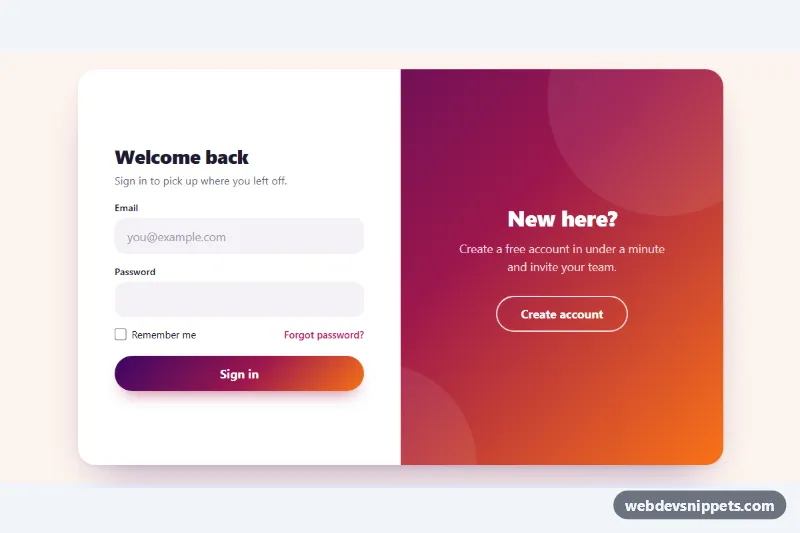
Sliding Login and Register Form
Pure CSS sign in and sign up forms with a gradient overlay panel that slides between them, plus a mobile switcher and client-side validation.
Authentication forms: sign in, register, password reset.
6 component(s)
Pure CSS sign in and sign up forms with a gradient overlay panel that slides between them, plus a mobile switcher and client-side validation.
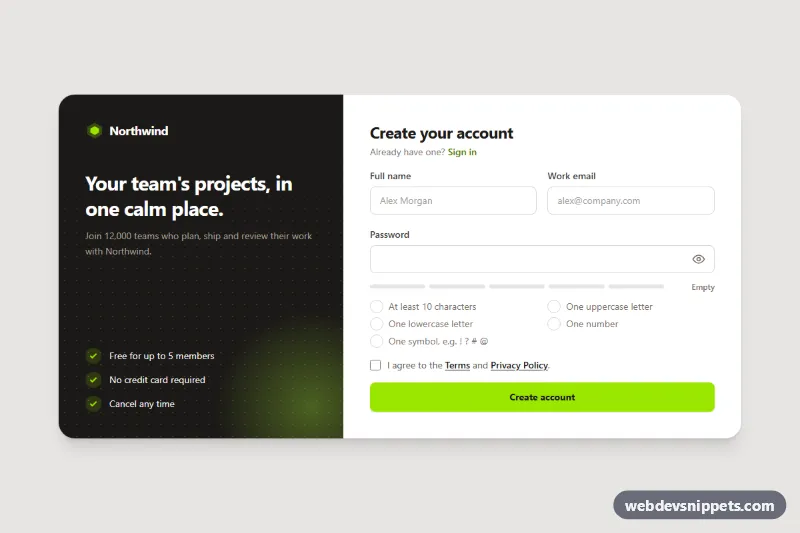
Tailwind CSS signup form that ticks off password rules as you type, with a strength meter, show/hide toggle, inline validation and a simulated success state.
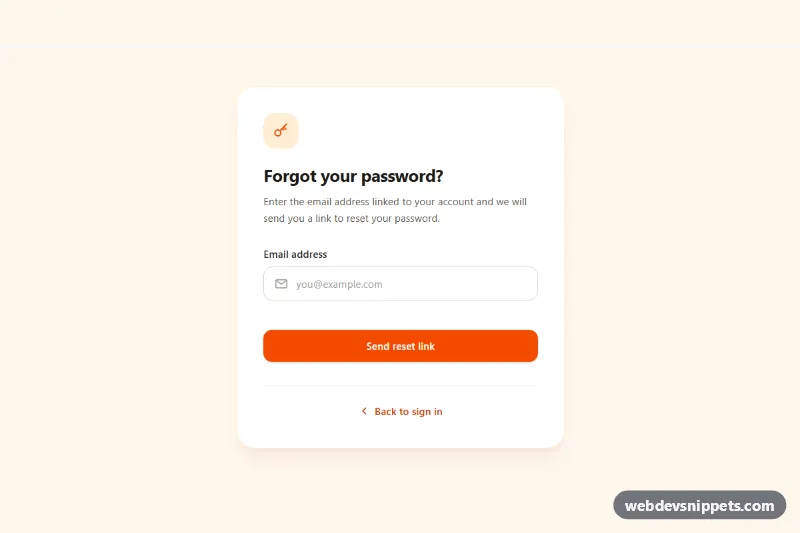
Tailwind CSS forgot password form with email validation, loading spinner, check-your-inbox success state and a resend cooldown timer.
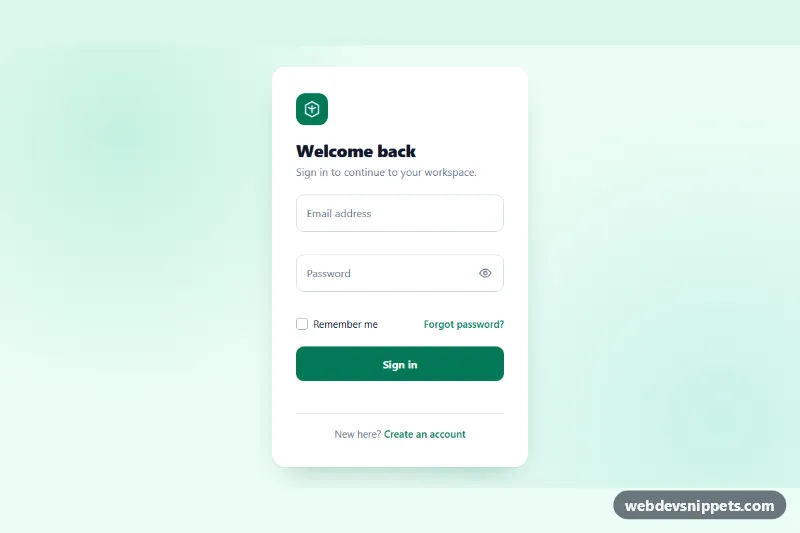
Clean pure CSS login card with animated floating labels, show/hide password, inline validation and a simulated sign-in state in vanilla JavaScript.
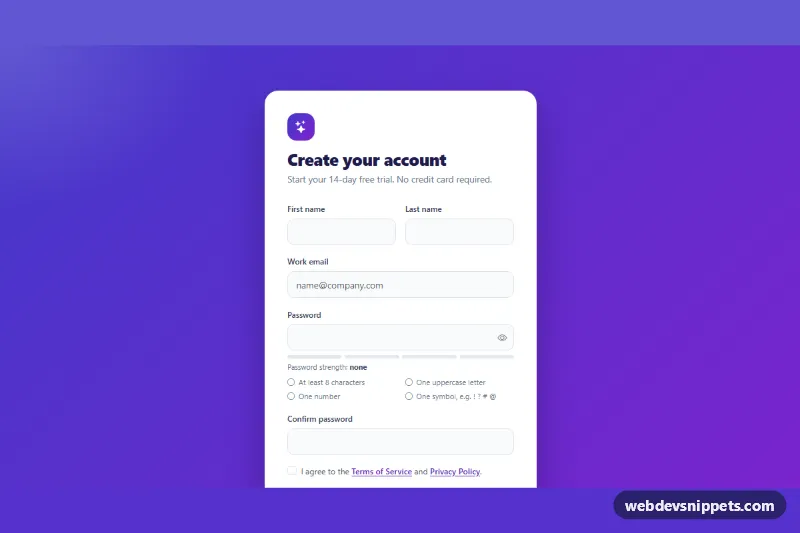
Bootstrap 5 signup form with live password rules, a strength meter, show/hide toggle, password confirmation and a required terms checkbox.
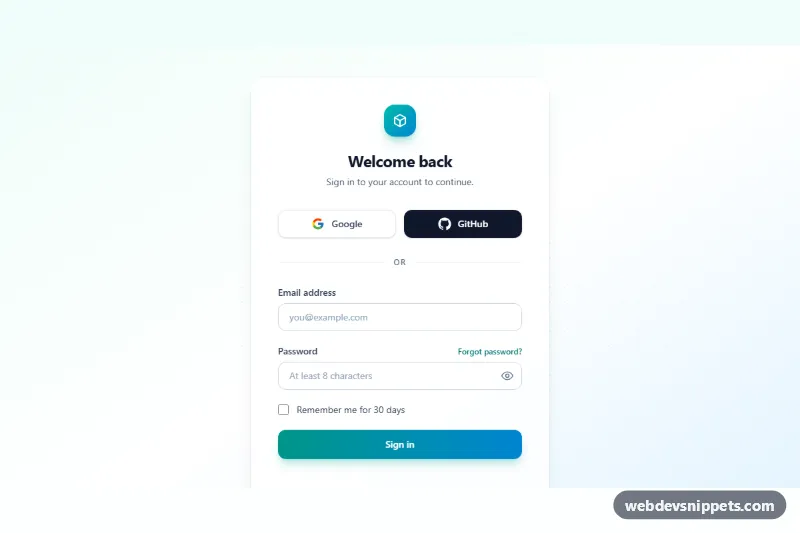
Tailwind CSS login form with Google and GitHub buttons, remember me, password visibility toggle and accessible inline validation.
Login and sign-up forms let users authenticate and create accounts. This category covers sign-in forms, registration forms, password reset and "forgot password" flows, and combined layouts with social login buttons. These forms are small but critical: friction or confusion here directly costs users.
autocomplete="username" or "email", autocomplete="current-password" on login and "new-password" on sign-up.type="email" for email fields to get the correct mobile keyboard.<label>; placeholders disappear when typing and are not a replacement.aria-label and aria-pressed.aria-describedby, and do not reveal whether an email exists in the system.The login form and sign up form examples here include centered cards, split layouts with images, social login variants and password reset screens. Bootstrap 6 versions use theme-* colour roles and can be placed inside its <dialog>-based modal for sign-in popups. Bootstrap 5 versions use .form-control, floating labels and validation classes, Tailwind CSS versions use form-friendly utilities, and pure CSS versions work anywhere. Preview them live, copy the HTML and CSS, and connect the form to your own authentication backend.