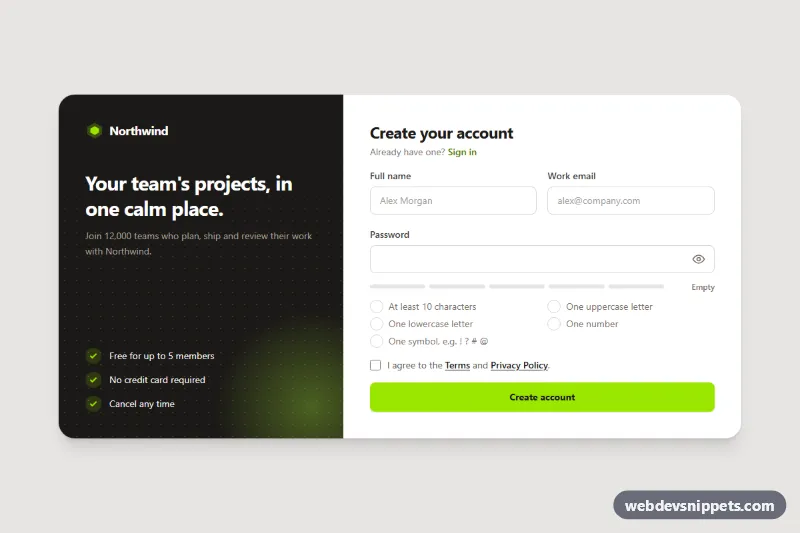
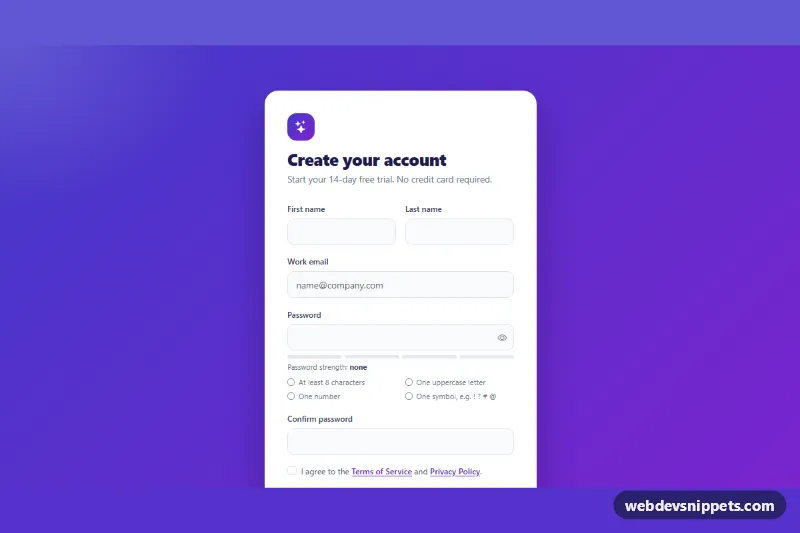
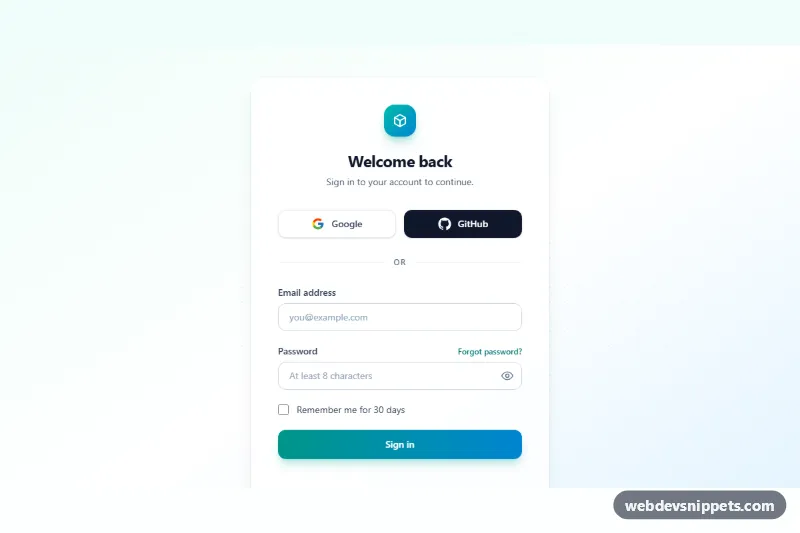
A signup form built with Tailwind CSS and vanilla JavaScript that ticks off each password requirement as the user types, next to a five-step strength meter and a show/hide password toggle. The split layout pairs the form with a dark brand panel, making it a ready-made registration page for SaaS products, dashboards and member areas.
How it works
The root is .tsp-signup, which carries data-tsp-min="10" for the minimum password length. Inside a two-column card, the .tsp-brand panel (hidden on phones) shows the logo, a headline and three benefits over a CSS dot grid. The form (data-tsp-form, novalidate) contains name, email and password fields, the strength bars (data-tsp-bar), the requirements list #tsp-rules with one li per rule (data-tsp-rule="length", upper, lower, number, symbol) and a terms checkbox.
The script initializes every .tsp-signup on DOMContentLoaded. On each input event of the password field, checkPassword() runs one test per rule and toggles the .is-met class, which turns the empty circle into a filled check mark. The number of met rules becomes data-tsp-score on the root; CSS colors the active .tsp-bar elements red, amber, lime or green, and data-tsp-strength shows Weak, Fair, Good or Strong. The eye button (data-tsp-reveal) switches the field between password and text.
On submit the script validates every field, writes messages into the matching data-tsp-error elements, sets aria-invalid and focuses the first problem. Rules still missing turn red through .is-submitted. A valid form shows a spinner for 1.2 seconds, then the data-tsp-success panel with the entered email.
Customization
data-tsp-minon.tsp-signup: change the minimum length; the "At least 10 characters" label updates throughdata-tsp-min-label.buildTests()inscript.js: edit or add rules, then add anliwith a matchingdata-tsp-rulevalue.--tsp-weak,--tsp-fair,--tsp-goodand--tsp-stronginstyle.css: the strength bar colors;--tsp-metcolors fulfilled rules.STRENGTH_LABELSinscript.js: rename the strength levels or translate them.bg-lime-400on the submit button andbg-stone-900on.tsp-brand: swap the Tailwind colors for your brand.- Remove the
.tsp-brandpanel andmd:grid-cols-[minmax(0,5fr)_minmax(0,7fr)]for a single-column form. - Replace the
window.setTimeoutin the submit handler with thefetch()call shown in the comment to post to your API.
Accessibility
Every input has a visible label. The password field references the requirements list and its error through aria-describedby, and each rule includes hidden ", met" or ", not met" text. A polite live region announces "3 of 5 password requirements met" after the user pauses typing instead of on every keystroke. Errors use aria-invalid and focus moves to the first invalid field. The reveal button uses aria-pressed and a changing label, the success heading receives focus, and all controls have lime focus outlines. Transitions and the spinner stop under prefers-reduced-motion: reduce.