Skip to content

Password Reset Link Card with Expiry Notice

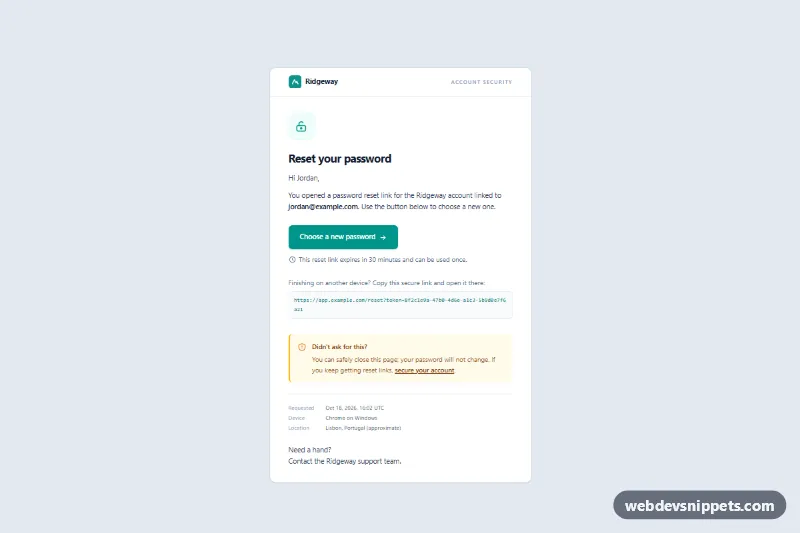
Tailwind password reset screen with a choose-new-password button, expiry notice, copyable secure link, security note and request details for the reset flow.

Also known as: password reset screen, reset password page, forgot password link page, account recovery screen, password reset landing page

Password Reset Link Card with Expiry Notice live demo

Open in new tab

Tailwind CSS code (HTML, JS)

A password reset link card built with Tailwind CSS: the screen a user lands on after opening a reset link. It shows a brand header, a lock icon, a clear "Choose a new password" button with an expiry notice, a copyable secure link for finishing on another device, a highlighted security note and the details of the request. Use it as the first step of a reset flow.

How it works

The root is .tpr-reset, a slate background that frames a centered white article limited to max-w-[560px], a comfortable width for focused account screens.

The header shows the inline SVG logo and an "Account security" label. The body contains the .tpr-icon badge, the h1, a personal greeting and the account address in bold. The .tpr-button link is full width on phones and auto width from sm, followed by a clock icon and the expiry text. .tpr-link prints the raw reset URL in a monospaced box with break-all, so long tokens wrap instead of overflowing.

The .tpr-note aside uses an amber left border to tell users what to do if they did not request the reset. .tpr-meta is a two-column dl grid listing the time, device and approximate location of the request. A short line points to support, and a small footer explains why the page is shown and links to help and privacy pages.

A small script fills each .tpr-requested time element with a request time a few minutes before the page was opened, in UTC, and sets a matching datetime attribute. Without JavaScript it reads "A few minutes ago". There is no custom CSS.

Customization

  • bg-teal-600 and hover:bg-teal-700 on .tpr-button: change the call-to-action color; update bg-teal-50 text-teal-600 on .tpr-icon to match.
  • max-w-[560px] on the article and the footer: widen it if your auth screens use a larger card.
  • The expiry sentence below the button: keep it in sync with the token lifetime your backend enforces.
  • MINUTES_AGO in script.js: the sample offset for the request time; replace the script with the real timestamp from your server.
  • .tpr-meta: add rows such as IP address or browser, or remove the whole dl if you do not collect request data.
  • border-amber-400 bg-amber-50 on .tpr-note: switch to rose for a stronger warning tone.

Use cases

  • Web apps and SaaS: the page users land on after clicking the link in a reset message
  • Account security flows: a highlighted note tells people what to do if they did not request the reset
  • Cross-device resets: a copyable secure link lets users finish the reset on another device
  • Online shops and memberships: show the request time, device and location so users can spot suspicious activity
  • Authentication kits: use it as the first step before your new password form

Accessibility

The card is an article labelled by its h1, and the security note is an aside labelled by its own heading. Decorative icons are aria-hidden. The button and links have visible focus outlines, the secure link is real text that can be selected and copied, and the request time uses a time element with a machine-readable datetime. Text colors on white and amber backgrounds meet contrast guidelines.

Usage notes

Point .tpr-button to your new password form and fill the greeting, account address, reset URL and request details on the server. This is a web component; the reset message itself needs table-based HTML with inline styles.
Password Reset Link Card with Expiry Notice at a glance

Framework
Tailwind CSS
Code
HTML, JavaScript
JavaScript
Vanilla JavaScript, no jQuery
Dependencies
Tailwind CSS
Layout
Responsive, works on mobile
Category
Login & Sign Up
License
Free for personal and commercial use

Questions about this template

Can I use the Password Reset Link Card with Expiry Notice code for free?

Yes. You can copy or download the code and use it in personal and commercial projects, including client work. No sign-up is needed. Reselling it as part of a component library or template collection is not allowed; see the license.

How do I add it to my website?

Load Tailwind CSS from a CDN (the links are under Requirements). Paste the HTML where the component should appear and load the JavaScript before the closing </body> tag. Download HTML gives you a complete page with everything already linked.

Does it need jQuery or a JavaScript framework?

No. The script is plain vanilla JavaScript, so it works without jQuery, React or Vue. You can still use the markup inside those frameworks.

Does it work on mobile?

Yes. The layout adapts to small screens. Use the Mobile and Tablet buttons above the live demo to check it at phone and tablet width.

Requirements

Add these to your page (already included in the download):

  • <script src="https://cdn.jsdelivr.net/npm/@tailwindcss/browser@4"></script>

The Tailwind browser build is for prototyping. In production, compile Tailwind with its CLI or your bundler.

Password Reset Link Card with Expiry Notice – Tailwind CSS login & sign up component screenshot
Password Reset Link Card with Expiry Notice · Tailwind CSS Login & Sign Up

More Login & Sign Up

Login Form with Floating Labels – Pure CSS login & sign up preview

Login Form with Floating Labels

Clean pure CSS login card with animated floating labels, show/hide password, inline validation and a simulated sign-in state in vanilla JavaScript.

Forgot Password Form – Tailwind CSS login & sign up preview

Forgot Password Form

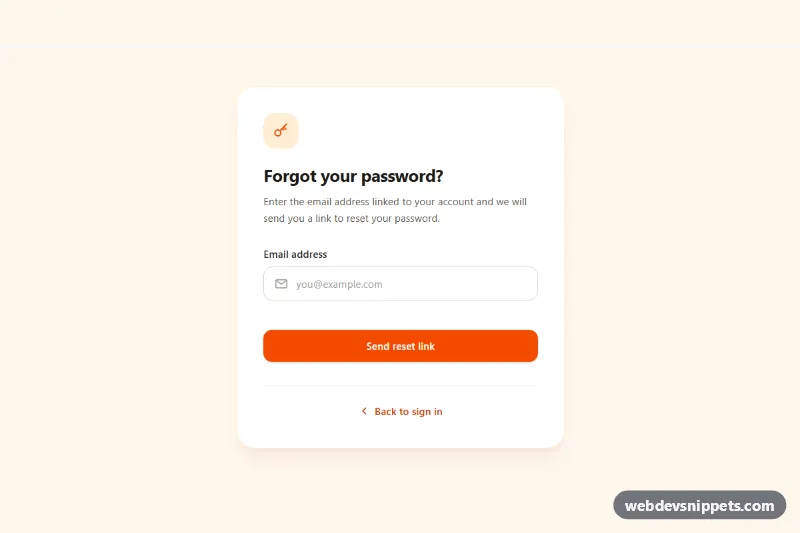
Tailwind CSS forgot password form with email validation, loading spinner, check-your-inbox success state and a resend cooldown timer.

Signup Form with Validation – Bootstrap 5 login & sign up preview

Signup Form with Validation

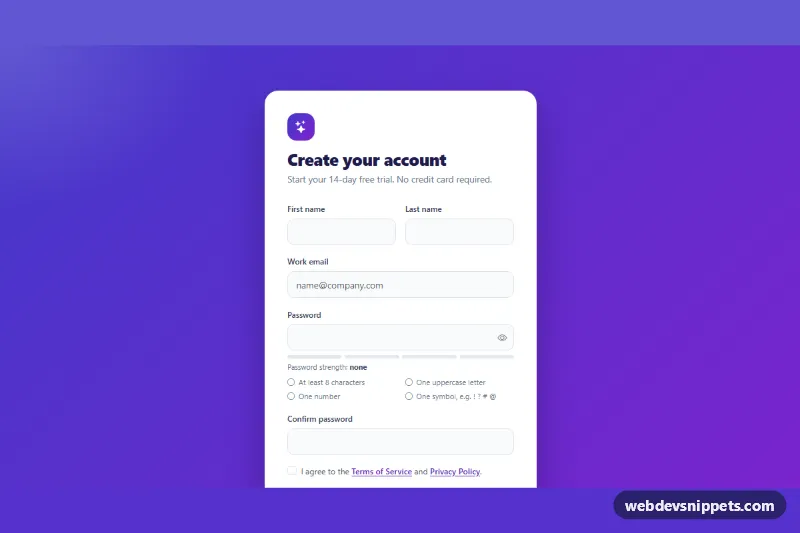
Bootstrap 5 signup form with live password rules, a strength meter, show/hide toggle, password confirmation and a required terms checkbox.

Sliding Login and Register Form – Pure CSS login & sign up preview

Sliding Login and Register Form

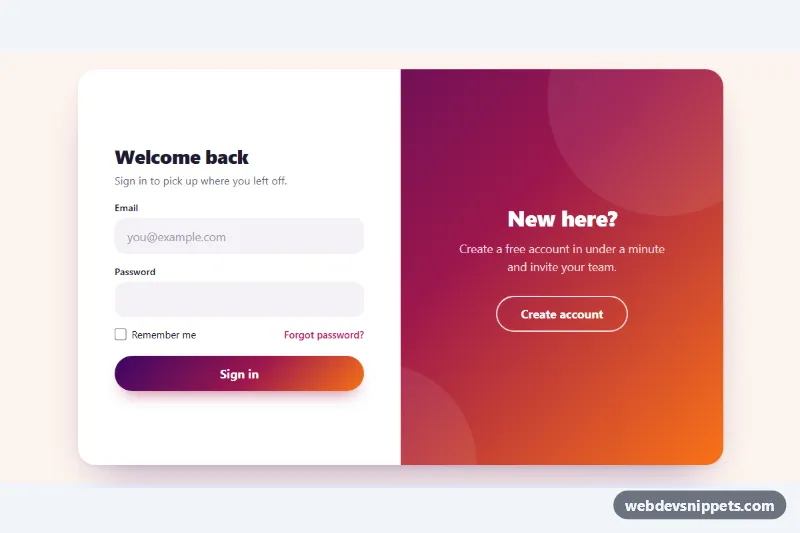
Pure CSS sign in and sign up forms with a gradient overlay panel that slides between them, plus a mobile switcher and client-side validation.

Login Form with Social Buttons – Tailwind CSS login & sign up preview

Login Form with Social Buttons

Tailwind CSS login form with Google and GitHub buttons, remember me, password visibility toggle and accessible inline validation.