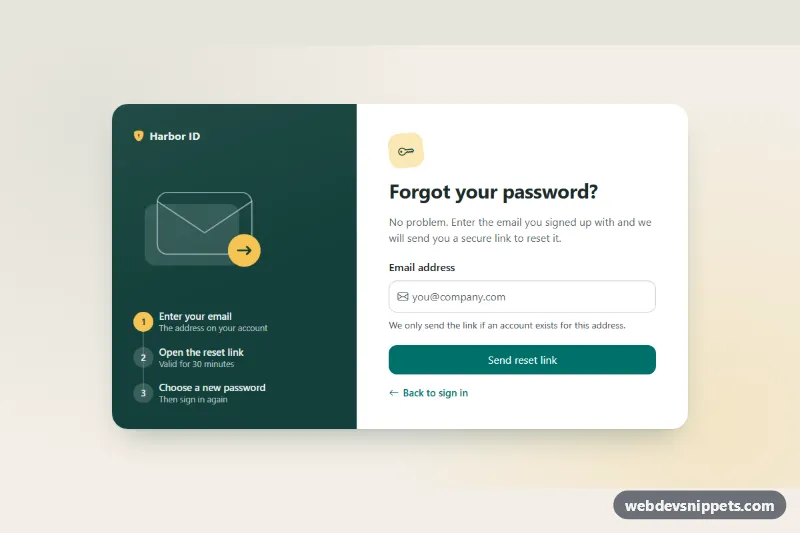
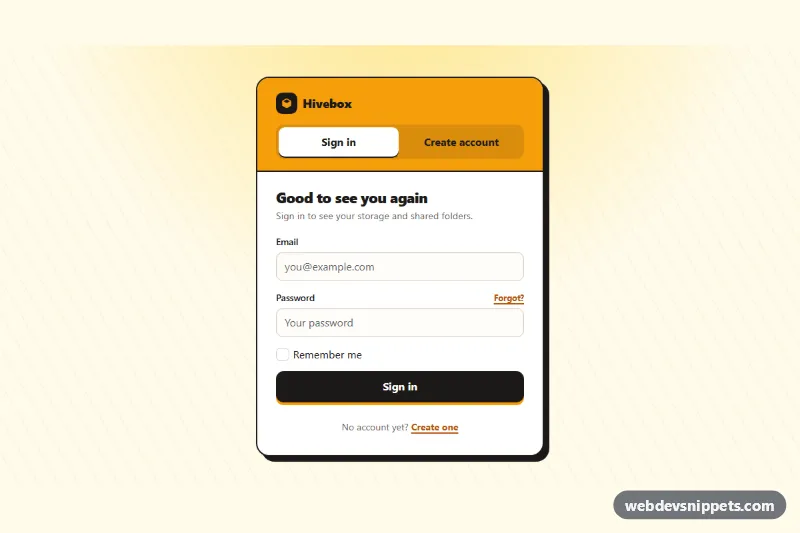
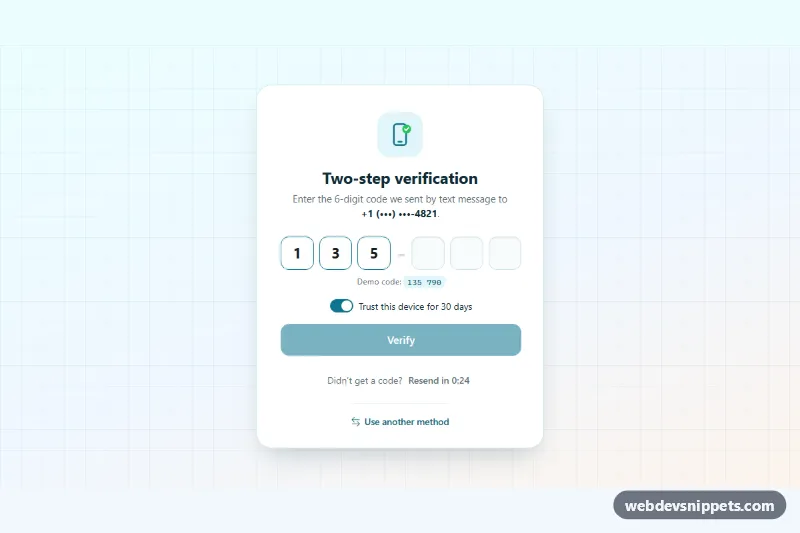
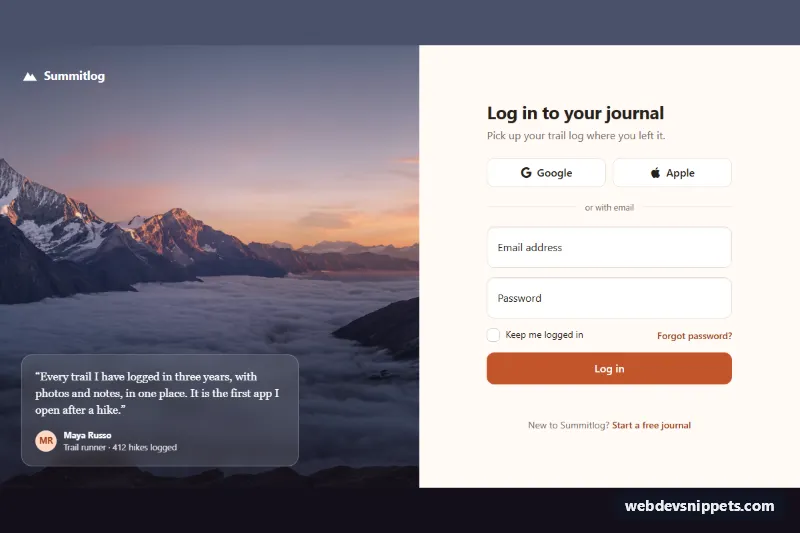
A two-panel forgot password form built with Bootstrap 6. A dark teal side panel explains the reset flow with the new CSS-only Stepper, and the form panel asks for an email address, validates it, simulates the request and then switches to a "Check your inbox" state with a resend timer.
How it works
The root .fpw-root holds .fpw-shell, a card that stacks on phones and becomes a two-column grid from 720px. The side panel .fpw-side holds the brand link, a decorative SVG and an ol.stepper.fpw-steps whose .stepper-item elements carry a data-fpw-step number.
The email field uses Bootstrap 6 field markup: a .form-field with a .form-label, a label.form-control.form-adorn that holds an envelope icon in .form-adorn-icon and the borderless input.form-ghost, plus .form-text help and an .invalid-feedback message.
script.js listens to the form's submit event and always calls preventDefault(). If the address fails the EMAIL_RE check, the input gets .is-invalid and aria-invalid="true". Bootstrap's .form-adorn:has(.form-ghost.is-invalid) rules then show the feedback, and focus returns to the field. A valid address disables the button, shows a .spinner-border.spinner-sm and waits 1.2 seconds. Then .fpw-request is hidden, .fpw-done is shown with the address in .fpw-sent-to, step 2 becomes active with aria-current="step", and focus moves to the success heading. .fpw-resend stays disabled while .fpw-wait counts down RESEND_SECONDS. .fpw-change returns to the form and selects the email.
Customization
--bs-primary-bg,--bs-primary-borderand the other--bs-primary-*properties on.fpw-root: re-map the primary role, which recolors the submit and resend buttons. They point to--bs-teal-*by default.--fpw-sideand--fpw-accenton.fpw-root: change the side panel color and the yellow used by the active step, the brand icon and the SVG arrow.--fpw-pageon.fpw-root: changes the warm sand page background.RESEND_SECONDSat the top ofscript.js: sets how long the resend button stays locked (30 seconds by default).- Replace the
setTimeoutin the submit handler with afetch()POST to your reset endpoint, and call the same endpoint in the.fpw-resendclick handler.
Use cases
- Account recovery: an email field with inline validation starts the reset process
- SaaS apps: a side panel explains the reset flow with a stepper
- Login support: the button shows a loading state while the request is sent
- Email flows: a check your inbox screen offers a resend timer
Accessibility
The section is labelled by its heading and the side panel by aria-label. The input has required, autocomplete="email" and aria-describedby that points to both the help text and the error. Invalid submits set aria-invalid and keep focus on the field. After success, focus moves to the new heading, and resends are announced through a polite role="status" region. All links and buttons keep a visible focus outline. The entrance animation on .fpw-done-in is turned off under prefers-reduced-motion.
Bootstrap 6 notes
Bootstrap 5's btn btn-primary is btn-solid theme-primary here, and btn-outline-primary is btn-outline theme-primary. The icon input uses form-adorn with form-ghost instead of an input-group-text. form-field replaces the old mb-3 wrapper, and spinner-sm replaces spinner-border-sm. The steps use the new .stepper component, and the tip is an alert theme-info. Built on Bootstrap 6.0.0-alpha.1, so class names may still change. Icons come from Bootstrap Icons.