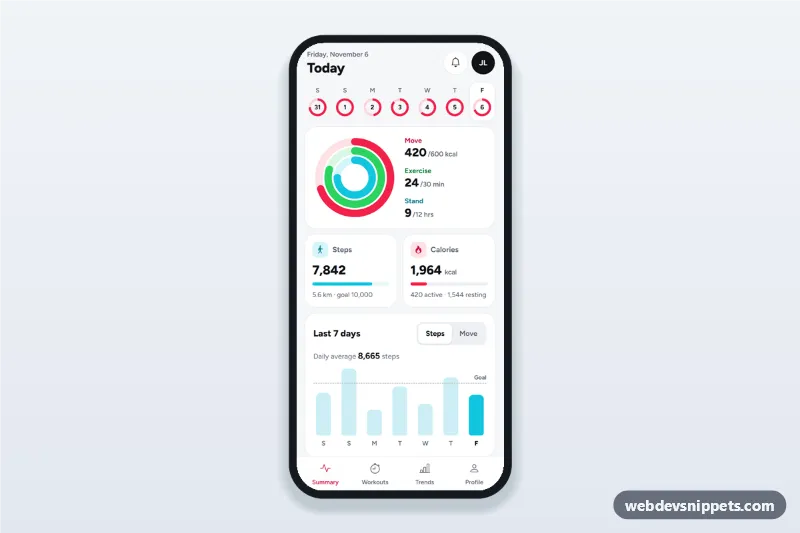
Fitness tracker app dashboard with move, exercise and stand activity rings in SVG, steps and calories cards, a weekly bar chart and a workouts list for the selected day.
Also known as: fitness app ui, activity tracker dashboard, activity rings svg, workout tracker app home screen, health app daily summary
A fitness tracker daily dashboard built with Bootstrap 5: an HTML mobile template with move, exercise and stand activity rings drawn in SVG, steps and calories cards, a seven-day bar chart and a workouts list. Use this fitness app UI as the home screen of a workout tracker, a gym or wellness PWA, or a Capacitor app that reads health data.
How it works
The root .ftd-app is a 430 px app column on a near-white background with a sticky tab bar.
.ftd-top: the date of the selected day, a title (Today, Yesterday or the weekday), a notifications link and the avatar.
.ftd-days: seven day buttons for the last seven days, each with a small conic-gradient move ring. They use aria-pressed, and the arrow keys move between them.
.ftd-rings: an SVG with three tracks and three .ftd-ring-bar circles. Each bar uses pathLength="100", so stroke-dashoffset is 100 minus the goal percentage. .ftd-legend lists the values.
.ftd-stats: steps with distance and progress, and calories split into active and resting.
.ftd-week: a bar chart with a dashed goal line, an average and a Steps / Move switch (.ftd-seg-btn).
.ftd-list: the workouts of the selected day, or an empty state.
All values come from the DAYS array (index 0 is today) and GOALS. Dates are computed from the current date, so the screen never shows stale days. Transitions are enabled only after the first render (.is-animated), so the first view is final at once and later day changes animate.
Customization
--ftd-move, --ftd-exercise and --ftd-stand on .ftd-app: the ring colours, reused in cards and chart.
GOALS in script.js: daily goals; rings, progress bars and the goal line follow.
DAYS in script.js: replace the sample data with data from your API or a health data bridge.
RESTING_KCAL and KM_PER_STEP in script.js: resting calories and step length for distance.
width and height on .ftd-rings: a larger or smaller ring chart.
height on .ftd-chart: a taller or flatter weekly chart.
Use cases
Fitness and activity tracker apps: a daily summary as the home screen.
Gym and studio apps: members see their week next to logged classes.
Corporate wellness programmes: step challenges with weekly averages.
Health and coaching PWAs: clients review activity before a check-in.
Accessibility
The ring chart is an SVG with role="img" and a title stating all three percentages; the legend repeats the numbers as text in a dl. Day buttons have full labels with weekday, date and move percentage. Every chart bar has a visually hidden label with its value, and the workouts list is a live region. The metric switch uses aria-pressed. Touch targets are at least 44 px, and transitions stop for prefers-reduced-motion.
Usage notes
Requires Bootstrap 5 (added automatically), Bootstrap Icons and the Figtree font. No chart library is needed.
Can I use the Fitness Tracker Daily Dashboard code for free?
Yes. You can copy or download the code and use it in personal and commercial projects, including client work. No sign-up is needed. Reselling it as part of a component library or template collection is not allowed; see the license.
How do I add it to my website?
Load Bootstrap 5 and Bootstrap Icons and fonts.googleapis.com from a CDN (the links are under Requirements).
Paste the HTML where the component should appear, add the CSS to your stylesheet and load the JavaScript before the closing </body> tag.
Download HTML gives you a complete page with everything already linked.
Does it need jQuery or a JavaScript framework?
No. The script is plain vanilla JavaScript, so it works without jQuery, React or Vue. You can still use the markup inside those frameworks.
Can I turn this screen into an iOS or Android app?
Yes. It is plain HTML, CSS and JavaScript, so it works in a mobile website or progressive web app as it is. To ship it as a store app, put it in the web folder of a Capacitor or Cordova project and build it for iOS and Android; replace the sample data with calls to your own API.
How does it look on a desktop screen?
The screen is designed for phones. On wider screens it stays at phone width in the middle of the page, so it still looks like an app. The live demo opens at mobile width; use the Tablet and Desktop buttons to check other sizes.
Requirements
Add these to your page (already included in the download):
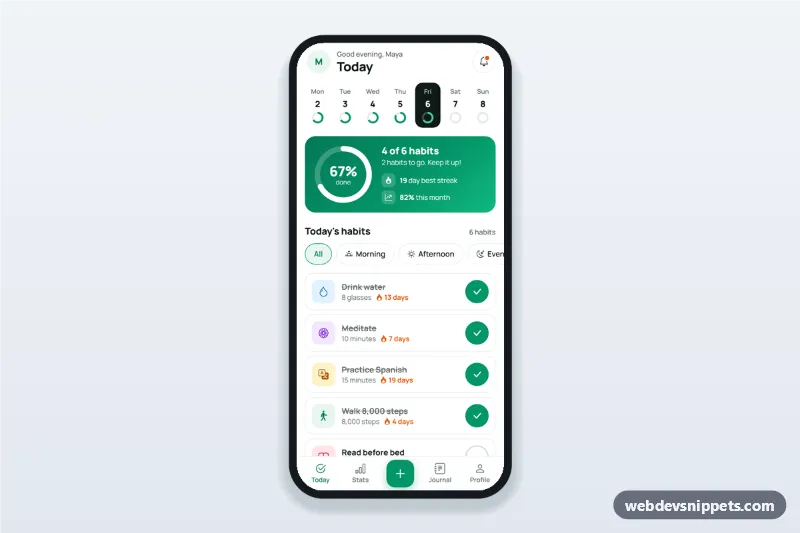
Habit tracker app dashboard with a week strip, progress ring, habit list with check buttons and streak counts, and an add-habit bottom sheet for mobile sites and PWAs.
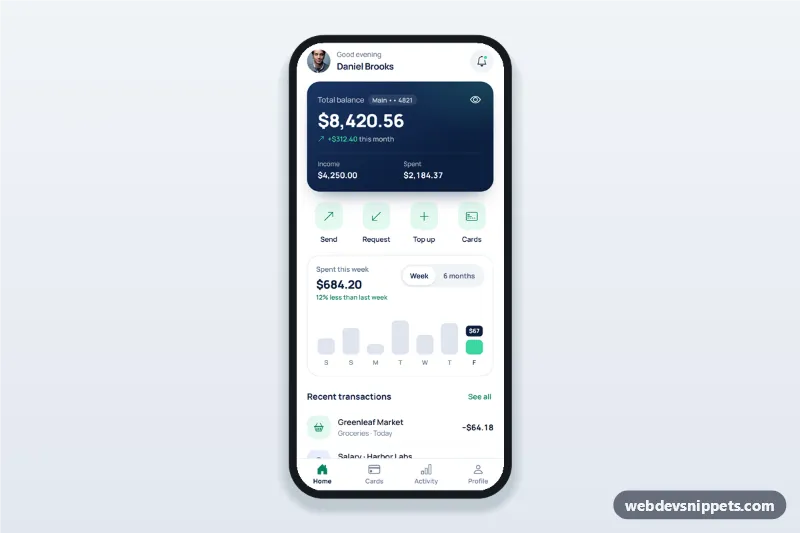
Banking app dashboard screen with a hideable balance card, send, request and top up sheets, a weekly spending chart, recent transactions and a bottom tab bar.
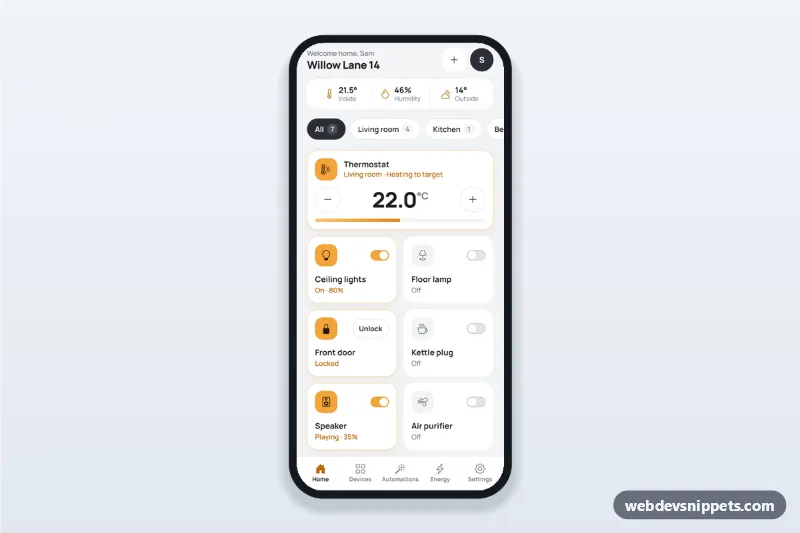
Smart home app dashboard with room tabs, device tiles with on/off switches, a thermostat stepper, a door lock, today's energy usage and one-tap scenes.
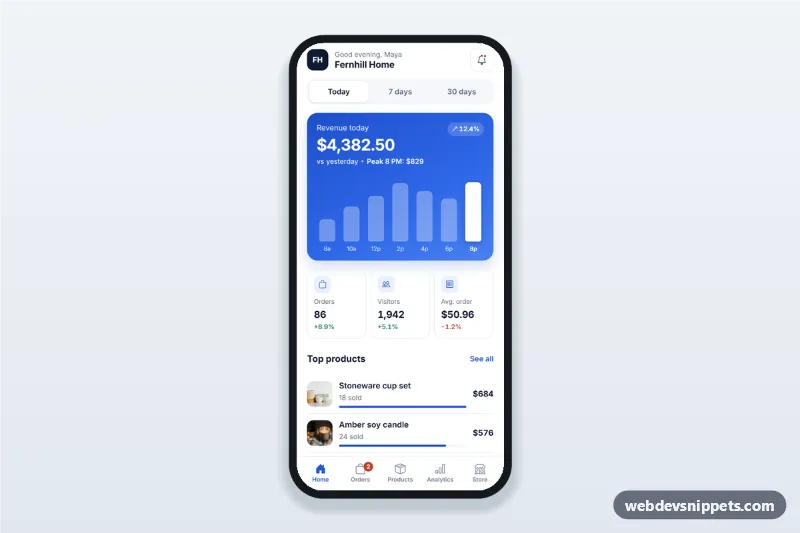
Sales dashboard app screen for store owners with today, 7 and 30 day revenue, a tappable revenue chart, orders and visitors cards, top products and recent orders.