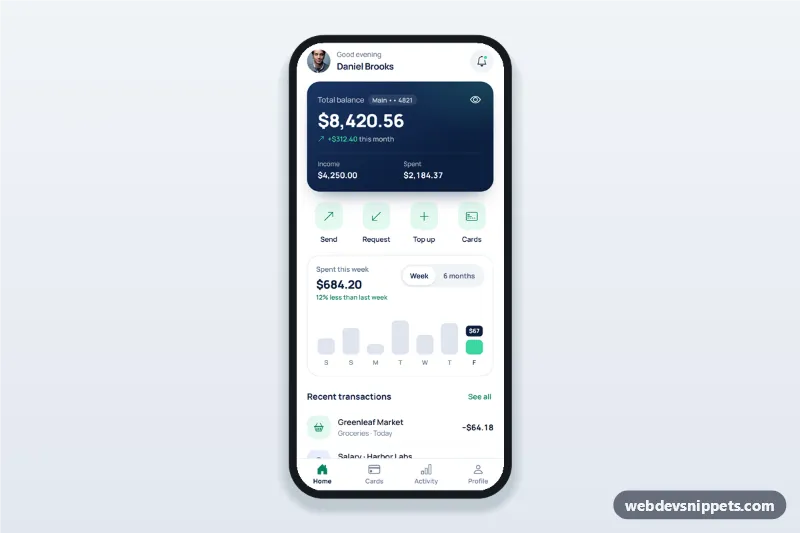
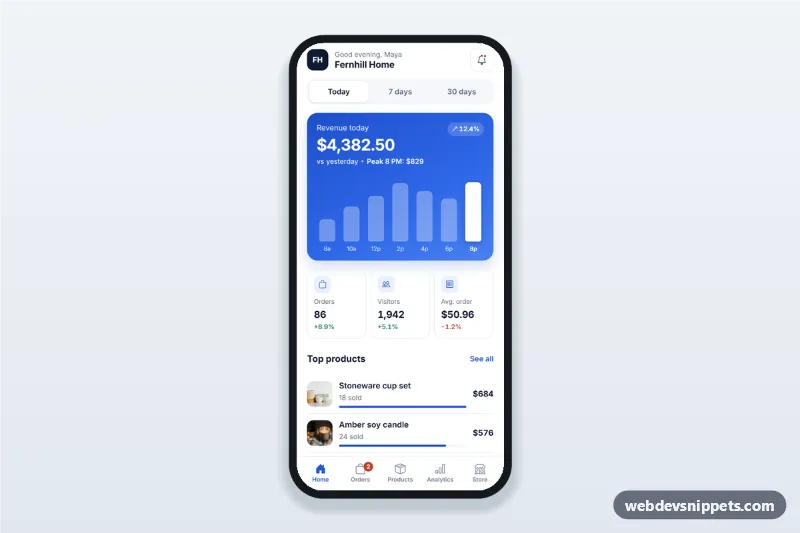
A banking app dashboard built with Tailwind CSS: a navy balance card with a hide toggle, quick actions for send, request and top up, a spending chart, recent transactions and a bottom tab bar. It is an HTML mobile template for mobile banking websites and PWAs and can be packaged as a native app with Capacitor. Use it as a fintech, wallet or money transfer app UI.
How it works
The root .bkd-app is a phone-width column with four panels marked data-bkd-panel (home, cards, activity, profile) and a sticky .bkd-tabs bar. showTab() in script.js shows the matching panel, sets aria-current="page" on the active .bkd-tab, switches its icon to the filled version from data-bkd-icon and moves focus to the panel heading.
Every amount carries data-bkd-money. The eye button [data-bkd-hide] masks all of them at once and remembers the choice in localStorage when the browser allows it. Rows come from the TRANSACTIONS array, cloned from template[data-bkd-row] into the recent list and the searchable Activity list. Dates use daysAgo, so labels stay relative to today.
The chart draws the WEEK or MONTHS array as .bkd-bar buttons, switched by [data-bkd-period]. Send and Request share the #bkd-transfer bottom sheet, a native <dialog> with contact radios and amount validation; Top up opens #bkd-topup. Both update the balance and lists and end with a success state.
Customization
--bkd-navy,--bkd-mintand--bkd-mint-texton.bkd-appinstyle.css: brand colours of the card, icons, active tab and buttons.TRANSACTIONSinscript.js: change merchants,cat, Bootstrap Icons name inicon,tone(mint, amber, blue, rose) andamount.WEEKandMONTHSinscript.js: replace with real spending totals from your API.balanceininit(): starting balance used by validation and the available hint.validateAmount(): adjust the $5,000 transfer limit or add your own rules.font-familyon.bkd-app: replace Manrope and update the Google Fonts URL.
Use cases
- Mobile banking apps: the home screen after sign in with balance and recent activity.
- Digital wallets and fintech PWAs: send, request and top up in one tap.
- Expense and budgeting apps: weekly and monthly spending at a glance.
- Neobank prototypes: a realistic dashboard for user testing or a pitch.
Accessibility
The tab bar is a nav with 60 px buttons and aria-current. The eye button and chart period buttons are toggle buttons with aria-pressed; chart bars have full labels, can be moved with the arrow keys and announce the selected value through a live region. Sheets are modal dialogs: Escape and the backdrop close them, and focus returns to the action that opened them. Errors appear next to their fields with aria-invalid. Animations stop under prefers-reduced-motion.
Usage notes
The portraits come from Unsplash; replace them with your own images. Swap the setTimeout in the transfer submit handler for a fetch() call to your payments API.