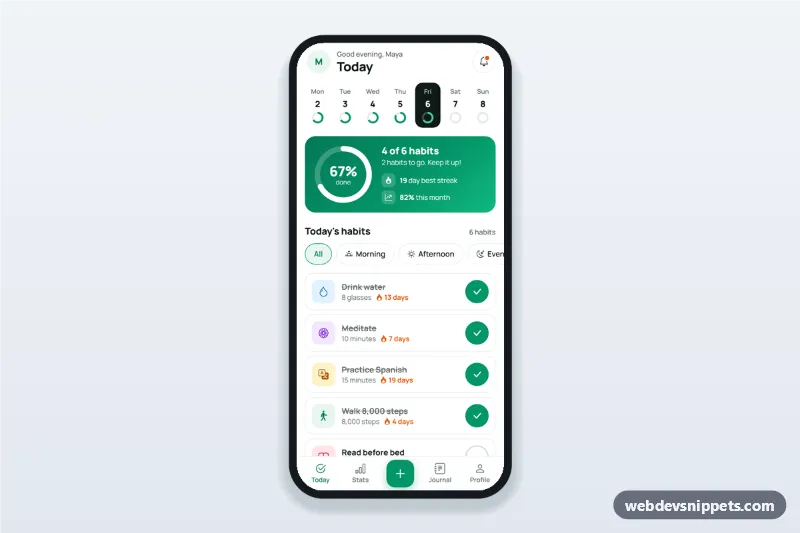
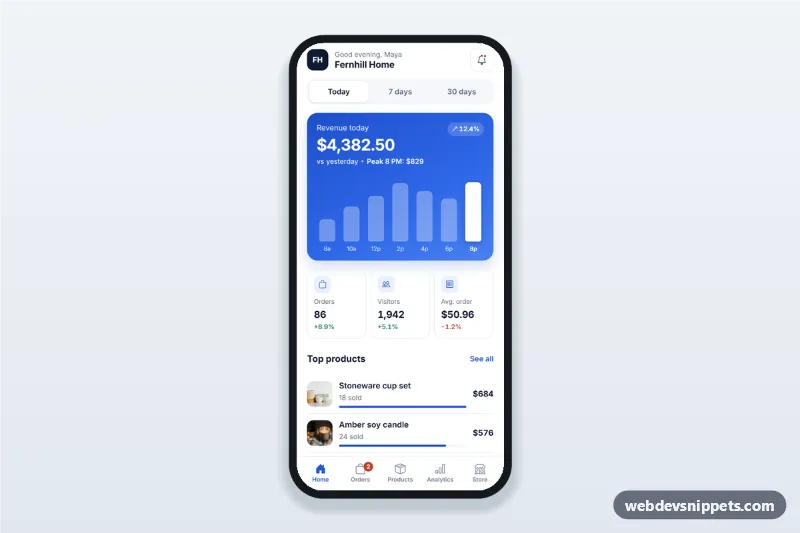
A habit tracker dashboard built as an HTML mobile template with Bootstrap 5: a week strip, a progress ring, a daily habit checklist with streak counts and an add-habit bottom sheet. Use it as the home screen of a habit tracker app UI, a routine planner or a wellness PWA, and package it with Capacitor for the app stores.
How it works
The root .htd-app is a 430 px app column centred on a light grey page. The greeting follows the visitor's clock and the data-htd-name attribute. The script fills .htd-week-row with one .htd-day button per day of the current week, so dates never go stale; each day shows a small ring driven by the --htd-p custom property.
The emerald .htd-progress card holds an SVG ring whose .htd-ring-bar uses stroke-dashoffset to show the share of habits done on the selected day. The list is rendered from the SAMPLE array: each .htd-item has a tinted icon, its goal, a flame streak count and a round .htd-check toggle. Checking a habit updates the ring, the week strip and the streak and shows a short .htd-toast. Past days show sample check-ins; future days show disabled checks and a note. The .htd-chip buttons filter by morning, afternoon or evening.
The plus button in .htd-tabbar opens #htd-sheet, a Bootstrap offcanvas styled as a bottom sheet. Its form validates the name and goal, adds the habit, closes the sheet and resets.
Customization
--htd-accentand--htd-accent-darkon.htd-app: the emerald of checks, chips and the plus button.- The gradient in
.htd-progress: use a flat colour or your brand gradient. SAMPLEinscript.js: names, icons,time,goalandstreak, or load habits from your API.TINTSinscript.js: icon tile background and icon colour per Bootstrap Icons name.data-htd-nameon.htd-app: the name in the greeting; remove it for a plain greeting.- The
submithandler of.htd-form: replacehabits.push(habit)with afetch()call to your server. - Remove
.htd-chipsif your app does not group habits by time of day.
Use cases
- Habit tracker apps: users tick off daily habits and keep their streaks.
- Wellness and fitness PWAs: water, steps and meditation goals on one screen.
- Language and study apps: a daily practice checklist with progress.
- Coaching platforms: clients log agreed routines between sessions.
Accessibility
Day, chip and check buttons are real buttons with aria-pressed, and each day has a label such as "Thursday 5, 4 of 6 done". The ring is a role="img" element with an aria-label, and the toast is a role="status" live region. The sheet traps focus, closes with Escape or the backdrop, focuses the name field and returns focus to the plus button. Invalid fields get is-invalid and aria-invalid. Touch targets are at least 44 px, and transitions stop with prefers-reduced-motion.
Usage notes
Needs Bootstrap 5 with its bundle, Bootstrap Icons and Manrope. Check-ins live in memory; connect them to your backend.