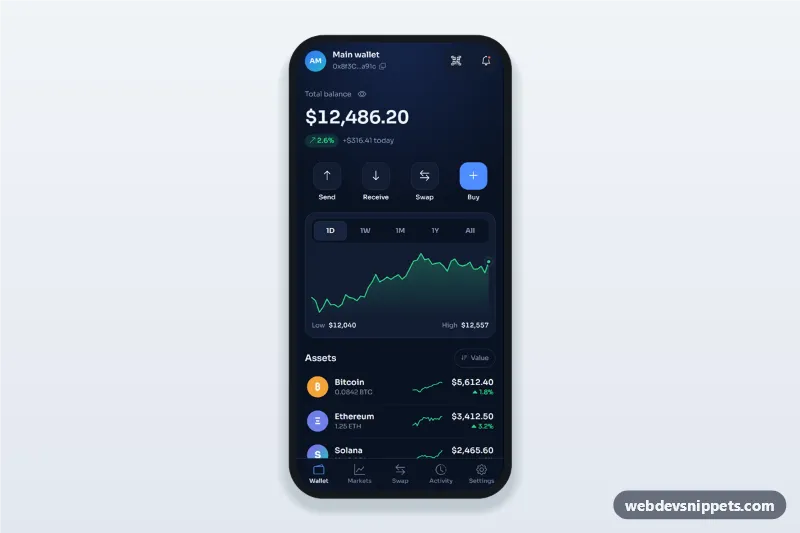
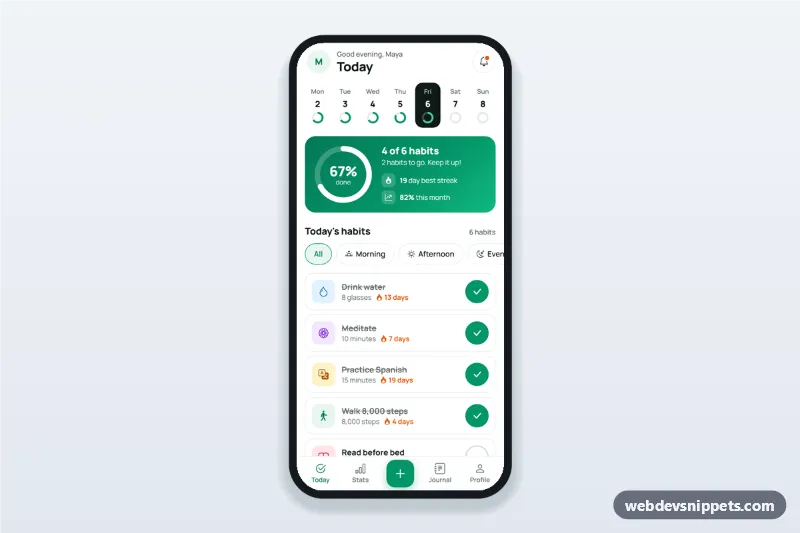
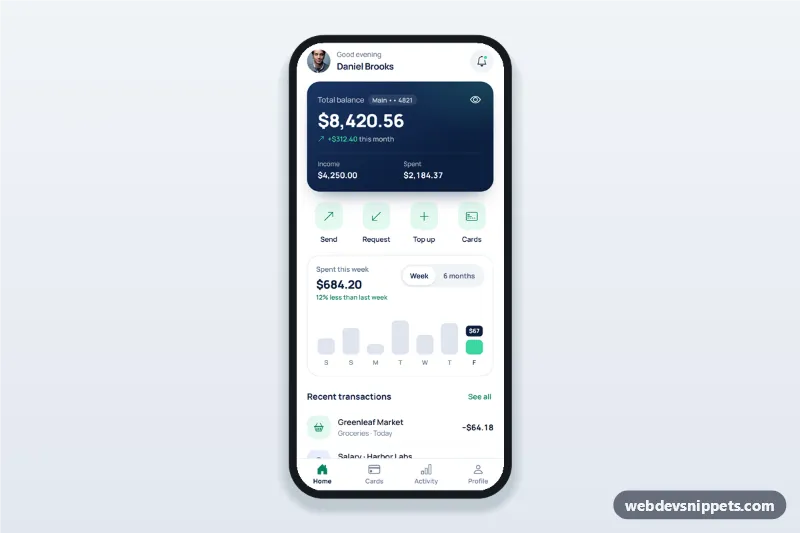
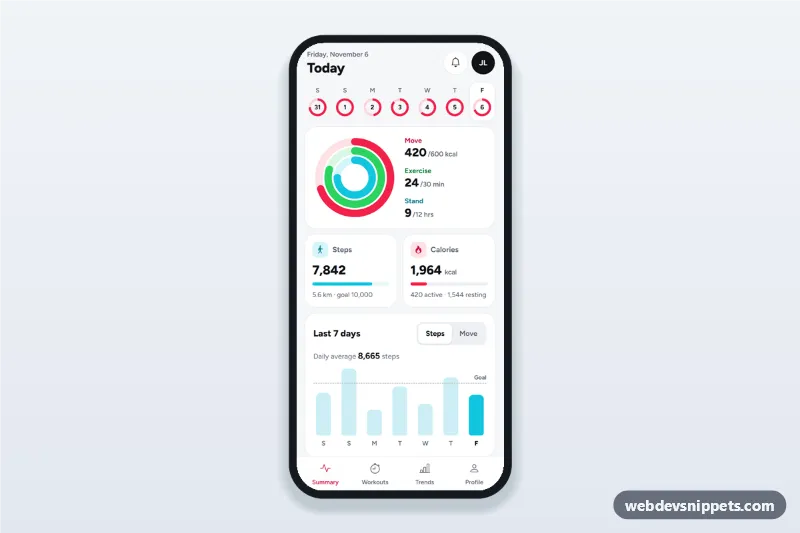
A crypto wallet dashboard screen in pure CSS and vanilla JavaScript, with a dark navy theme: total balance with a change badge, quick actions, a portfolio chart with period tabs and an assets list with sparklines and green or red price changes. It is an HTML mobile template for mobile sites and PWAs and can be packaged with Capacitor. Use it as the home screen of a cryptocurrency wallet, portfolio tracker or fintech app.
How it works
The root .cw-app is a phone-width column (max 430px, centred on wide screens) with the wallet header, the .cw-balance block, the .cw-actions row (Send, Receive, Swap, Buy), the .cw-chart-card, the .cw-assets list and a sticky five-item .cw-tabs bar.
The period buttons are a role="tablist". Each .cw-period holds data-cw-pct (the change for that period) and data-cw-label. Selecting one calls selectPeriod(), which builds a line ending at data-cw-total with series(), draws the SVG .cw-line and .cw-area paths, places the .cw-dot marker and updates the badge, the gain or loss and the low and high values. Falling periods switch the chart and badge to red with .is-down.
Each [data-cw-asset] row reads data-cw-change and draws its own .cw-spark sparkline and an up or down caret in green or red. The sort button reorders the list by data-cw-value or by 24h change. The eye button masks every data-cw-money amount; the address button copies data-cw-copy.
Customization
--cw-bg,--cw-cardand--cw-lineon.cw-app: the navy background, card colour and borders.--cw-upand--cw-down: the green and red used for gains, losses, sparklines and the chart.--cw-accent: the blue of the Buy action, focus rings and the active tab icon.data-cw-totalon.cw-appanddata-cw-moneyon amounts: the balance shown and used by the chart.data-cw-pcton each.cw-period: the change per period;POINTSinscript.jssets how many points each chart has.series()inscript.js: replace it with real price history from your API to draw actual data.
Use cases
- Crypto wallet apps: a home screen with balance, actions and holdings.
- Portfolio trackers: compare performance over a day, week, month or year.
- Fintech and neobank PWAs: a dark investment tab inside a banking app.
- Exchange companion apps: quick access to send, receive, swap and buy.
Accessibility
The period tabs use role="tab" with aria-selected and a roving tabindex, so arrow keys, Home and End move between them. The chart SVG has role="img" and a hidden text summary that changes with the period. Price changes have labels such as "up 1.8% in 24 hours", so colour is never the only signal. The hide balances button uses aria-pressed, the toast is a status region, and the quick actions and tab bar items are large touch targets.
Usage notes
The figures are sample data, not live prices. Connect your market data API and update data-cw-value, data-cw-change and the amounts after each fetch.