Smart Home Control Dashboard
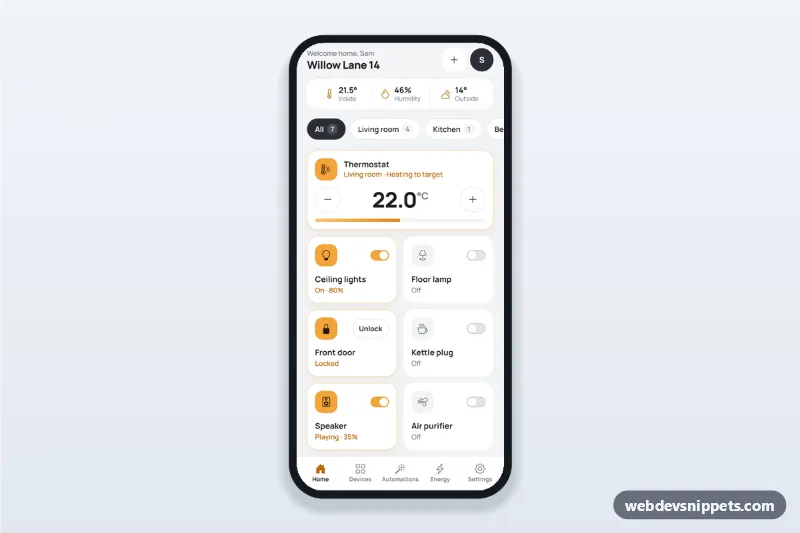
Smart home app dashboard with room tabs, device tiles with on/off switches, a thermostat stepper, a door lock, today's energy usage and one-tap scenes.
Mobile dashboard screens with stat cards, charts, recent activity and quick actions.
2 components
Smart home app dashboard with room tabs, device tiles with on/off switches, a thermostat stepper, a door lock, today's energy usage and one-tap scenes.
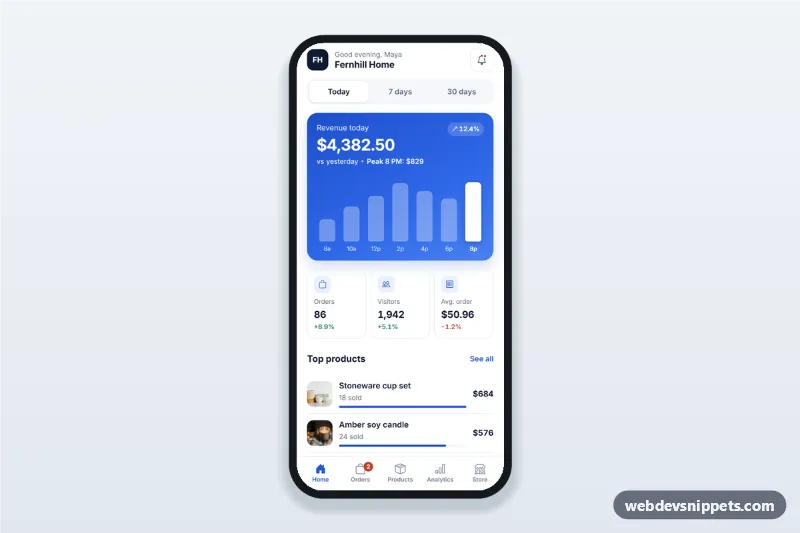
Sales dashboard app screen for store owners with today, 7 and 30 day revenue, a tappable revenue chart, orders and visitors cards, top products and recent orders.
A mobile dashboard summarises numbers that matter on one phone screen: balances, goals, sales, health data or tasks, with small charts and quick actions. It is a condensed, single-column version of a desktop dashboard.
Use them for banking and finance apps, fitness and health tracking, sales and analytics on the go, and admin apps for small businesses.
Each screen is available in one of Bootstrap 6, Bootstrap 5, Tailwind CSS or pure CSS. The live preview opens at phone width; switch to tablet or desktop to see how the screen stays centred on larger displays. Copy the HTML, CSS and JavaScript or download the complete page, replace the sample data and connect it to your own API.