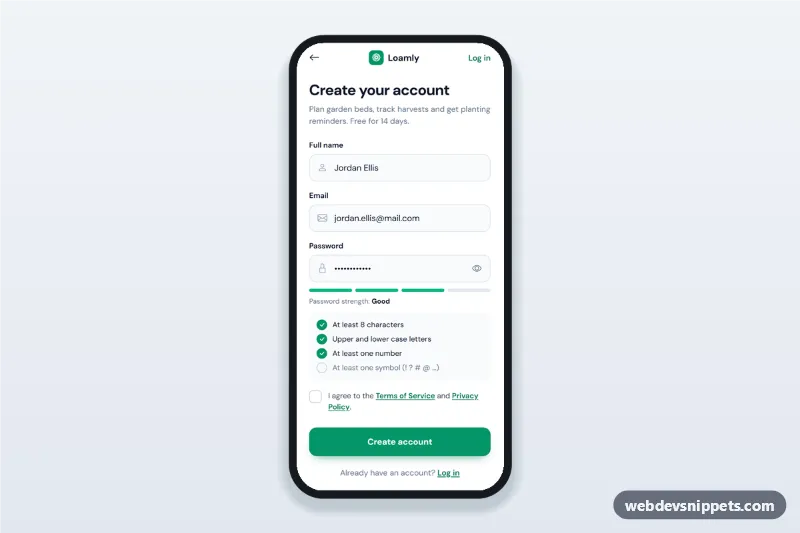
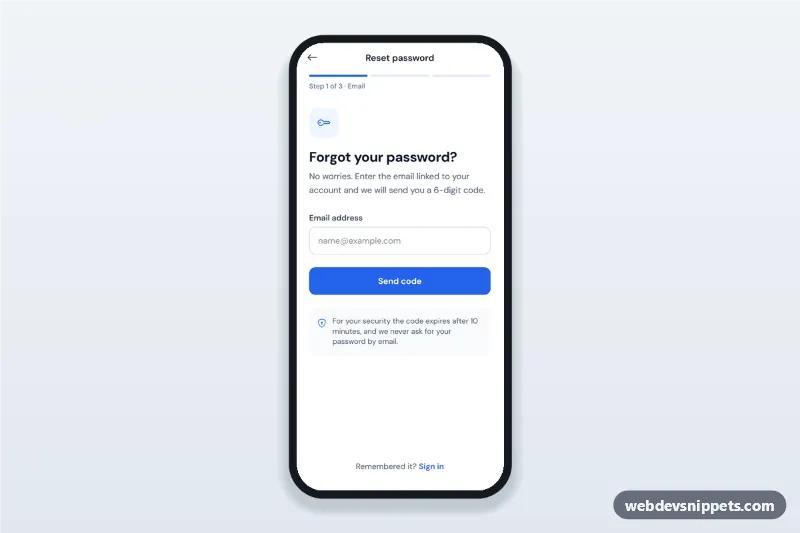
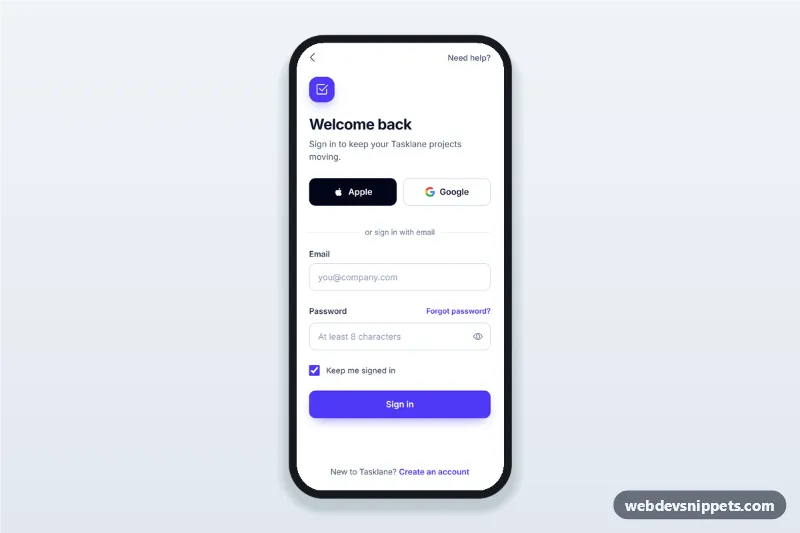
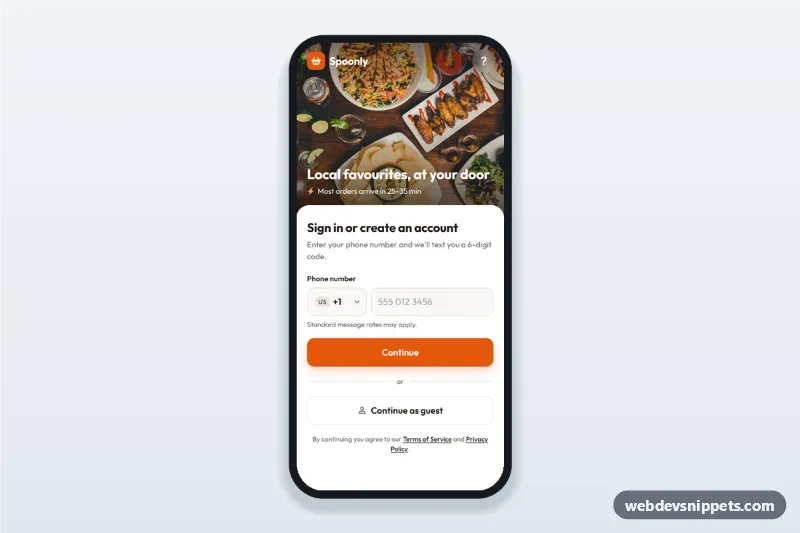
A mobile sign up screen in pure CSS and vanilla JavaScript with a live password strength meter and a requirements checklist. This create account form validates name, email, password and terms before a simulated request, then switches to a "Verify your email" state. It is an HTML mobile template for mobile websites and PWAs and can be packaged as a native app with Capacitor.
How it works
The root .msp-app is a 430 px app column with a top bar (back button, brand, Log in link) and two views: [data-msp-view="form"] and [data-msp-view="success"]. The form uses real input types and autocomplete values (name, email, new-password) and has novalidate, so the script shows its own messages.
On every keystroke in the password field, updateStrength() runs the four functions in the RULES object (length, upper and lower case, number, symbol). Each matching .msp-rule item gets .is-met, which turns its circle into a green tick, and a hidden text updates to "met" or "not met" for screen readers. The number of passed rules sets data-level (0–4) on [data-msp-meter], which colours the four segments, and the label reads Weak, Fair, Good or Strong. Short passwords stay Weak; passwords of 14 or more characters get one bonus point.
The eye button toggles the field between password and text. On submit every field is checked, invalid ones get aria-invalid="true" and a visible error, and focus moves to the first problem. A valid form shows a spinner for SUBMIT_DELAY milliseconds and then the success view with the entered email.
Customization
--msp-primaryand--msp-primary-darkinstyle.css: button, ticks, checkbox and focus colours.--msp-weak,--msp-fair,--msp-goodand--msp-strong: the meter colour for each level.RULESinscript.js: add or change a rule, then add a matching[data-msp-rule]item to.msp-rules.LEVELSinscript.js: the strength labels shown after "Password strength".SUBMIT_DELAYinscript.js: length of the simulated request; replace the timeout with yourfetch()call.- Remove the
valueattributes from the three inputs: the demo starts pre-filled to show a "Good" password.
Use cases
- SaaS and productivity apps: the account creation step of a free trial.
- Shopping and booking apps: register before checkout with clear password rules.
- Community and learning platforms: sign up on a mobile website or PWA.
- Internal tools packaged with Capacitor: first-run registration screen.
Accessibility
Every field has a visible label; errors are linked with aria-describedby and shown only after an attempt. The strength text is a polite live region, and each rule has hidden "met / not met" text. The eye button uses aria-pressed and an updated label. The custom checkbox keeps the native input for keyboard and screen readers, all targets are at least 44 px and focus rings are visible. Transitions are removed under prefers-reduced-motion.
Usage notes
Validation here is for the user experience only; repeat it on the server. Uses DM Sans from Google Fonts and Bootstrap Icons.