Skip to content

Kids Learning App Parent Login

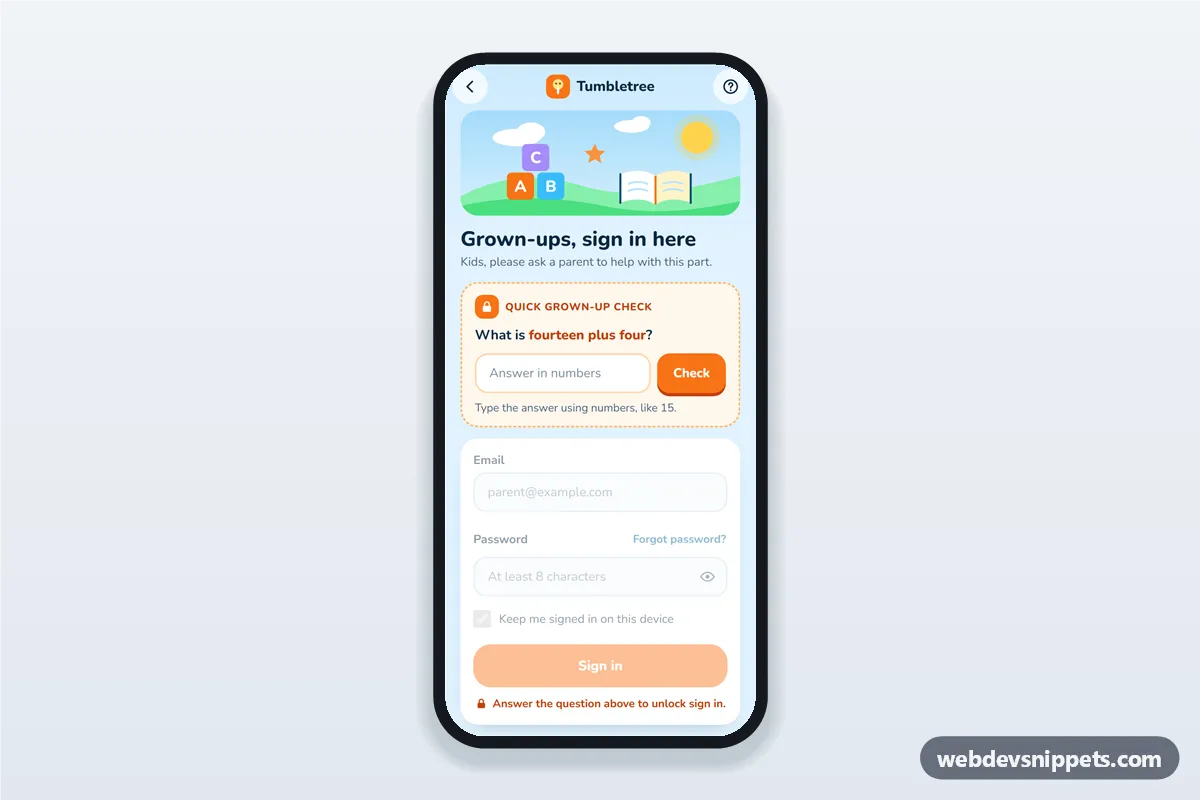
Kids learning app parent login screen with a maths parent gate that unlocks the email and password sign-in form, plus a password reset bottom sheet.

Also known as: parent gate screen, kids app login ui, parental gate math question, children education app sign in, parent account login mobile

Kids Learning App Parent Login live demo

Open in new tab

Pure CSS code (HTML, CSS, JS)

A friendly kids learning app parent login screen in pure CSS and vanilla JavaScript: a parent gate with a simple maths question unlocks the email and password sign-in form. It is an HTML mobile template for mobile sites and PWAs and can be packaged as a native app with Capacitor. Use it as the parental gate and parent sign-in UI of an education app, a reading app or any children's app that keeps settings behind a grown-up check.

How it works

The root .kpl-app is a 430 px app column on a sky background. A top bar holds a back button, the Tumbletree brand and a help button. Below it, an inline SVG illustration with alphabet blocks and a book sits in the rounded .kpl-art card.

The .kpl-gate form asks a question that makeQuestion() builds at random (an addition or a times table) and writes in words through toWords(), so early readers cannot simply copy digits. The answer field uses inputmode="numeric" and accepts digits only. A wrong answer shows a message and swaps in a new question. The right answer enables the [data-kpl-fields] fieldset, sets data-kpl-gate-state="open" on the root, shows an "Unlocked" badge and moves focus to the email field.

The .kpl-form checks the email format and an 8-character password, shows inline errors and simulates the request. On success the form is replaced by .kpl-done, where the parent picks a child profile.

Two bottom sheets, help and password reset, open from [data-kpl-open] buttons. They close with Escape, the backdrop or a close button, keep Tab focus inside, and return focus to the opener. The reset sheet validates the email and shows a confirmation.

Customization

  • --kpl-sky, --kpl-accent and --kpl-accent-dark on .kpl-app in style.css: page tint, the orange buttons and their pressed shadow.
  • --kpl-radius: rounding of cards, the gate and buttons (22 px by default).
  • makeQuestion() in script.js: change the number ranges in rand() to make the parent gate harder or easier.
  • SUBMIT_DELAY: length of the simulated sign-in. Replace the setTimeout in the form submit handler with fetch() to your auth endpoint.
  • Edit the .kpl-profile buttons in index.html to list the real child profiles, and their .kpl-avatar--a / .kpl-avatar--b colours in style.css.
  • Replace the inline SVG in .kpl-art with your own illustration.

Use cases

  • Kids learning apps: parents sign in to manage profiles, progress and subscriptions.
  • Reading and storytelling apps: keep purchases and settings behind a grown-up check.
  • Kids games: a parental gate before external links or account screens.
  • School and tutoring apps: parent accounts that sit next to a child mode.

Accessibility

The gate question is the label of the answer field and feedback is announced in a polite live region. Inputs use autocomplete="email" and current-password, errors are linked with aria-describedby and aria-invalid. The password toggle uses aria-pressed. Sheets are role="dialog" with aria-modal="true". Touch targets are at least 44 px and the sheet animation is disabled for prefers-reduced-motion.
Kids Learning App Parent Login at a glance

Framework
Pure CSS
Code
HTML, CSS, JavaScript
JavaScript
Vanilla JavaScript, no jQuery
Dependencies
fonts.googleapis.com
Layout
Mobile-first app screen, centred on wider screens
Category
Mobile Login & Sign Up
License
Free for personal and commercial use

Questions about this template

Can I use the Kids Learning App Parent Login code for free?

Yes. You can copy or download the code and use it in personal and commercial projects, including client work. No sign-up is needed. Reselling it as part of a component library or template collection is not allowed; see the license.

How do I add it to my website?

Load fonts.googleapis.com from a CDN (the links are under Requirements). Paste the HTML where the component should appear, add the CSS to your stylesheet and load the JavaScript before the closing </body> tag. Download HTML gives you a complete page with everything already linked.

Does it need jQuery or a JavaScript framework?

No. The script is plain vanilla JavaScript, so it works without jQuery, React or Vue. You can still use the markup inside those frameworks.

Can I turn this screen into an iOS or Android app?

Yes. It is plain HTML, CSS and JavaScript, so it works in a mobile website or progressive web app as it is. To ship it as a store app, put it in the web folder of a Capacitor or Cordova project and build it for iOS and Android; replace the sample data with calls to your own API.

How does it look on a desktop screen?

The screen is designed for phones. On wider screens it stays at phone width in the middle of the page, so it still looks like an app. The live demo opens at mobile width; use the Tablet and Desktop buttons to check other sizes.

Requirements

Add these to your page (already included in the download):

  • <link rel="stylesheet" href="https://fonts.googleapis.com/css2?family=Nunito:wght@400;600;700;800&display=swap">
Kids Learning App Parent Login – free Pure CSS mobile login & sign up template
Kids Learning App Parent Login · free Pure CSS mobile login & sign up template

More Mobile Login & Sign Up

Workspace App Sign In with SSO – free Bootstrap 6 mobile login & sign up template

Workspace App Sign In with SSO

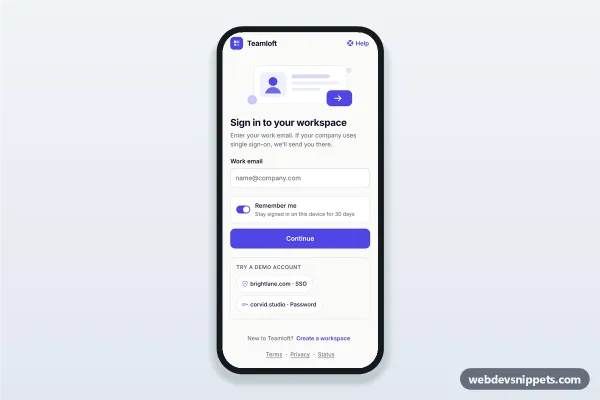
Workspace app sign in screen that asks for a work email first, then shows a single sign-on button or a password field based on the domain: an SSO login UI for team apps.

Banking App Login with Biometric Option – free Bootstrap 6 mobile login & sign up template

Banking App Login with Biometric Option

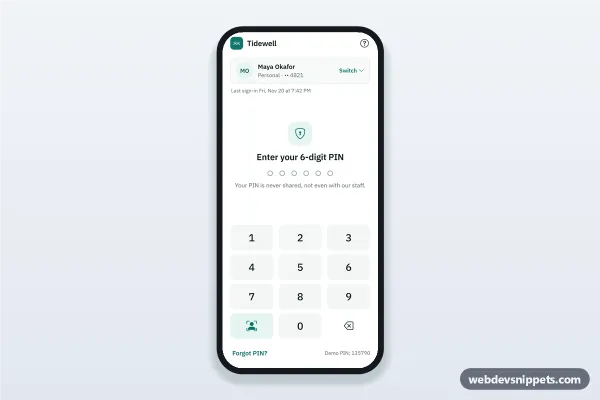
Banking app login screen with a 6-digit PIN keypad, simulated Face ID and fingerprint sign-in, forgot PIN sheet and account switcher: a secure mobile bank PIN login UI.

Passwordless Magic Link Login – free Pure CSS mobile login & sign up template

Passwordless Magic Link Login

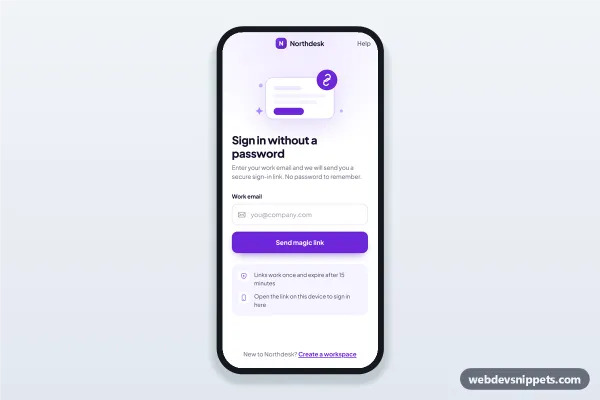
Passwordless magic link login screen for mobile apps: email-only sign in that switches to a check-your-inbox state with an open mail app button and resend countdown.

Forgot Password Flow Screens – free Tailwind CSS mobile login & sign up template

Forgot Password Flow Screens

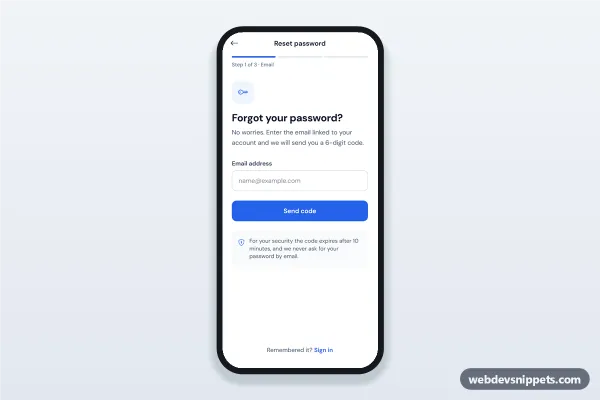
Forgot password flow screens for mobile apps: email step, 6-digit verification code, new password with strength rules and confirmation, then a success state.

Mobile Sign Up with Password Strength – free Pure CSS mobile login & sign up template

Mobile Sign Up with Password Strength

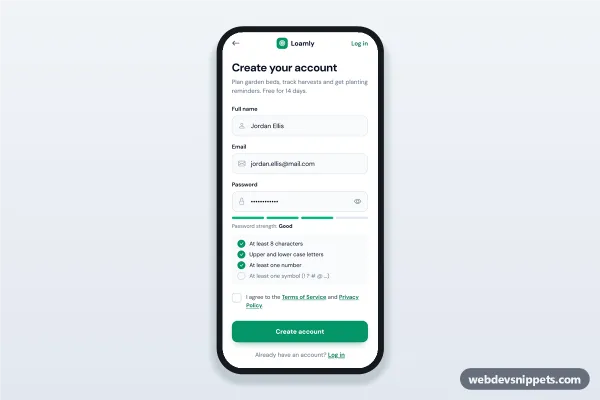
Mobile sign up screen with name, email and a password strength meter, live password rules checklist, terms checkbox, validation and a verify-your-email state.

Mobile Login Screen with Social Sign-In – free Tailwind CSS mobile login & sign up template

Mobile Login Screen with Social Sign-In

Mobile login screen with Apple and Google social sign-in, email and password fields, show password toggle, inline validation and a forgot password bottom sheet.