Skip to content

Banking App Login with Biometric Option

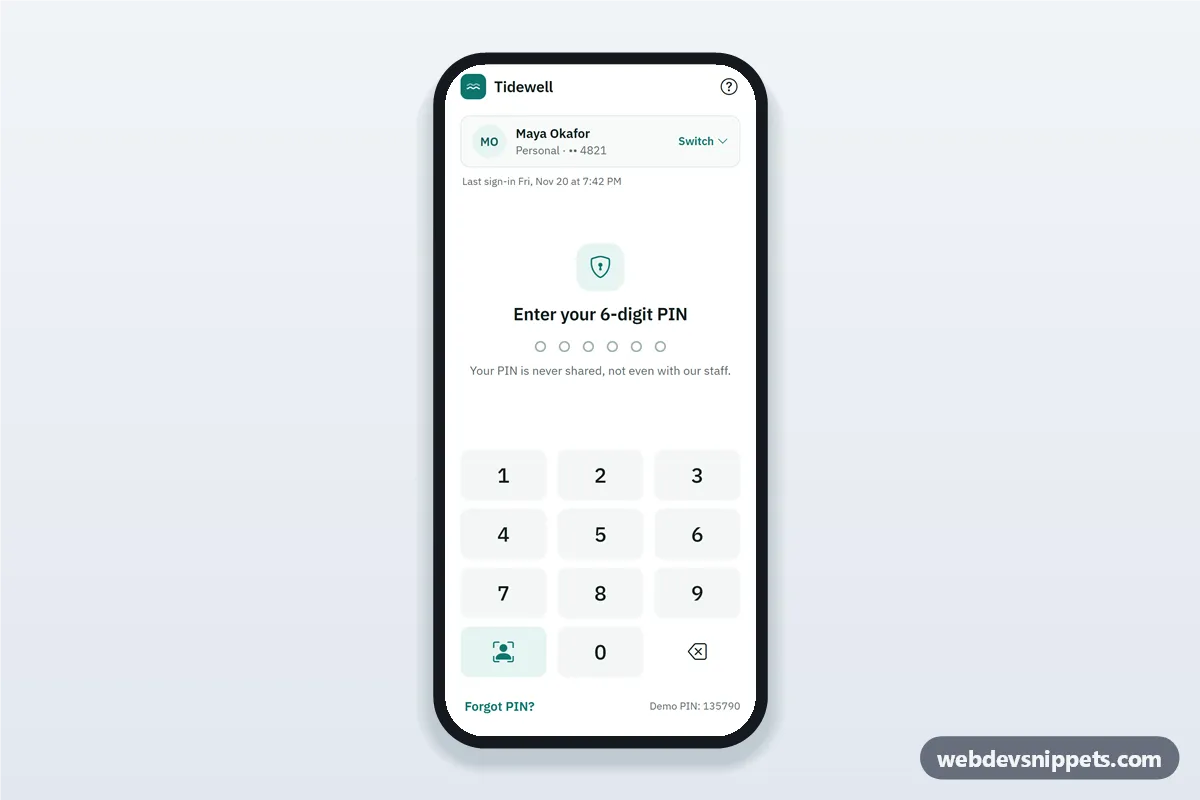
Banking app login screen with a 6-digit PIN keypad, simulated Face ID and fingerprint sign-in, forgot PIN sheet and account switcher: a secure mobile bank PIN login UI.

Also known as: pin code login screen, banking app login ui, face id login screen, fingerprint login ui, passcode keypad screen

Banking App Login with Biometric Option live demo

Open in new tab

Bootstrap 6 code (HTML, CSS, JS)

A banking app login screen built with Bootstrap 6: a 6-digit PIN keypad with dot indicators, a simulated Face ID and fingerprint sign-in, a forgot PIN sheet and a profile switcher. This HTML mobile template works as a PIN code login UI for mobile banking sites and PWAs, and it can be packaged as a native app with Capacitor.

How it works

The root .bkl-app is a 430 px app column. The account button (.bkl-account) opens a profile sheet. Below it, .bkl-entry holds the title, six .bkl-dot indicators and the .bkl-msg status line, and the .bkl-keypad grid holds the digits, a biometric key (.bkl-key-bio) and a delete key.

script.js takes digits from the keypad or a physical keyboard. After six digits it compares the PIN with data-demo-pin (135790). A wrong PIN shakes the dots and shows the attempts left; after three tries the keypad locks for 30 seconds while biometrics and reset still work. Success opens a signed-in state with a time-of-day greeting. The "last sign-in" date is computed from today, without a year.

The profile, biometric and help sheets are Bootstrap 6 Drawers (<dialog class="drawer drawer-bottom">). The biometric sheet runs a simulated scan, then signs the user in; "Use fingerprint instead" switches the mode and icons.

Customization

  • --bkl-teal on .bkl-app: the brand colour of the logo, filled dots, biometric key and buttons; the --bs-primary-* overrides keep btn-solid theme-primary in sync.
  • data-demo-pin on .bkl-app: the demo PIN. Replace the check in verify() with a call to your authentication API.
  • MAX_ATTEMPTS and LOCK_SECONDS in script.js: how many tries are allowed and how long the lockout lasts.
  • startScan() in script.js: replace the timeout with a WebAuthn request or a Capacitor biometric plugin.
  • Add profiles by copying a .bkl-profile button with data-name, data-first, data-initials and data-meta.
  • Edit the helpText object to change the messages of the help options.
  • Remove .bkl-demo before going live.

Use cases

  • Mobile banking apps: quick PIN or Face ID unlock after the first login.
  • Credit union and neobank PWAs: switch between personal and business profiles.
  • Wallet and budgeting apps: passcode lock screen with fingerprint unlock.
  • Insurance or brokerage apps: a second step after password sign-in.

Accessibility

The keypad is a labelled group of real buttons, at least 44 px tall; icon keys have aria-labels. The dot row reports the digit count in its aria-label, and .bkl-msg is a polite live region. Sheets are native dialogs that close with Escape or a backdrop tap, and aria-expanded on their triggers stays in sync. Profiles use role="radio" with aria-checked. Animations stop for reduced motion.

Bootstrap 6 notes

Built on Bootstrap 6.0.0-alpha.1 (alpha APIs can still change). The sheets use the new Drawer instead of the Bootstrap 5 Offcanvas, closed with data-bs-dismiss="drawer", and Drawer is imported from the bundle as an ES module. Buttons use btn-solid, btn-outline and btn-text with theme-primary.
Banking App Login with Biometric Option at a glance

Framework
Bootstrap 6
Code
HTML, CSS, JavaScript
JavaScript
Vanilla JavaScript, no jQuery
Dependencies
Bootstrap 6, Bootstrap Icons, fonts.googleapis.com
Layout
Mobile-first app screen, centred on wider screens
Category
Mobile Login & Sign Up
License
Free for personal and commercial use

Questions about this template

Can I use the Banking App Login with Biometric Option code for free?

Yes. You can copy or download the code and use it in personal and commercial projects, including client work. No sign-up is needed. Reselling it as part of a component library or template collection is not allowed; see the license.

How do I add it to my website?

Load Bootstrap 6 and Bootstrap Icons and fonts.googleapis.com from a CDN (the links are under Requirements). Paste the HTML where the component should appear, add the CSS to your stylesheet and load the JavaScript before the closing </body> tag. Download HTML gives you a complete page with everything already linked.

Does it need jQuery or a JavaScript framework?

No. The script is plain vanilla JavaScript, so it works without jQuery, React or Vue. You can still use the markup inside those frameworks.

Can I turn this screen into an iOS or Android app?

Yes. It is plain HTML, CSS and JavaScript, so it works in a mobile website or progressive web app as it is. To ship it as a store app, put it in the web folder of a Capacitor or Cordova project and build it for iOS and Android; replace the sample data with calls to your own API.

How does it look on a desktop screen?

The screen is designed for phones. On wider screens it stays at phone width in the middle of the page, so it still looks like an app. The live demo opens at mobile width; use the Tablet and Desktop buttons to check other sizes.

Requirements

Add these to your page (already included in the download):

  • <link rel="stylesheet" href="https://cdn.jsdelivr.net/npm/bootstrap@6.0.0-alpha.1/dist/css/bootstrap.min.css">
  • <script type="module" src="https://cdn.jsdelivr.net/npm/bootstrap@6.0.0-alpha.1/dist/js/bootstrap.bundle.min.js"></script>
  • <link rel="stylesheet" href="https://cdn.jsdelivr.net/npm/bootstrap-icons@1.11.3/font/bootstrap-icons.min.css">
  • <link rel="stylesheet" href="https://fonts.googleapis.com/css2?family=IBM+Plex+Sans:wght@400;500;600;700&display=swap">

Built for Bootstrap 6.0.0-alpha.1. Bootstrap 6 ships as an ES module, so its script and this component's JavaScript load with type="module". Alpha releases can still change before the stable version.

Banking App Login with Biometric Option – free Bootstrap 6 mobile login & sign up template
Banking App Login with Biometric Option · free Bootstrap 6 mobile login & sign up template

More Mobile Login & Sign Up

Passwordless Magic Link Login – free Pure CSS mobile login & sign up template

Passwordless Magic Link Login

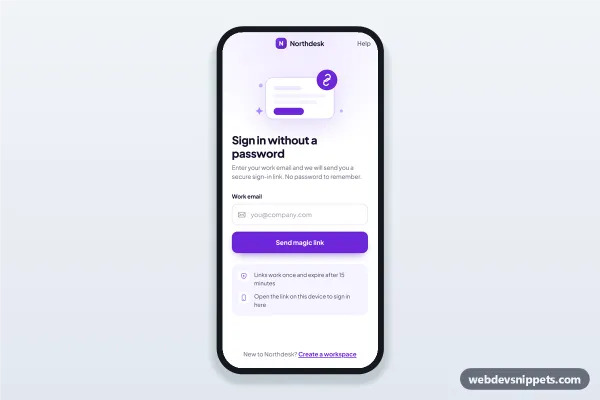
Passwordless magic link login screen for mobile apps: email-only sign in that switches to a check-your-inbox state with an open mail app button and resend countdown.

Forgot Password Flow Screens – free Tailwind CSS mobile login & sign up template

Forgot Password Flow Screens

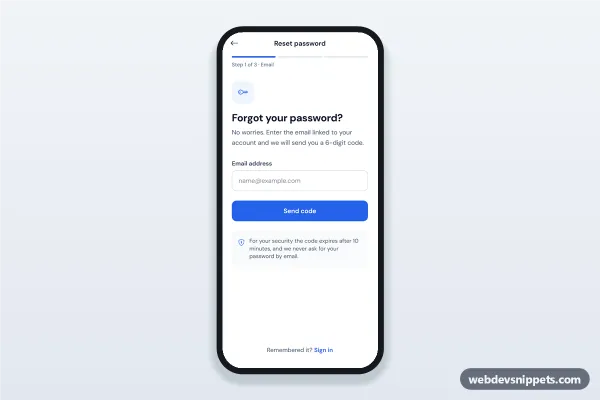
Forgot password flow screens for mobile apps: email step, 6-digit verification code, new password with strength rules and confirmation, then a success state.

Mobile Sign Up with Password Strength – free Pure CSS mobile login & sign up template

Mobile Sign Up with Password Strength

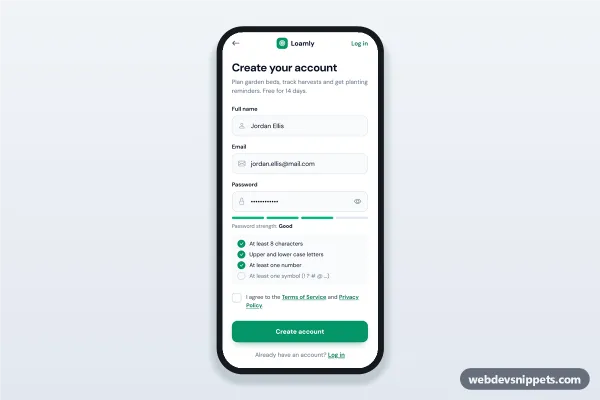
Mobile sign up screen with name, email and a password strength meter, live password rules checklist, terms checkbox, validation and a verify-your-email state.

Mobile Login Screen with Social Sign-In – free Tailwind CSS mobile login & sign up template

Mobile Login Screen with Social Sign-In

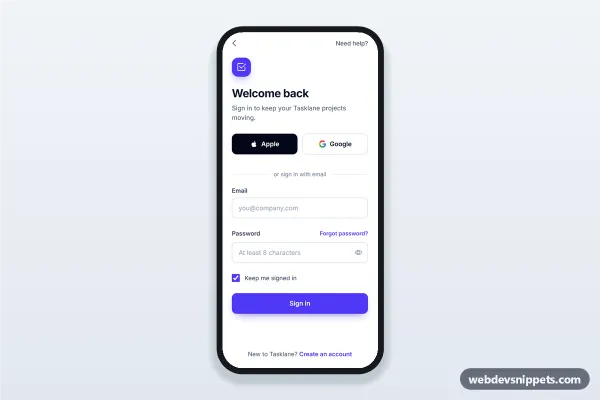
Mobile login screen with Apple and Google social sign-in, email and password fields, show password toggle, inline validation and a forgot password bottom sheet.

Food Delivery App Phone Login – free Bootstrap 6 mobile login & sign up template

Food Delivery App Phone Login

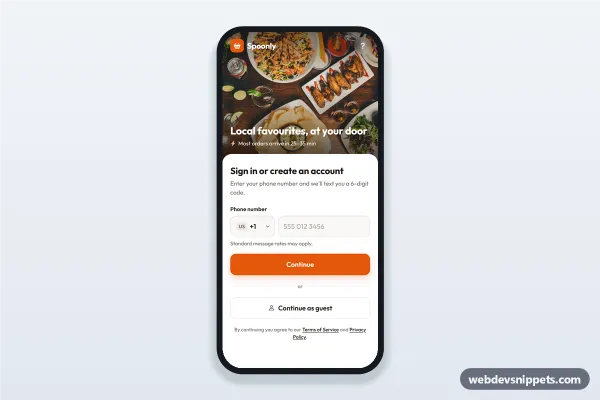
Food delivery app phone login screen with searchable country code picker, SMS code step and continue as guest: a mobile phone number sign-in UI with a food photo header.

OTP Verification Screen with Code Inputs – free Bootstrap 5 mobile login & sign up template

OTP Verification Screen with Code Inputs

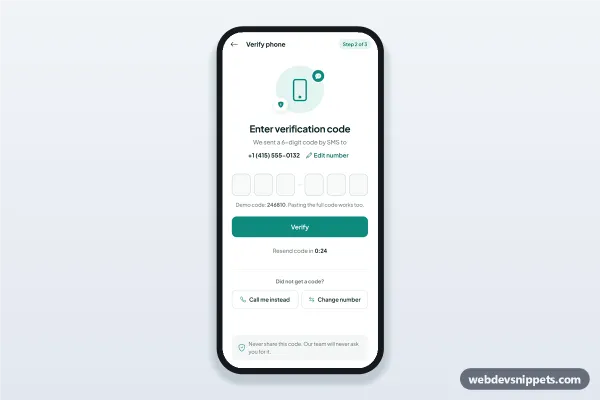
OTP verification screen with six one-digit code inputs, auto advance, paste and one-time-code autofill, a resend timer and an edit phone number sheet.