Skip to content

Passwordless Magic Link Login

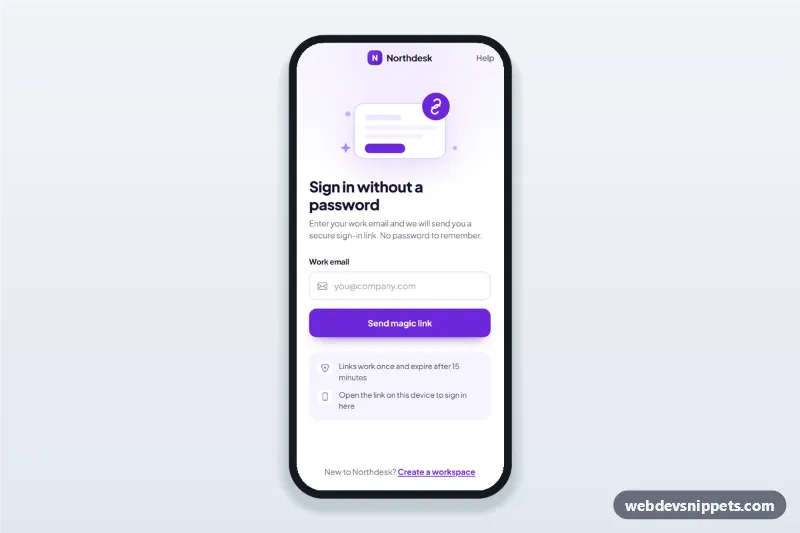
Passwordless magic link login screen for mobile apps: email-only sign in that switches to a check-your-inbox state with an open mail app button and resend countdown.

Also known as: email link sign in, passwordless login screen, check your email screen, resend link countdown, email only login form

Passwordless Magic Link Login live demo

Open in new tab

Pure CSS code (HTML, CSS, JS)

A passwordless magic link login screen in pure CSS and vanilla JavaScript. Users enter only their email, and the screen switches to a "Check your inbox" state with an Open mail app button and a resend countdown. It is an HTML mobile template for mobile websites and PWAs and can be packaged as a native app with Capacitor; use it as the email link sign in page of a SaaS, team or membership app.

How it works

The root .pml-app is a 430 px app column with a top bar (back button, brand, Help link) and two views: [data-pml-view="email"] and [data-pml-view="sent"]. The current view is also written to data-pml-state on the root.

The email view has an inline SVG illustration, a form with one type="email" input (autocomplete="email", inputmode="email") and two reassurance points in .pml-points. The form has novalidate: on submit the script checks for an empty or malformed address, sets aria-invalid and shows a specific message in #pml-email-error.

A valid address runs sendLink(), a simulated request that waits SEND_DELAY milliseconds while the button shows a spinner. Then show('sent') swaps the views, writes the address into [data-pml-address] and moves focus to the heading. startTimer() counts down from RESEND_SECONDS in [data-pml-time]; at zero the countdown is replaced by the Resend link button. Resending restarts the timer and shows a short .pml-toast confirmation. The back button and "use a different email" return to the form with the address selected.

The Open mail app button is a plain mailto: link; inside a Capacitor app you can replace it with a call that opens the default mail client.

Customization

  • --pml-primary and --pml-primary-dark in style.css: button, link, icon and focus colours.
  • --pml-tint and --pml-tint-2: the light violet backgrounds of the info box and address pill.
  • RESEND_SECONDS in script.js: how long users wait before they can ask for a new link.
  • SEND_DELAY and sendLink() in script.js: replace the timeout with your fetch() call to the auth endpoint.
  • Edit the two items in .pml-points to match your link expiry and device rules.
  • Swap the inline SVG inside .pml-art for your own illustration or logo.

Use cases

  • SaaS and team tools: sign in with a work email and no password.
  • Newsletter and membership sites: subscribers log in from the link in their inbox.
  • Marketplaces and booking apps: low-friction sign in on a mobile website or PWA.
  • Internal company apps built with Capacitor: email link login for staff.

Accessibility

The input has a visible label, and errors are linked with aria-describedby and aria-invalid. The countdown is not announced every second (it is not a live region), the resend toast uses role="status" and focus moves to each view's heading. The decorative illustration and icons are hidden from screen readers. All buttons are at least 44 px, focus rings are visible and the view animation is disabled under prefers-reduced-motion.
Passwordless Magic Link Login at a glance

Framework
Pure CSS
Code
HTML, CSS, JavaScript
JavaScript
Vanilla JavaScript, no jQuery
Dependencies
fonts.googleapis.com, Bootstrap Icons
Layout
Mobile-first app screen, centred on wider screens
Category
Mobile Login & Sign Up
License
Free for personal and commercial use

Questions about this template

Can I use the Passwordless Magic Link Login code for free?

Yes. You can copy or download the code and use it in personal and commercial projects, including client work. No sign-up is needed. Reselling it as part of a component library or template collection is not allowed; see the license.

How do I add it to my website?

Load fonts.googleapis.com and Bootstrap Icons from a CDN (the links are under Requirements). Paste the HTML where the component should appear, add the CSS to your stylesheet and load the JavaScript before the closing </body> tag. Download HTML gives you a complete page with everything already linked.

Does it need jQuery or a JavaScript framework?

No. The script is plain vanilla JavaScript, so it works without jQuery, React or Vue. You can still use the markup inside those frameworks.

Can I turn this screen into an iOS or Android app?

Yes. It is plain HTML, CSS and JavaScript, so it works in a mobile website or progressive web app as it is. To ship it as a store app, put it in the web folder of a Capacitor or Cordova project and build it for iOS and Android; replace the sample data with calls to your own API.

How does it look on a desktop screen?

The screen is designed for phones. On wider screens it stays at phone width in the middle of the page, so it still looks like an app. The live demo opens at mobile width; use the Tablet and Desktop buttons to check other sizes.

Requirements

Add these to your page (already included in the download):

  • <link rel="stylesheet" href="https://fonts.googleapis.com/css2?family=Plus+Jakarta+Sans:wght@400;500;600;700;800&display=swap">
  • <link rel="stylesheet" href="https://cdn.jsdelivr.net/npm/bootstrap-icons@1.11.3/font/bootstrap-icons.min.css">
Passwordless Magic Link Login – Pure CSS mobile login & sign up component screenshot
Passwordless Magic Link Login · Pure CSS Mobile Login & Sign Up

More Mobile Login & Sign Up

Forgot Password Flow Screens – Tailwind CSS mobile login & sign up preview

Forgot Password Flow Screens

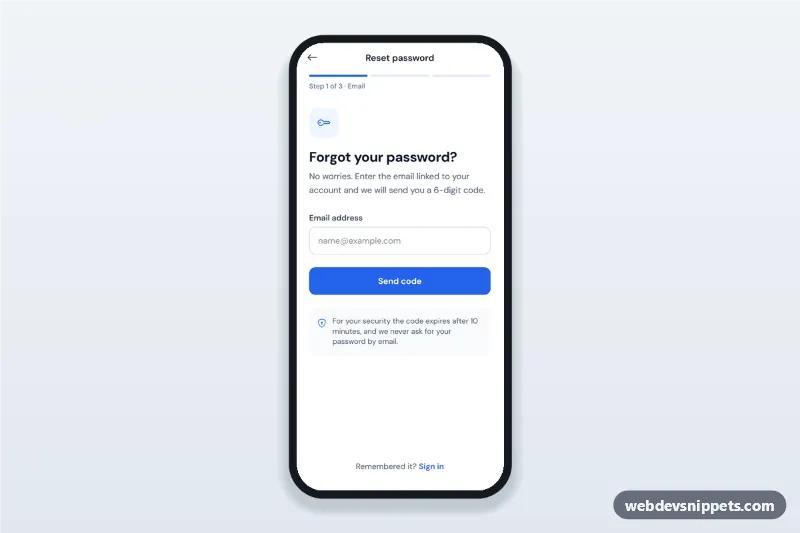
Forgot password flow screens for mobile apps: email step, 6-digit verification code, new password with strength rules and confirmation, then a success state.

Mobile Sign Up with Password Strength – Pure CSS mobile login & sign up preview

Mobile Sign Up with Password Strength

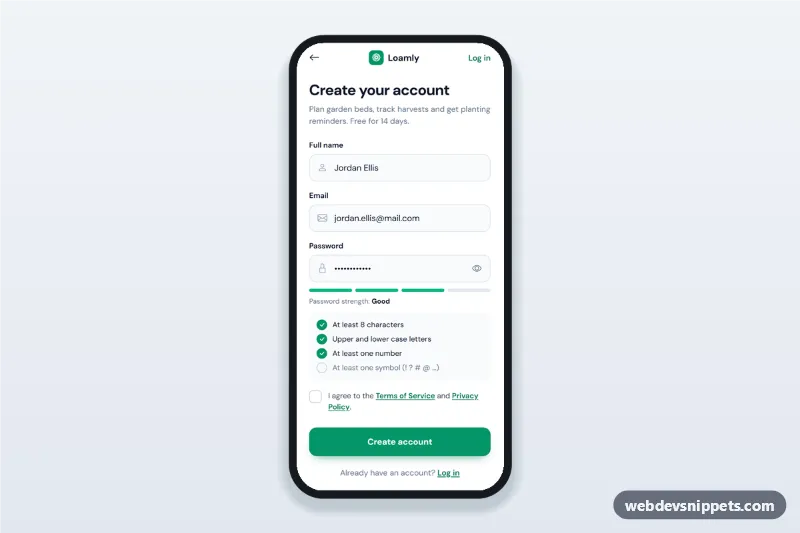
Mobile sign up screen with name, email and a password strength meter, live password rules checklist, terms checkbox, validation and a verify-your-email state.

Mobile Login Screen with Social Sign-In – Tailwind CSS mobile login & sign up preview

Mobile Login Screen with Social Sign-In

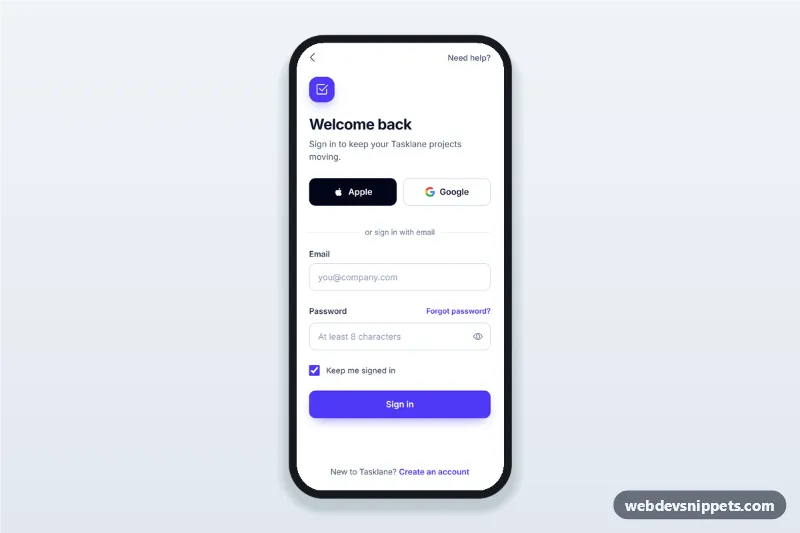
Mobile login screen with Apple and Google social sign-in, email and password fields, show password toggle, inline validation and a forgot password bottom sheet.

Food Delivery App Phone Login – Bootstrap 6 mobile login & sign up preview

Food Delivery App Phone Login

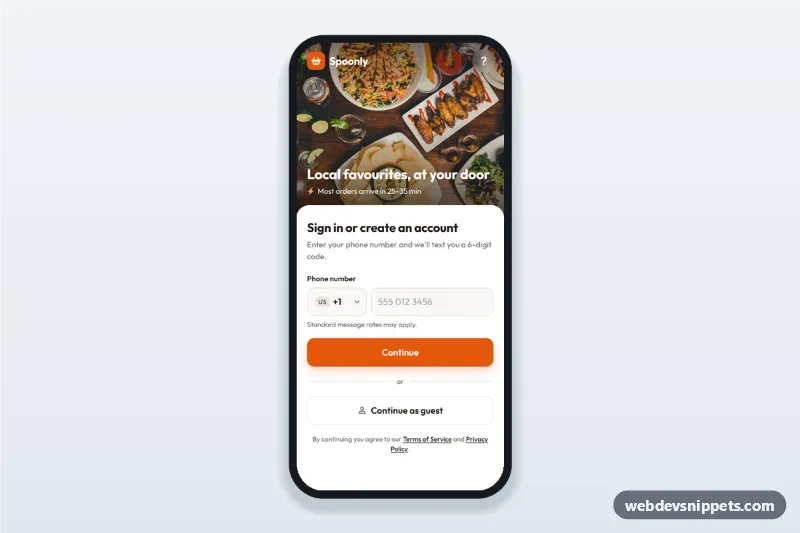
Food delivery app phone login screen with searchable country code picker, SMS code step and continue as guest: a mobile phone number sign-in UI with a food photo header.

OTP Verification Screen with Code Inputs – Bootstrap 5 mobile login & sign up preview

OTP Verification Screen with Code Inputs

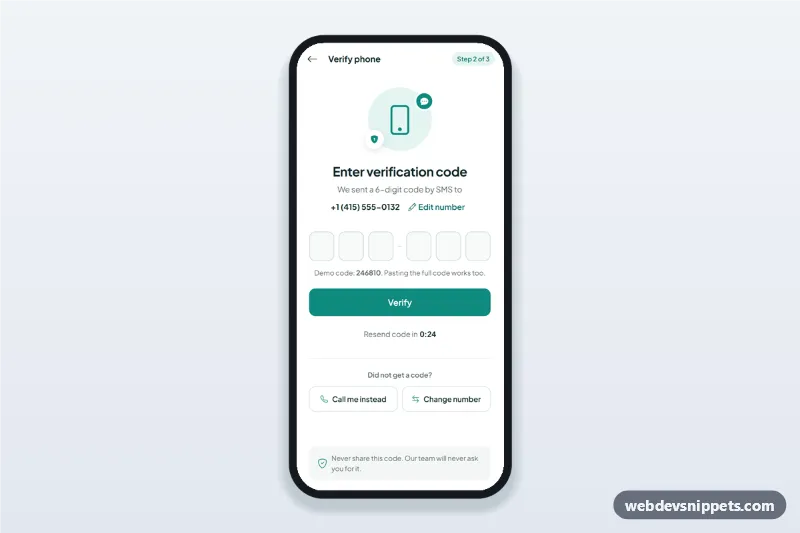
OTP verification screen with six one-digit code inputs, auto advance, paste and one-time-code autofill, a resend timer and an edit phone number sheet.