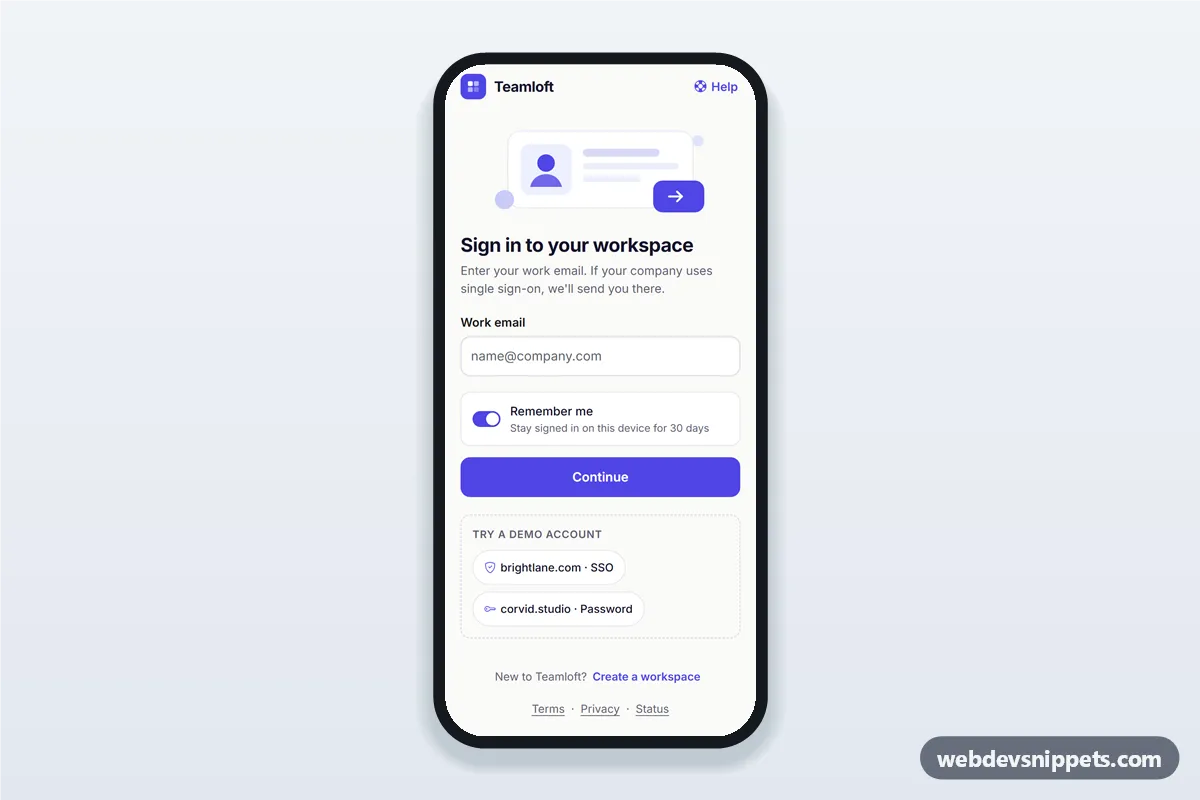
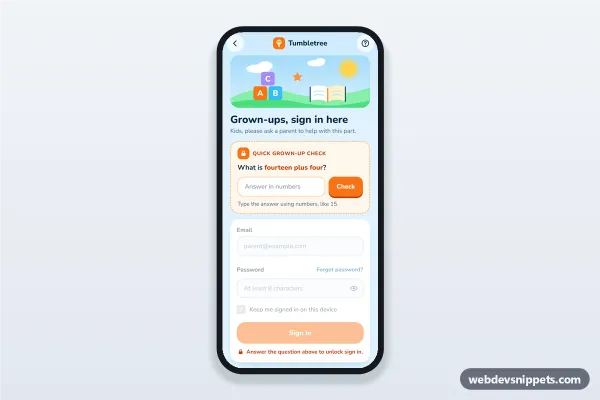
Workspace app sign in screen that asks for a work email first, then shows a single sign-on button or a password field based on the domain: an SSO login UI for team apps.
Also known as: sso login screen, single sign-on login page, work email sign in, email first login flow, saas app login ui
A workspace app sign in screen built with Bootstrap 6 that asks for the work email first, then shows a single sign-on button or a password field depending on the email domain. This SSO login UI is an HTML mobile template for team and SaaS apps on mobile sites and PWAs, and it can be packaged as a native app with Capacitor.
How it works
The root .wsi-app is a 430 px app column with an off-white background, a compact app bar and four .wsi-step sections that are switched with the hidden attribute:
email: a work email field (autocomplete="username"), a "Remember me" switch and two demo chips (.wsi-chip).
sso: the organisation card and a "Continue with … SSO" button.
password: a password field with show/hide, "Forgot password?" and a hidden username field for password managers.
done: a welcome message with the method used and the session length.
script.js validates the email, rejects personal domains such as gmail.com, then "looks up" the domain in the DOMAINS object. Domains with sso: true go to the SSO step; other company domains go to the password step, with a name and initials built from the domain. With "Remember me" on, the done step shows the date 30 days from today, without a year. Help opens a bottom sheet with an accordion.
Customization
--wsi-indigo on .wsi-app: the brand colour of the logo, buttons, switch and links; the --bs-primary-* overrides keep btn-solid theme-primary in sync.
DOMAINS in script.js: replace it with a request to your own SSO discovery endpoint.
PERSONAL in script.js: the list of personal email domains that are rejected.
REMEMBER_DAYS in script.js: the session length shown when "Remember me" is on.
The ssoBtn click handler: replace the timeout with a redirect to your SAML or OIDC start URL.
The passForm submit handler: replace the timeout with a fetch() to your sign-in endpoint.
Remove .wsi-demo before going live.
Use cases
Team chat, project and document apps: one sign-in screen for SSO and password customers.
B2B SaaS dashboards: send enterprise users to their identity provider automatically.
Internal tools and intranet PWAs: work email only, personal addresses blocked.
HR, payroll and expense apps: company sign-in on employees' phones.
Accessibility
Every field has a visible label. Errors go into the linked aria-describedby message (a polite live region) and set aria-invalid. The show/hide button uses aria-pressed. On each step change, focus moves to the heading or the password field. The help sheet closes with Escape or a backdrop tap, and aria-expanded on Help stays in sync. Buttons and chips are at least 44 px tall.
Bootstrap 6 notes
Built on Bootstrap 6.0.0-alpha.1 (alpha APIs can still change). The help sheet uses the new Drawer instead of Offcanvas, the FAQ uses the <details> accordion, "Remember me" uses the new .switch markup instead of form-switch, and the status label uses badge badge-subtle theme-success.
Can I use the Workspace App Sign In with SSO code for free?
Yes. You can copy or download the code and use it in personal and commercial projects, including client work. No sign-up is needed. Reselling it as part of a component library or template collection is not allowed; see the license.
How do I add it to my website?
Load Bootstrap 6 and Bootstrap Icons and fonts.googleapis.com from a CDN (the links are under Requirements).
Paste the HTML where the component should appear, add the CSS to your stylesheet and load the JavaScript before the closing </body> tag.
Download HTML gives you a complete page with everything already linked.
Does it need jQuery or a JavaScript framework?
No. The script is plain vanilla JavaScript, so it works without jQuery, React or Vue. You can still use the markup inside those frameworks.
Can I turn this screen into an iOS or Android app?
Yes. It is plain HTML, CSS and JavaScript, so it works in a mobile website or progressive web app as it is. To ship it as a store app, put it in the web folder of a Capacitor or Cordova project and build it for iOS and Android; replace the sample data with calls to your own API.
How does it look on a desktop screen?
The screen is designed for phones. On wider screens it stays at phone width in the middle of the page, so it still looks like an app. The live demo opens at mobile width; use the Tablet and Desktop buttons to check other sizes.
Requirements
Add these to your page (already included in the download):
Built for Bootstrap 6.0.0-alpha.1. Bootstrap 6 ships as an ES module, so its script and this component's
JavaScript load with type="module". Alpha releases can still change before the stable version.
Workspace App Sign In with SSO · free Bootstrap 6 mobile login & sign up template
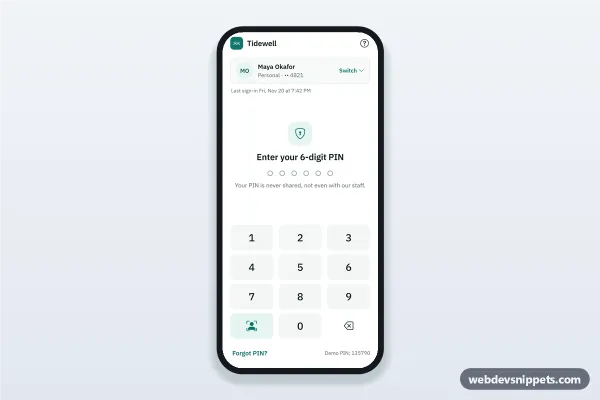
Banking app login screen with a 6-digit PIN keypad, simulated Face ID and fingerprint sign-in, forgot PIN sheet and account switcher: a secure mobile bank PIN login UI.
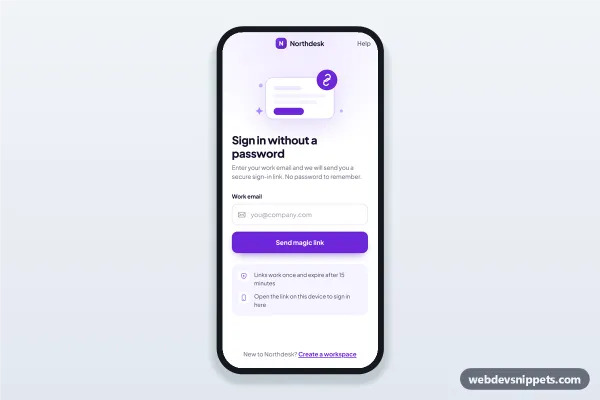
Passwordless magic link login screen for mobile apps: email-only sign in that switches to a check-your-inbox state with an open mail app button and resend countdown.
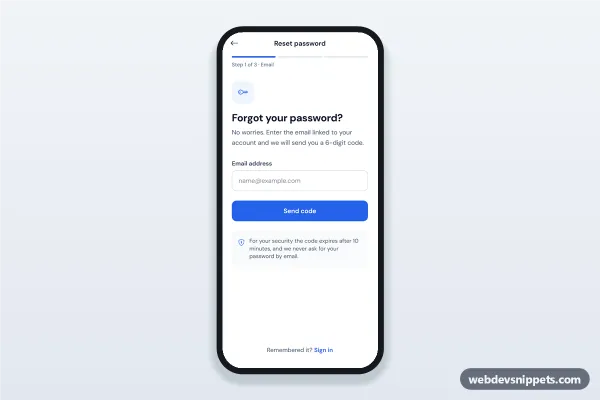
Forgot password flow screens for mobile apps: email step, 6-digit verification code, new password with strength rules and confirmation, then a success state.
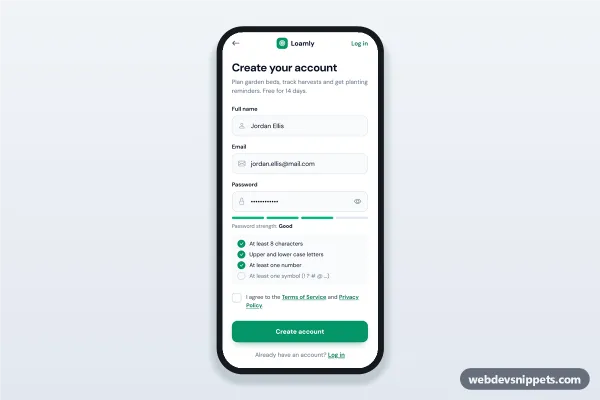
Mobile sign up screen with name, email and a password strength meter, live password rules checklist, terms checkbox, validation and a verify-your-email state.
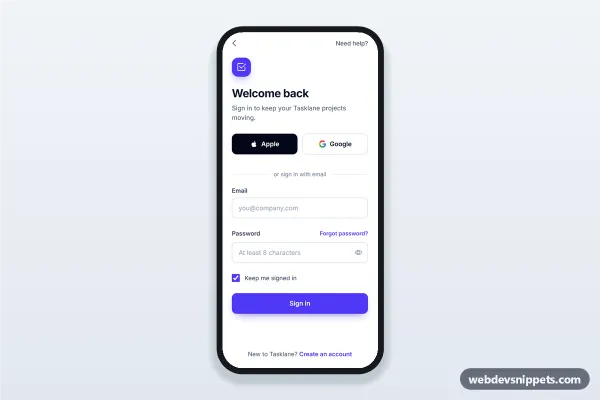
Mobile login screen with Apple and Google social sign-in, email and password fields, show password toggle, inline validation and a forgot password bottom sheet.