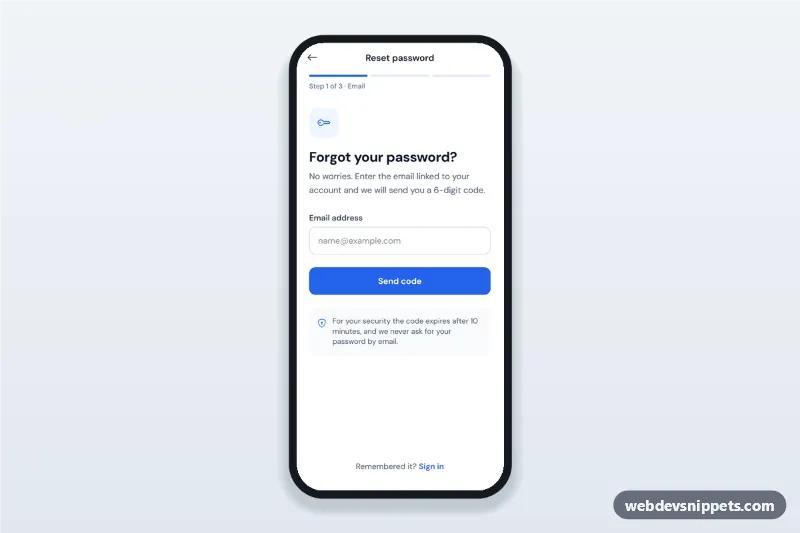
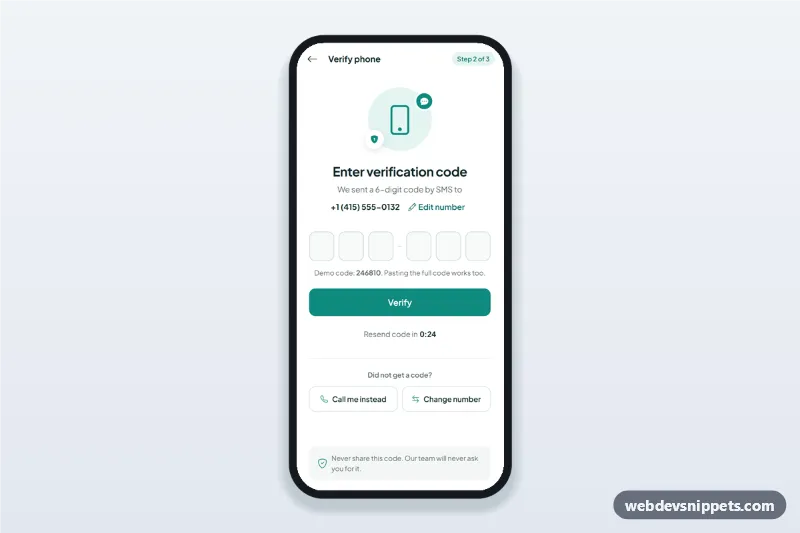
Forgot password flow screens for mobile apps: email step, 6-digit verification code, new password with strength rules and confirmation, then a success state.
Also known as: reset password screen, password recovery flow, verification code screen, otp input mobile, change password form with confirmation
Forgot password flow screens built with Tailwind CSS: one mobile screen that walks through the email step, a 6-digit verification code, a new password with confirmation and a success state. It is an HTML mobile template for mobile websites and PWAs and can be packaged as a native app with Capacitor. Use it as the password recovery flow of any app with email sign in.
How it works
The root .fpf-app holds a top app bar with a back button, three .fpf-seg progress segments and a step label, followed by four [data-fpf-panel] sections. Only one panel is visible at a time; goTo() in script.js toggles their hidden attribute, updates data-fpf-step on the root, fills the progress segments and moves focus to the new heading. The back button returns to the previous step.
Step 1 validates the email and shows the masked address (a•••@mail.com) on step 2. Step 2 uses six .fpf-otp inputs: typing moves to the next box, Backspace and the arrow keys move back, and pasting or autofilling a full code (the first box has autocomplete="one-time-code") spreads the digits over all boxes. A 30-second timer then reveals the Resend code button. Step 3 checks the rules object (length, upper and lower case, a number) on every keystroke, ticks the .fpf-rule items, sets data-level on [data-fpf-meter] for the strength bar, and on submit makes sure the confirmation matches. Each submit runs a short simulated request in busy() before moving on.
Customization
--fpf-primary and --fpf-primary-dark in style.css: buttons, links, focus rings and progress segments.
RESEND_SECONDS in script.js: how long users wait before they can request a new code.
rules in script.js: add or change password requirements; add a matching li with data-fpf-rule to show it in the checklist.
STEP_NAMES in script.js: the step names shown next to "Step 1 of 3".
Replace the setTimeout in busy() with fetch() calls to your API for sending, verifying and saving.
Remove one .fpf-otp input and change the "Enter all 6 digits" text to use 4-digit codes.
Use cases
SaaS and productivity apps: the complete password recovery screen of a PWA.
Banking and fintech apps: code-verified password resets packaged with Capacitor.
Online shops: let customers reset their password on a phone without leaving the app.
Accessibility
Every field has a visible label, the code boxes sit in a fieldset with a legend and each box has a "Digit 1 of 6" style aria-label. Errors are linked with aria-describedby, inputs get aria-invalid, and focus moves to the first field that needs attention. The requirement list is referenced from the new password input, so screen readers read it with the field. Step changes move focus to the step heading, and a polite live region announces when a new code can be requested. The show password buttons use aria-pressed and update their label.
Can I use the Forgot Password Flow Screens code for free?
Yes. You can copy or download the code and use it in personal and commercial projects, including client work. No sign-up is needed. Reselling it as part of a component library or template collection is not allowed; see the license.
How do I add it to my website?
Load Tailwind CSS and fonts.googleapis.com and Bootstrap Icons from a CDN (the links are under Requirements).
Paste the HTML where the component should appear, add the CSS to your stylesheet and load the JavaScript before the closing </body> tag.
Download HTML gives you a complete page with everything already linked.
Does it need jQuery or a JavaScript framework?
No. The script is plain vanilla JavaScript, so it works without jQuery, React or Vue. You can still use the markup inside those frameworks.
Can I turn this screen into an iOS or Android app?
Yes. It is plain HTML, CSS and JavaScript, so it works in a mobile website or progressive web app as it is. To ship it as a store app, put it in the web folder of a Capacitor or Cordova project and build it for iOS and Android; replace the sample data with calls to your own API.
How does it look on a desktop screen?
The screen is designed for phones. On wider screens it stays at phone width in the middle of the page, so it still looks like an app. The live demo opens at mobile width; use the Tablet and Desktop buttons to check other sizes.
Requirements
Add these to your page (already included in the download):
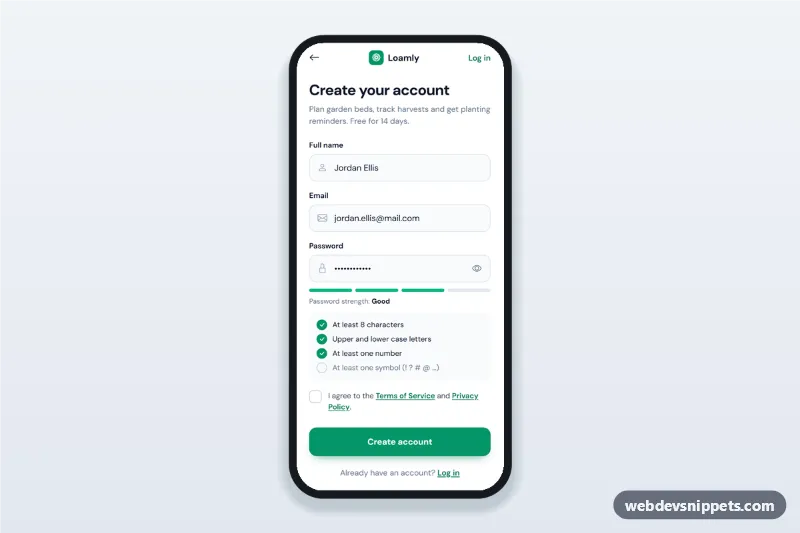
Mobile sign up screen with name, email and a password strength meter, live password rules checklist, terms checkbox, validation and a verify-your-email state.
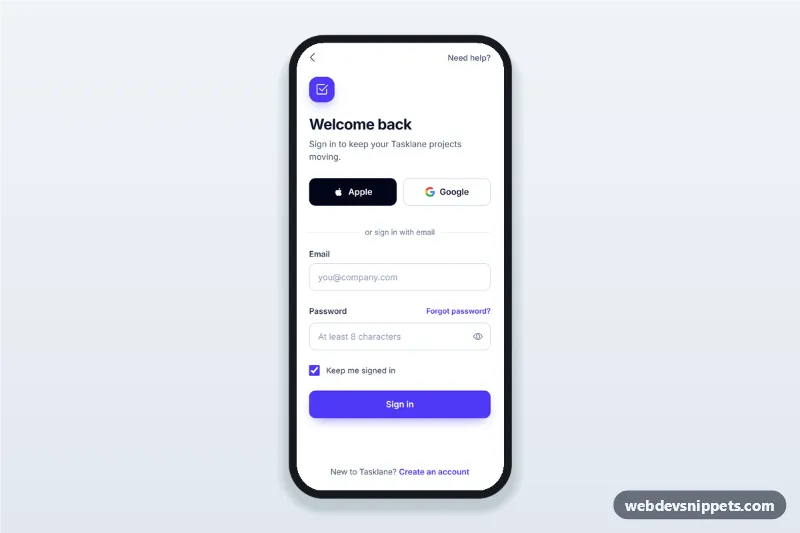
Mobile login screen with Apple and Google social sign-in, email and password fields, show password toggle, inline validation and a forgot password bottom sheet.
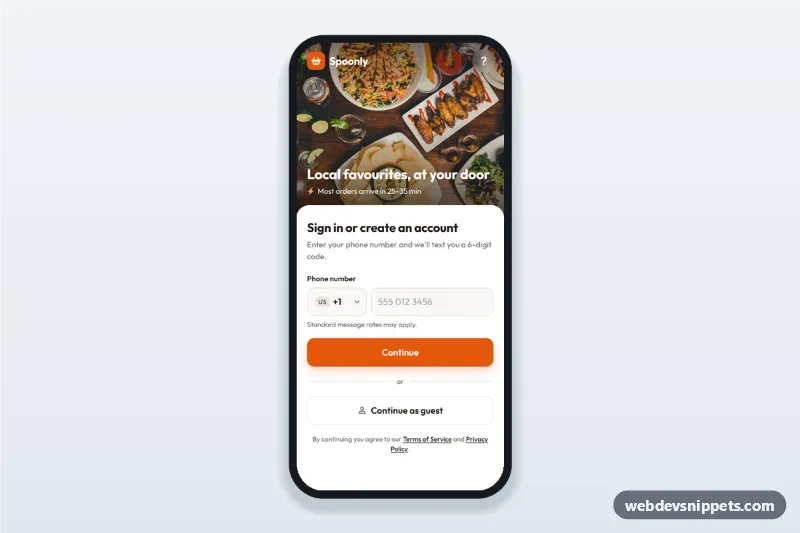
Food delivery app phone login screen with searchable country code picker, SMS code step and continue as guest: a mobile phone number sign-in UI with a food photo header.