Skip to content

Mobile Login Screen with Social Sign-In

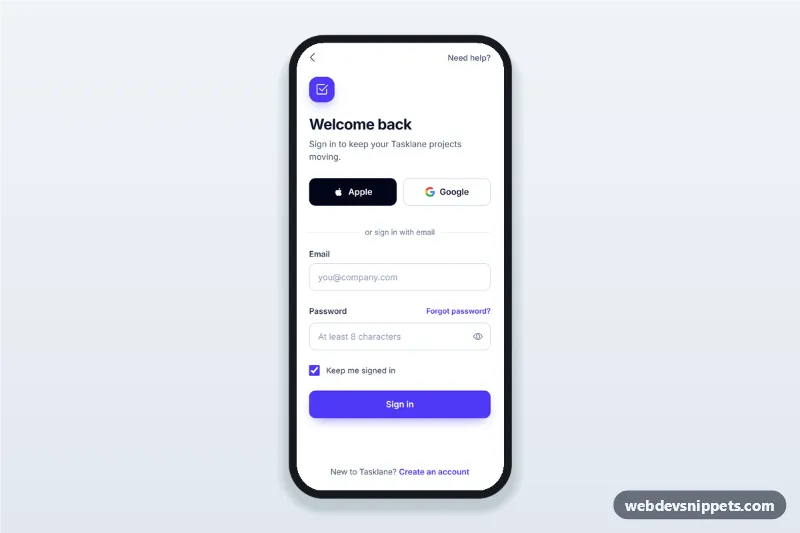
Mobile login screen with Apple and Google social sign-in, email and password fields, show password toggle, inline validation and a forgot password bottom sheet.

Also known as: app sign in screen, login page with google and apple, mobile sign in form, social login ui, login screen with show password

Mobile Login Screen with Social Sign-In live demo

Open in new tab

Tailwind CSS code (HTML, CSS, JS)

A mobile login screen with social sign-in, built with Tailwind CSS: Apple and Google buttons, an email and password form with a show password toggle, inline validation, a forgot password bottom sheet and a sign up link. It is an HTML mobile template for mobile websites and PWAs and can be packaged as a native app with Capacitor. Use it as the sign in page or login UI of a productivity, SaaS or community app.

How it works

The root .mls-app is a phone-width column with a compact top bar, the sign in block in [data-mls-signin] and the sign up link pinned to the bottom with mt-auto. The form uses novalidate, real type="email" and type="password" inputs and the autocomplete values email and current-password, so password managers fill it.

script.js validates each field after its first blur and then live on every input event. Errors appear in the .mls-error element linked through aria-describedby, and the input gets aria-invalid="true", which style.css turns red. On submit, invalid fields are checked and focus moves to the first one. A valid submit shows the .mls-spinner for a moment and then the [data-mls-success] state with the signed in email. The [data-mls-toggle] button switches the password field between password and text and updates aria-pressed and its label.

The Forgot password? button opens #mls-sheet, a native <dialog> styled as a bottom sheet with showModal(). It closes with Escape, the backdrop or the close button, copies a valid login email into its own field and swaps to a "check your inbox" message after a valid submit.

Customization

  • --mls-primary in style.css: focus rings and the input focus border; change it together with the bg-indigo-600 classes on the buttons and logo tile.
  • --mls-radius in style.css: corner radius of inputs and social buttons.
  • --mls-error in style.css: colour of error text and invalid borders.
  • EMAIL_RE in script.js: the email pattern used by both forms.
  • Replace the setTimeout in the submit handler with fetch() to your auth endpoint; show a server error with setError(password, '...').
  • data-mls-social on each social button: the provider name; start your OAuth redirect in its click handler.
  • Remove the [data-mls-success] block and redirect instead if your app opens a dashboard after sign in.

Use cases

  • SaaS and productivity apps: the sign in screen of a PWA or Capacitor build.
  • Community and membership sites: a mobile login with social accounts.
  • Booking and delivery apps: quick return sign in before checkout.

Accessibility

Every input has a visible <label>, errors are linked with aria-describedby and marked with aria-invalid, and the first invalid field receives focus. Social buttons have full "Continue with" labels, and their status text uses role="status". The sheet is a modal dialog with aria-labelledby, a built-in focus trap and focus returned to its trigger on close. Touch targets are at least 44 px, focus outlines are visible, and the sheet animation is off under prefers-reduced-motion.
Mobile Login Screen with Social Sign-In at a glance

Framework
Tailwind CSS
Code
HTML, CSS, JavaScript
JavaScript
Vanilla JavaScript, no jQuery
Dependencies
Tailwind CSS, fonts.googleapis.com, Bootstrap Icons
Layout
Mobile-first app screen, centred on wider screens
Category
Mobile Login & Sign Up
License
Free for personal and commercial use

Questions about this template

Can I use the Mobile Login Screen with Social Sign-In code for free?

Yes. You can copy or download the code and use it in personal and commercial projects, including client work. No sign-up is needed. Reselling it as part of a component library or template collection is not allowed; see the license.

How do I add it to my website?

Load Tailwind CSS and fonts.googleapis.com and Bootstrap Icons from a CDN (the links are under Requirements). Paste the HTML where the component should appear, add the CSS to your stylesheet and load the JavaScript before the closing </body> tag. Download HTML gives you a complete page with everything already linked.

Does it need jQuery or a JavaScript framework?

No. The script is plain vanilla JavaScript, so it works without jQuery, React or Vue. You can still use the markup inside those frameworks.

Can I turn this screen into an iOS or Android app?

Yes. It is plain HTML, CSS and JavaScript, so it works in a mobile website or progressive web app as it is. To ship it as a store app, put it in the web folder of a Capacitor or Cordova project and build it for iOS and Android; replace the sample data with calls to your own API.

How does it look on a desktop screen?

The screen is designed for phones. On wider screens it stays at phone width in the middle of the page, so it still looks like an app. The live demo opens at mobile width; use the Tablet and Desktop buttons to check other sizes.

Requirements

Add these to your page (already included in the download):

  • <script src="https://cdn.jsdelivr.net/npm/@tailwindcss/browser@4"></script>
  • <link rel="stylesheet" href="https://fonts.googleapis.com/css2?family=Inter:wght@400;500;600;700&display=swap">
  • <link rel="stylesheet" href="https://cdn.jsdelivr.net/npm/bootstrap-icons@1.11.3/font/bootstrap-icons.min.css">

The Tailwind browser build is for prototyping. In production, compile Tailwind with its CLI or your bundler.

Mobile Login Screen with Social Sign-In – Tailwind CSS mobile login & sign up component screenshot
Mobile Login Screen with Social Sign-In · Tailwind CSS Mobile Login & Sign Up

More Mobile Login & Sign Up

Forgot Password Flow Screens – Tailwind CSS mobile login & sign up preview

Forgot Password Flow Screens

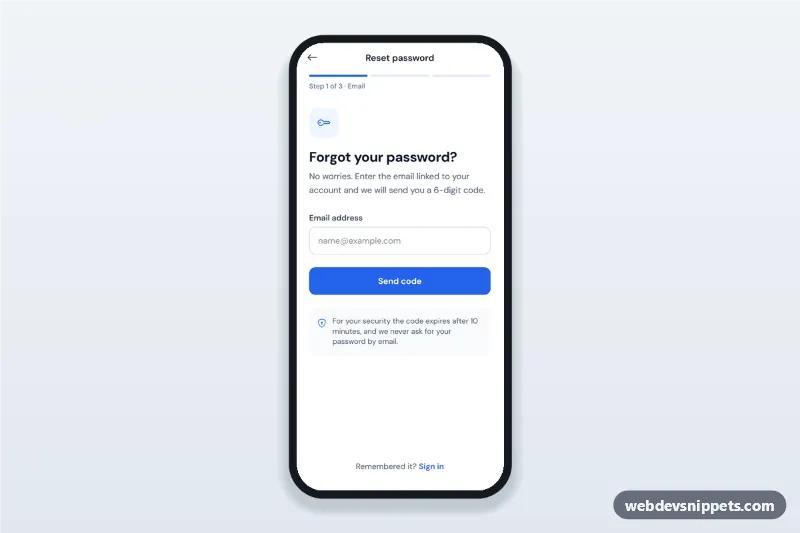
Forgot password flow screens for mobile apps: email step, 6-digit verification code, new password with strength rules and confirmation, then a success state.

Mobile Sign Up with Password Strength – Pure CSS mobile login & sign up preview

Mobile Sign Up with Password Strength

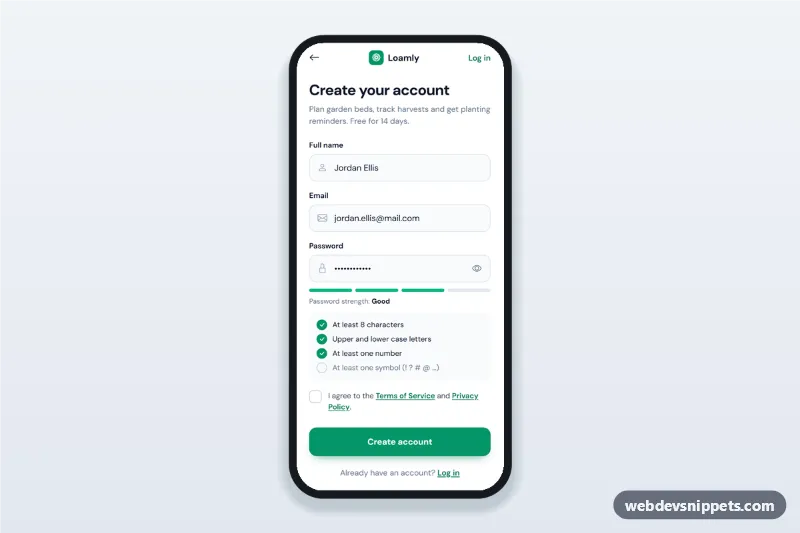
Mobile sign up screen with name, email and a password strength meter, live password rules checklist, terms checkbox, validation and a verify-your-email state.

Food Delivery App Phone Login – Bootstrap 6 mobile login & sign up preview

Food Delivery App Phone Login

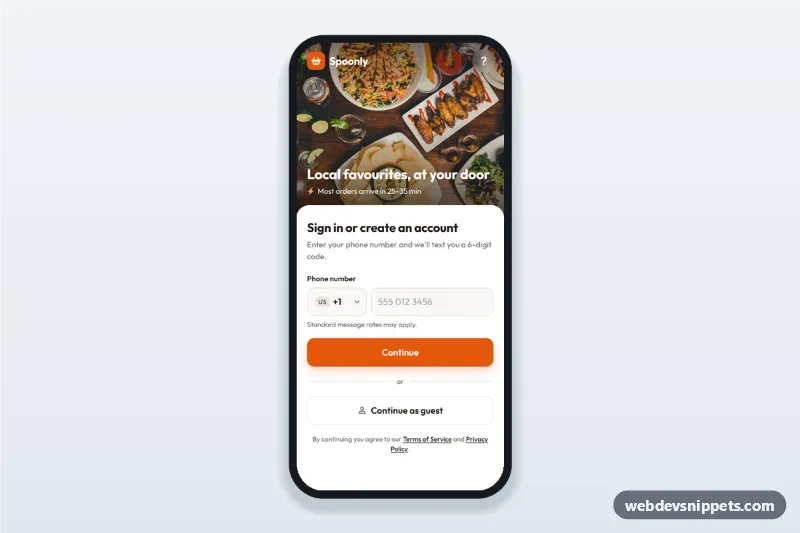
Food delivery app phone login screen with searchable country code picker, SMS code step and continue as guest: a mobile phone number sign-in UI with a food photo header.

OTP Verification Screen with Code Inputs – Bootstrap 5 mobile login & sign up preview

OTP Verification Screen with Code Inputs

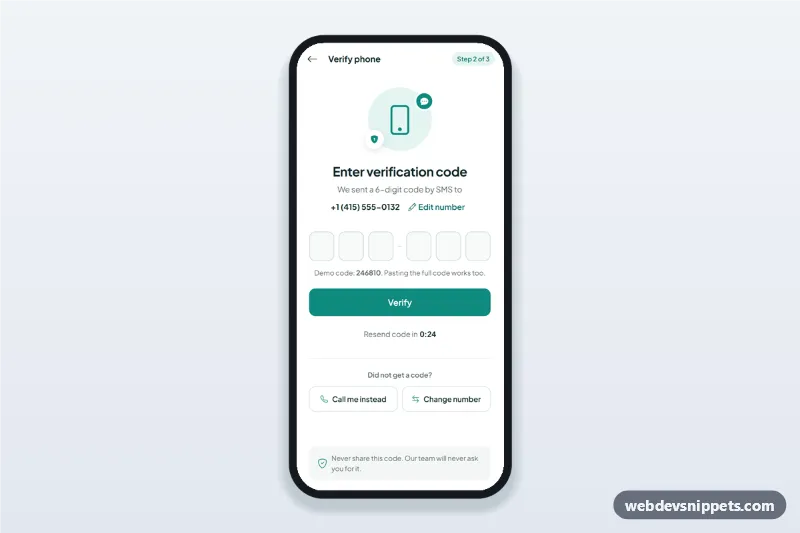
OTP verification screen with six one-digit code inputs, auto advance, paste and one-time-code autofill, a resend timer and an edit phone number sheet.