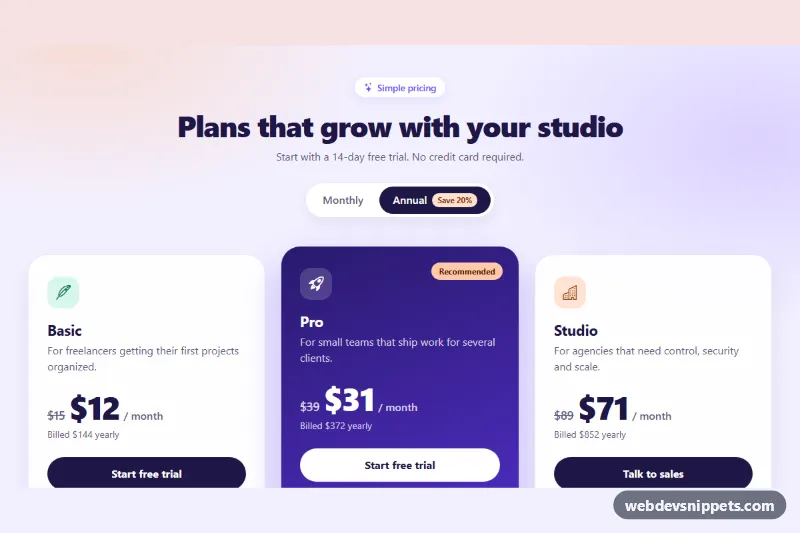
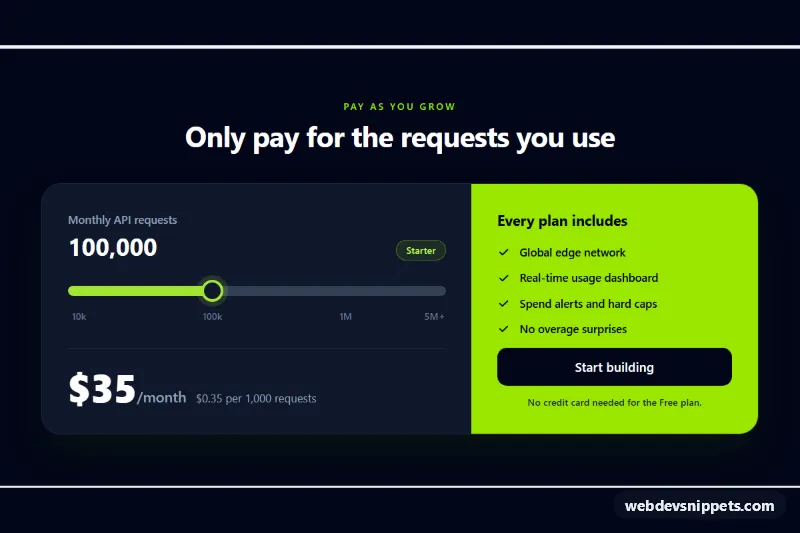
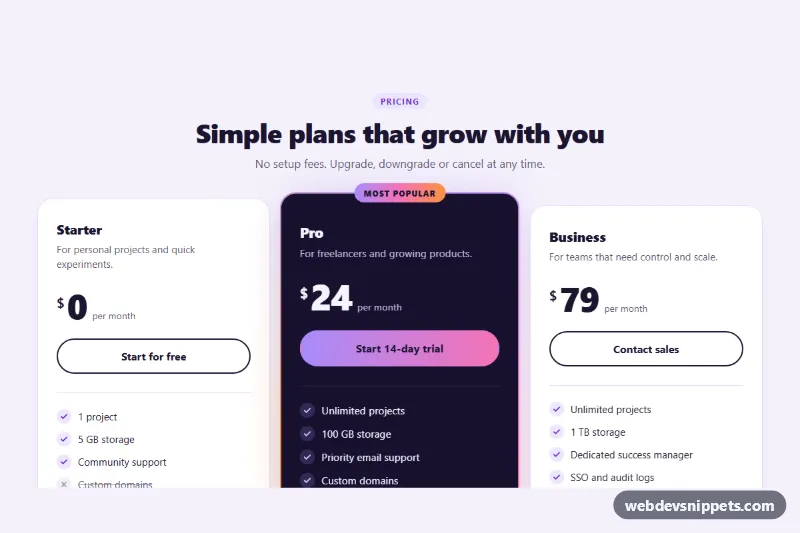
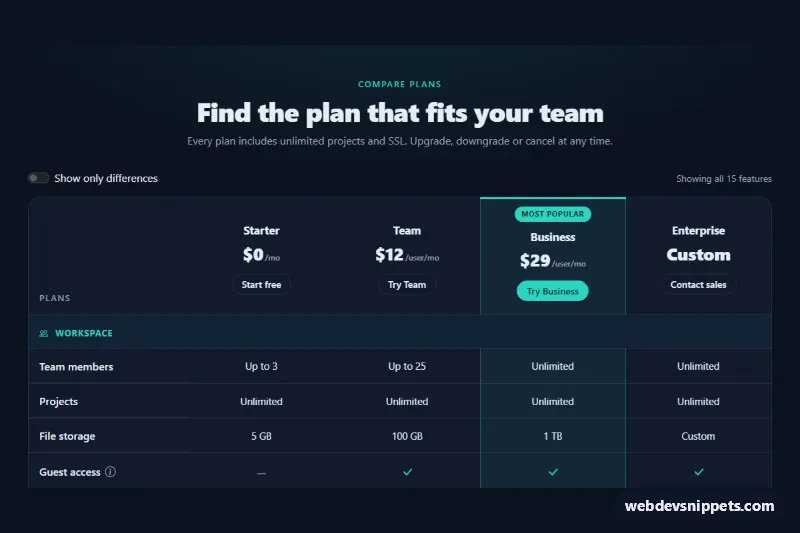
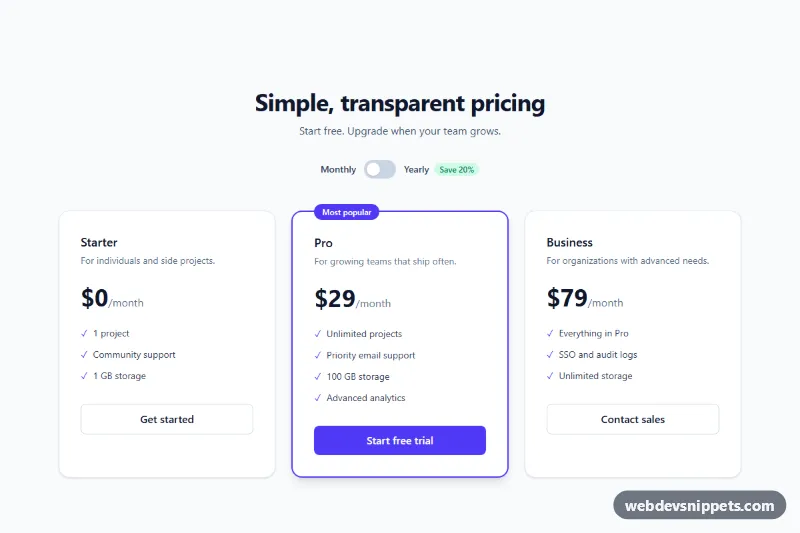
A Bootstrap 5 pricing section with three plan cards and a pill-shaped Monthly / Annual switch that updates every price, the crossed-out regular price and the "Billed …" line. Use it on SaaS landing pages, membership sites and product pricing pages where annual billing comes with a discount.
How it works
The root is section.pb-pricing on a soft lavender background with two radial gradients. The billing switch is a fieldset.pb-switch with two Bootstrap btn-check radio inputs (.pb-period, values monthly and annual) whose labels are styled as a segmented control; the checked label turns dark. The three plans are article.card.pb-card elements in a responsive row (one column on phones, two on tablets, three from lg). The middle card has .pb-card--featured, a violet gradient, the .pb-flag label and is lifted slightly on large screens.
Each card stores its prices on .pb-amount as data-monthly and data-annual (the per-month price on yearly billing). On DOMContentLoaded and on every change of a .pb-period input, the script formats the right value with Intl.NumberFormat, shows .pb-was with the monthly price only in annual mode, and writes "Billed $144 yearly" (annual price times 12) or "Billed monthly" into .pb-billed. The new price fades in with the pb-swap animation through .pb-amount--swap. Without JavaScript the annual prices in the markup are shown.
Customization
--pb-accentand--pb-accent-rgbin.pb-pricing: change the check icons, button hover color, focus rings and card borders.--pb-featured-fromand--pb-featured-toin.pb-pricing: recolor the gradient of the featured card.--pb-card-radiusin.pb-pricing: make the cards rounder or more square.data-monthlyanddata-annualon each.pb-amount: set your prices; the old price and the yearly total are calculated from them.data-pb-currency="USD"on.pb-pricing: show prices inEUR,GBPor any ISO currency code.checkedon#pb-monthlyinstead of#pb-annual: start with monthly prices.- The
.pb-savetext "Save 20%": keep it in line with the difference between your two prices. - Move
.pb-card--featuredand.pb-flagto another card to recommend a different plan.
Accessibility
The switch is a real radio group inside a fieldset with a visually hidden legend ("Billing period"), so arrow keys move between options and screen readers announce the state. Focus is shown with a visible outline on the labels. When the period changes, the visually hidden .pb-status live region announces it; the first render stays silent. The regular price has a visually hidden "Regular price" prefix so it is not read as the current price. Each card is an article labelled by its plan name, and icons are aria-hidden. The price animation is disabled with prefers-reduced-motion: reduce.
Usage notes
Requires Bootstrap 5 and Bootstrap Icons. For several instances on one page, give each switch its own radio name and id values.