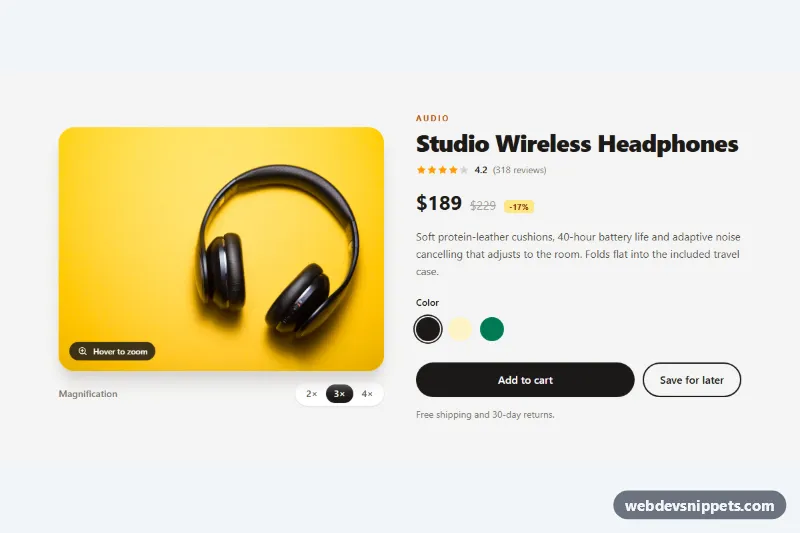
A product detail section built with Tailwind CSS where a round magnifier lens follows the cursor over the product photo and shows that spot at 2×, 3× or 4× magnification. Next to the image sit the title, rating, sale price, color swatches and cart buttons, so it drops straight into an online store product page.
How it works
The root is section.izl-product, a two-column grid from the md breakpoint that stacks on phones. The photo lives in .izl-stage, a focusable box with a fixed aspect-[4/3] ratio and overflow-hidden. Inside it are the img (object-cover), the .izl-lens circle and the .izl-hint badge.
On DOMContentLoaded the script sets the lens background-image to the high-resolution URL in data-izl-src (falling back to the visible image). On pointerenter and pointermove it converts the cursor position into a 0 to 1 value inside the stage, adds izl-active to the stage and calls render(). That function moves the lens with transform, sets background-size to the stage size multiplied by the zoom factor and shifts background-position so the magnified pixel under the cursor sits in the lens center. pointerleave removes izl-active, which fades the lens out and the hint back in through style.css.
The buttons with data-izl-level change the zoom factor live and update aria-pressed, which Tailwind's aria-pressed: variant uses to highlight the active level. A resize listener recalculates sizes. Without JavaScript the page shows a normal product photo.
Customization
data-izl-zoomon.izl-stage: the starting magnification, e.g.2.5. Keep the matching level buttonaria-pressed="true".data-izl-src: point to a larger version of the same photo with the same crop ratio; a sharper source makes high zoom levels look crisp.h-40 w-40on.izl-lens: a bigger lens (h-56 w-56) shows more area;rounded-xlinstead ofrounded-fullgives a square loupe.data-izl-levelbuttons: add or remove levels such as1.5or5.aspect-[4/3]on.izl-stage: match your photo ratio, e.g.aspect-square, and request both image URLs with that ratio.bg-stone-100on the section andbg-stone-900on the buttons: retheme the page palette.
Accessibility
.izl-stage has tabindex="0", role="group" and an aria-describedby hint, so keyboard users can focus it: the lens appears in the center, arrow keys move it (Shift for larger steps), Enter or Space toggles it and Escape hides it. The lens and hint are aria-hidden because they are purely visual; the product photo keeps a descriptive alt. Zoom buttons expose aria-pressed, color swatches are real radio inputs in a fieldset with a legend, and every control shows a focus ring. Fades are disabled under prefers-reduced-motion.
Usage notes
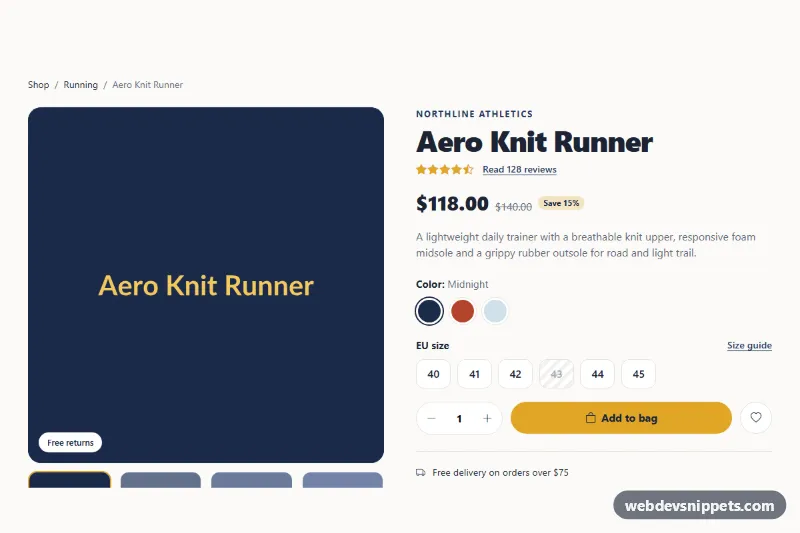
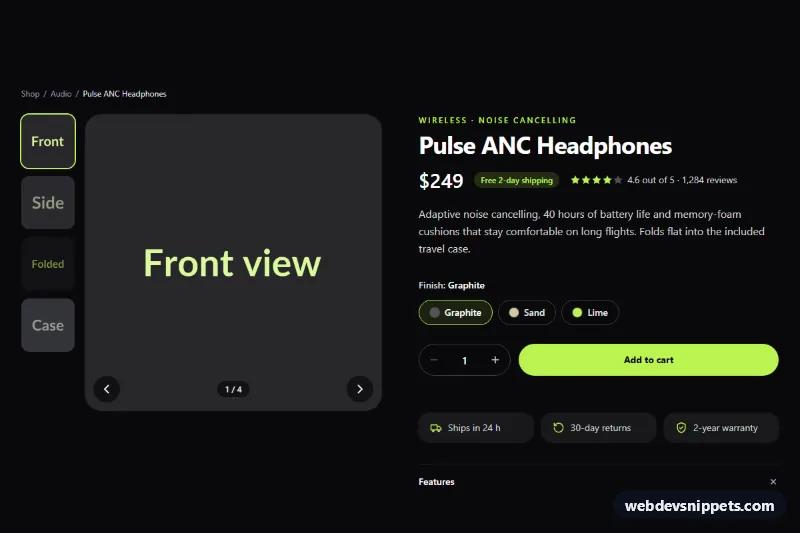
The demo photo comes from Unsplash; replace both URLs with your own product images. touch-action: pan-y keeps vertical page scrolling on phones while a horizontal drag moves the lens. Multiple product sections can share a page because each .izl-product is initialized on its own; rename the izl-color radio name per copy.