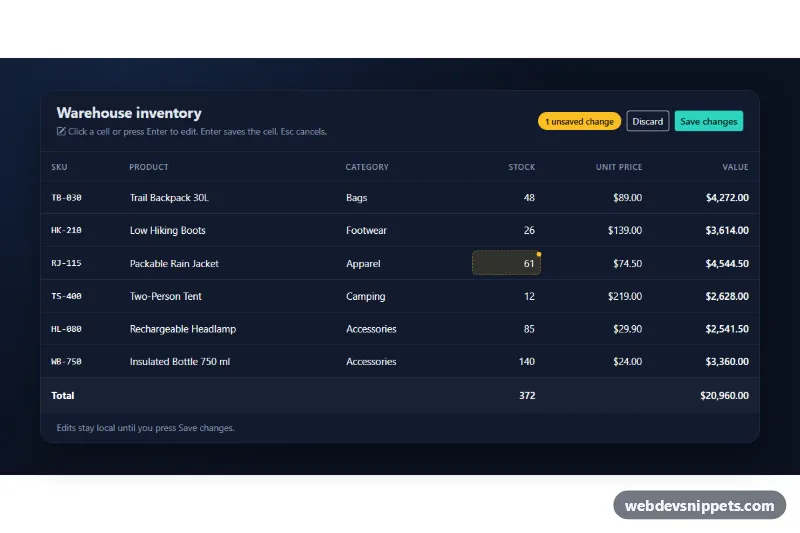
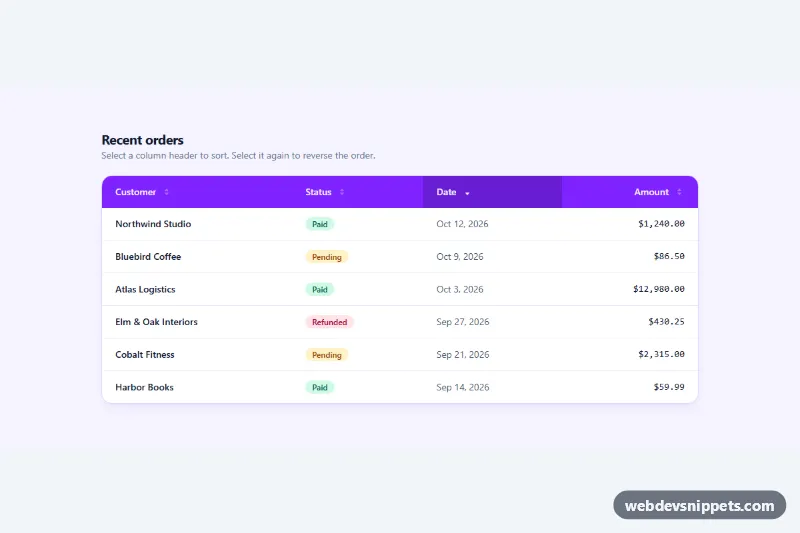
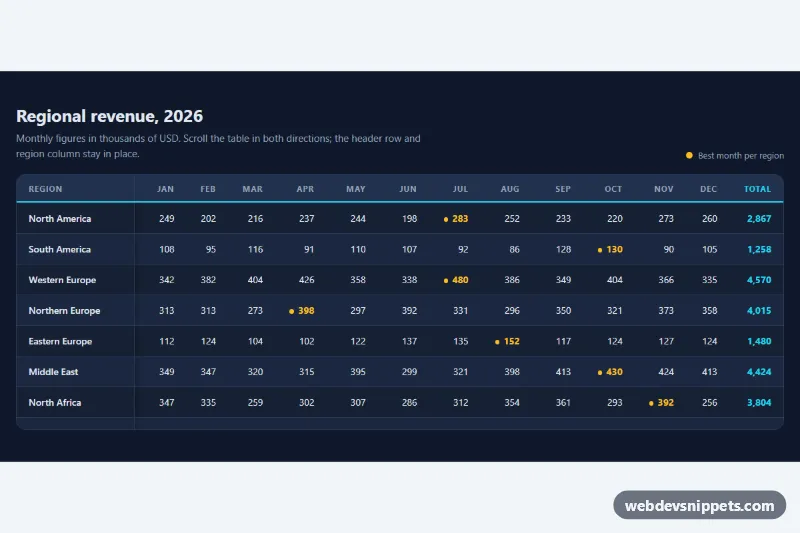
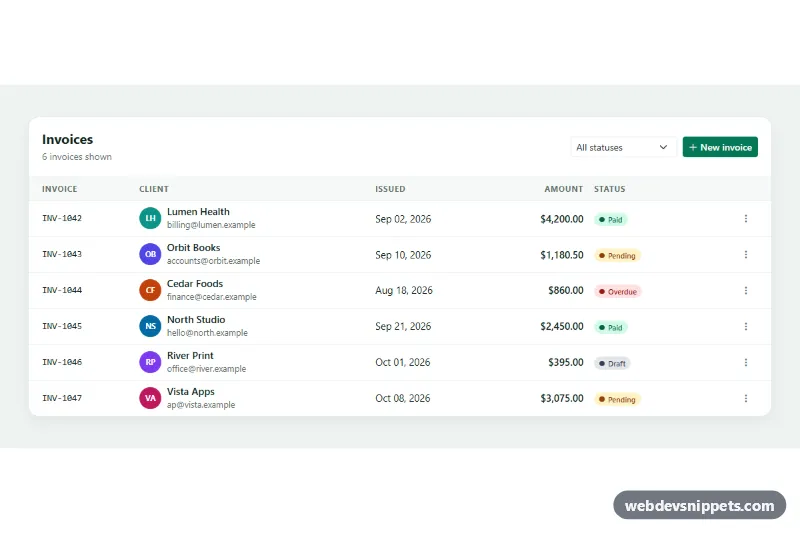
A dark Bootstrap 5 data table whose cells can be edited in place: click a value, change it in a text field, number field or select, and press Enter. Changed cells are marked, row values and totals update immediately, and a toolbar saves or discards all changes at once. Use it for admin panels, inventory lists, price sheets and other back-office screens.
How it works
The root is section.eit-root with data-bs-theme="dark", so Bootstrap's table and form styles switch to their dark versions. Inside .eit-card you find the .eit-head toolbar and a table.eit-table in a table-responsive wrapper. Each editable td has the class eit-cell and three data attributes: data-field (name, category, stock or price), data-type (text, number or select) and data-value. Number cells also use data-step (1 for whole numbers, 0.01 for prices).
On DOMContentLoaded the script stores each starting value in data-original and render() turns the cell into an .eit-edit button with a pencil icon. A click opens edit(), which replaces the button with an .eit-input; select cells copy their options from the template.eit-options element. Enter runs validate() and stores the cleaned value, Escape cancels, and leaving the field saves a valid value or discards an invalid one. A cell whose value differs from data-original gets is-dirty, which adds an amber tint and dot.
After every change update() recalculates the .eit-total of each row, the footer sums and the .eit-count badge, and enables or disables .eit-save and .eit-discard. Saving shows a spinner, then copies the values into data-original and flashes the saved cells with is-saved. Messages appear in .eit-status.
Customization
--eit-accentin.eit-root: recolor the save button, focus rings, pencil icons and the save flash.--eit-dirtyin.eit-root: change the color of the changed-cell dot and the counter badge.--eit-bg,--eit-cardand--eit-linein.eit-root: adjust the page, card and border colors.- The
optionelements intemplate.eit-options: set the categories offered in the select editor. data-step="1"ordata-step="0.01"on number cells: allow only whole numbers or two decimals.- Remove
data-original="54"from the Packable Rain Jacket stock cell to start without unsaved changes. - The
window.setTimeoutin the.eit-saveclick handler ofscript.js: replace it with afetch()that sends the changed rows to your API.
Use cases
- Admin panels: staff click a value to edit text, numbers or categories directly in the table
- Inventory lists: stock and price cells recalculate row totals and footer sums live
- Price sheets: changed cells are marked and a toolbar saves or discards all edits at once
- Back-office tools: validation keeps invalid values from being stored while editing
- Dark dashboards: a counter shows how many unsaved changes are pending
Accessibility
Every editable value is a real button, so it can be reached with Tab and opened with Enter or Space. Its aria-label names the column, the product and the current value, and the editor field gets a matching label. Invalid input gets aria-invalid and keeps focus. After saving or cancelling, focus returns to the cell button. The counter uses aria-live, .eit-status uses role="status", and the table is described by the usage hint. The pencil icons are aria-hidden, and the flash animation is removed under prefers-reduced-motion: reduce.
Usage notes
Requires Bootstrap 5 and Bootstrap Icons. On small screens the table scrolls horizontally inside table-responsive. Always validate the values again on the server.