Skip to content

Responsive Table with Actions

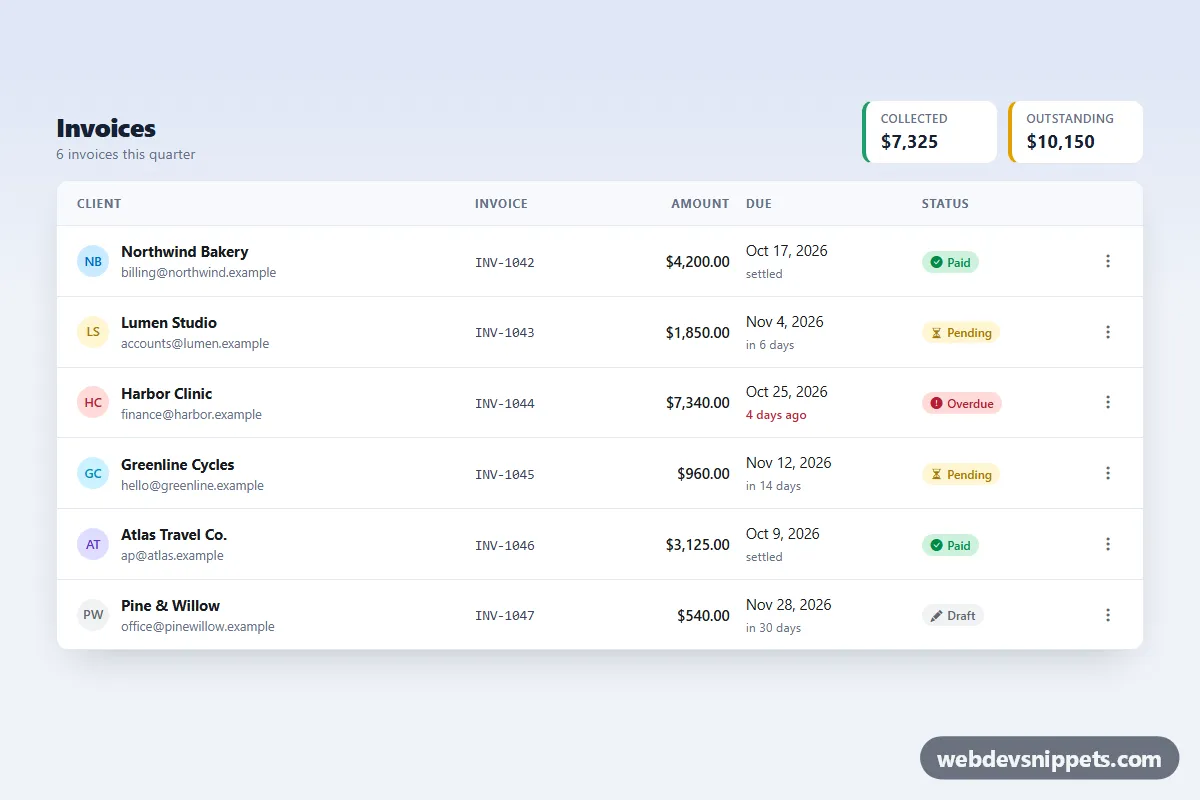
Bootstrap 6 invoice table with status badges, per-row action Menus, a delete confirmation Dialog, Toast feedback and stacked cards on narrow screens.

Also known as: table with row actions, invoice list table, responsive data table, table action menu, table delete confirmation

Bootstrap 6 Tables Responsive #badge #dashboard #menu #responsive #table

Responsive Table with Actions live demo

Open in new tab

Bootstrap 6 code (HTML, CSS, JS)

A responsive invoice table for admin panels and billing dashboards, built with Bootstrap 6. Each row has a client avatar, amount, due date, status badge and a three-dot action Menu. Delete asks for confirmation in a Bootstrap 6 Dialog, and every action reports back in a Toast. Below 768 px the rows turn into compact stacked cards.

How it works

The table sits in .table-responsive.table-card and uses table-hover and md:table-stacked. .table-responsive is the query container. When it is narrower than 768 px, Bootstrap hides the header and stacks the cells, using each data-cell attribute as the label. A scoped @container rule in style.css puts label and value on one line and pins the action button to the card's top-right corner.

Each action cell has a .rta-toggle button with data-bs-toggle="menu", data-bs-placement="bottom-end" and data-bs-strategy="fixed". The fixed strategy lets the .menu escape the scrolling table wrapper. The data API opens the menus, so no init code is needed. Menu items carry data-rta-action values. One delegated click listener on <tbody> runs the matching function in the actions object, duplicated rows included.

  • paid changes the badge through the STATUS map, disables "Mark as paid" and updates the Collected and Outstanding totals.
  • remind checks the status and shows a matching Toast.
  • duplicate clones the row as a new draft with the next invoice number.
  • delete fills .rta-dialog-id and opens the Dialog with Dialog.getOrCreateInstance().show(). After hidden.bs.dialog the row is removed and focus moves to the next row's menu button.

Due dates are stored as day offsets in data-rta-due. The script turns them into real dates relative to today, with hints such as "in 6 days" or "4 days ago", so the demo never looks outdated.

Customization

  • data-rta-amount and data-rta-due on each <tr>: set the amount used for the totals and the due date as days from today.
  • The STATUS object in script.js: rename statuses or change their theme-* color and icon.
  • --rta-accent, --rta-late and --rta-bg on .rta-root: change the focus color, the overdue text color and the page background.
  • Replace md:table-stacked with lg:table-stacked to keep cards up to a 1024 px wide container.
  • Add menu-item buttons with a new data-rta-action and a function of the same name in actions.
  • Replace the demo notify() calls with fetch() requests to your billing API.

Use cases

  • Billing and invoicing: an invoice table with status badges shows what is paid or overdue
  • Admin panels: a per-row action menu offers view, edit and delete
  • Safe deletion: a confirmation dialog and toast feedback follow a delete
  • Mobile admin pages: rows stack into cards on narrow screens

Accessibility

Each menu button has an aria-label that names its invoice, and the Menu plugin handles aria-expanded, arrow keys and Escape. The table has a visually hidden <caption> and scope="col" headers. Dates use <time datetime>. The Dialog is labelled and described by its title and text. The Toast is a polite status region, and the totals are a live region. The highlight on a duplicated row is disabled under prefers-reduced-motion.

Bootstrap 6 notes

Bootstrap 5's dropdown becomes a flat .menu with data-bs-toggle="menu". .modal becomes <dialog class="dialog">. badge bg-success becomes badge badge-subtle theme-success. table-responsive-md stacking is now md:table-stacked. Built on Bootstrap 6.0.0-alpha.1, so APIs can still change. Icons come from Bootstrap Icons.
Responsive Table with Actions at a glance

Framework
Bootstrap 6
Code
HTML, CSS, JavaScript
JavaScript
Vanilla JavaScript, no jQuery
Dependencies
Bootstrap 6, Bootstrap Icons
Layout
Responsive, works on mobile
Category
Tables
License
Free for personal and commercial use

Questions about this template

Can I use the Responsive Table with Actions code for free?

Yes. You can copy or download the code and use it in personal and commercial projects, including client work. No sign-up is needed. Reselling it as part of a component library or template collection is not allowed; see the license.

How do I add it to my website?

Load Bootstrap 6 and Bootstrap Icons from a CDN (the links are under Requirements). Paste the HTML where the component should appear, add the CSS to your stylesheet and load the JavaScript before the closing </body> tag. Download HTML gives you a complete page with everything already linked.

Does it need jQuery or a JavaScript framework?

No. The script is plain vanilla JavaScript, so it works without jQuery, React or Vue. You can still use the markup inside those frameworks.

Does it work on mobile?

Yes. The layout adapts to small screens. Use the Mobile and Tablet buttons above the live demo to check it at phone and tablet width.

Requirements

Add these to your page (already included in the download):

  • <link rel="stylesheet" href="https://cdn.jsdelivr.net/npm/bootstrap@6.0.0-alpha.1/dist/css/bootstrap.min.css">
  • <script type="module" src="https://cdn.jsdelivr.net/npm/bootstrap@6.0.0-alpha.1/dist/js/bootstrap.bundle.min.js"></script>
  • <link rel="stylesheet" href="https://cdn.jsdelivr.net/npm/bootstrap-icons@1.11.3/font/bootstrap-icons.min.css">

Built for Bootstrap 6.0.0-alpha.1. Bootstrap 6 ships as an ES module, so its script and this component's JavaScript load with type="module". Alpha releases can still change before the stable version.

Responsive Table with Actions – free Bootstrap 6 table template
Responsive Table with Actions · free Bootstrap 6 table template

More Tables

Table with Search Filter – free Bootstrap 5 table template

Table with Search Filter

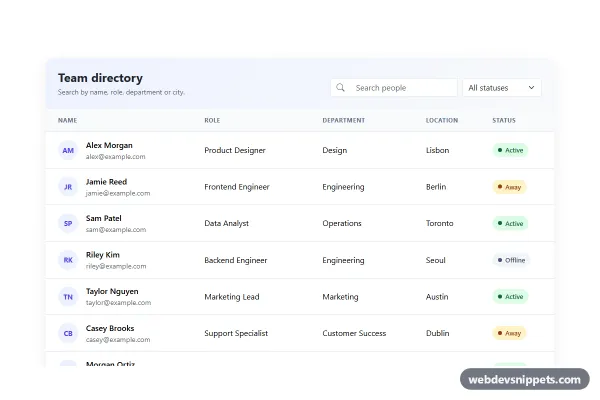
Bootstrap 5 team directory table with live search, status filter, highlighted matches, result counter and empty state.

Sortable Data Table – free Tailwind CSS table template

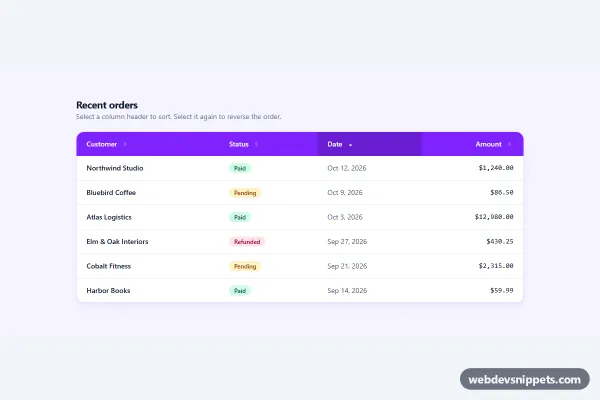
Sortable Data Table

Tailwind CSS data table with clickable column headers that sort text, dates and numbers, with aria-sort, arrow indicators and a responsive scroll wrapper.

Table with Search and Pagination – free Bootstrap 6 table template

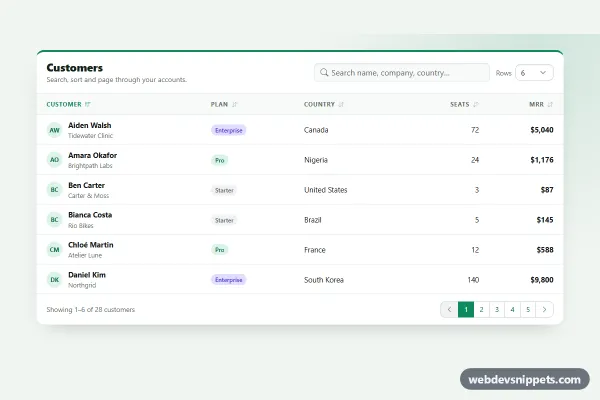
Table with Search and Pagination

Bootstrap 6 customer table with debounced live search and match highlighting, sortable columns with aria-sort, a rows-per-page select and smart pagination.

Product Inventory Table with Thumbnails – free Bootstrap 5 table template

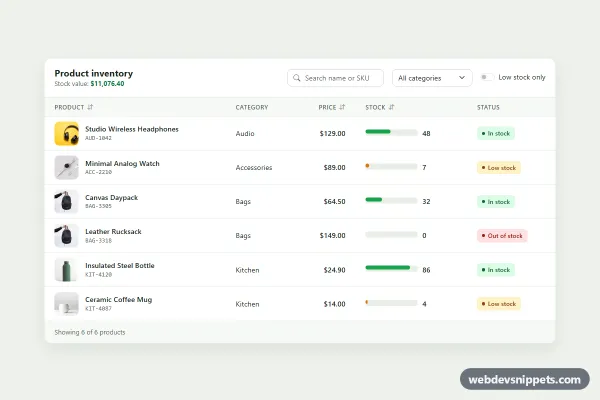
Product Inventory Table with Thumbnails

Bootstrap 5 inventory table with product thumbnails, SKUs, prices, color-coded stock meters, status badges, search, filters and sorting.

Editable Table with Inline Editing – free Bootstrap 5 table template

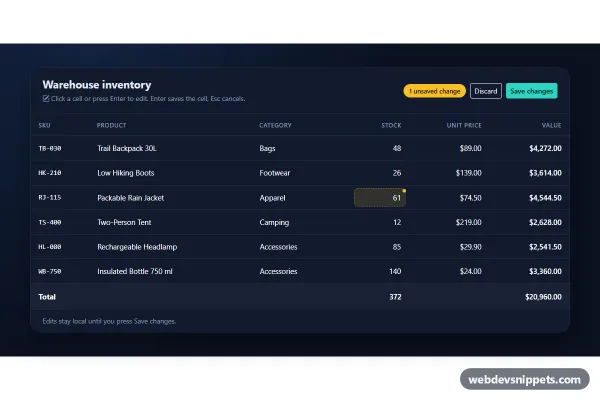
Editable Table with Inline Editing

Dark Bootstrap 5 inventory table with click-to-edit cells, validation, live totals, an unsaved changes counter and simulated save and discard.

Product Comparison Table Section for Shopify – free Shopify table template

Product Comparison Table Section for Shopify

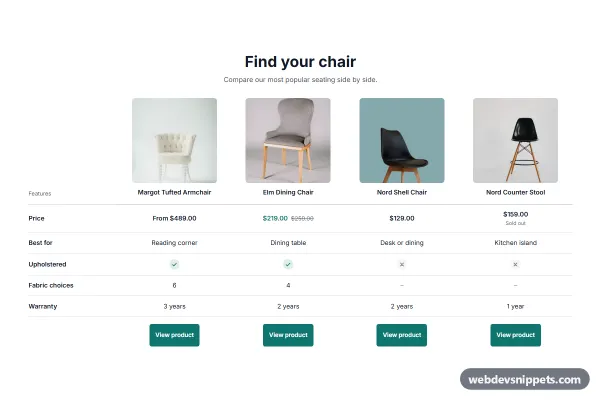
Shopify section with a real comparison table for 2 to 4 products: live prices, yes/no icons, row values set in the theme editor, and a sticky first column when it scrolls on phones.