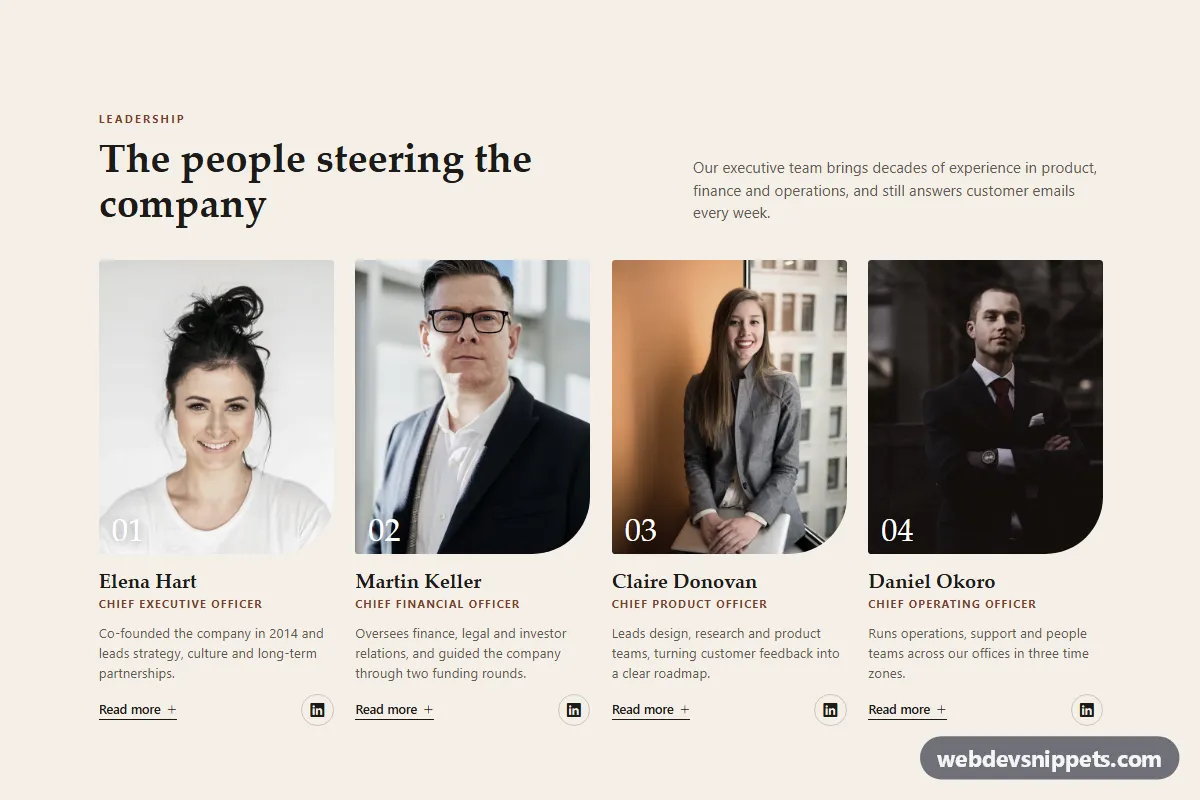
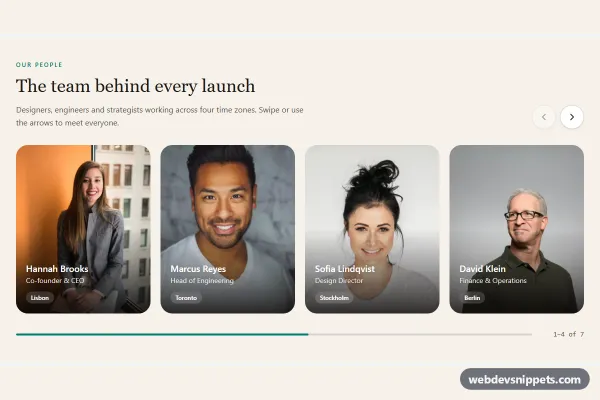
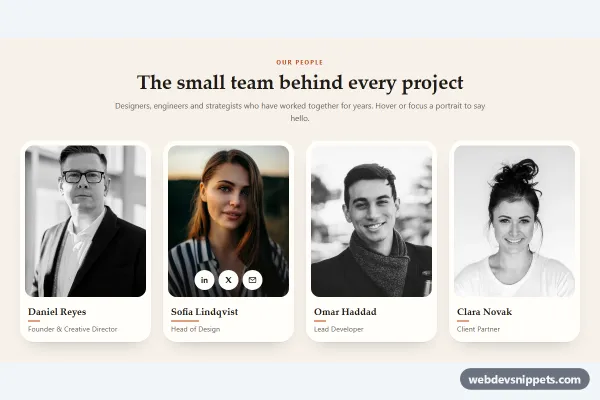
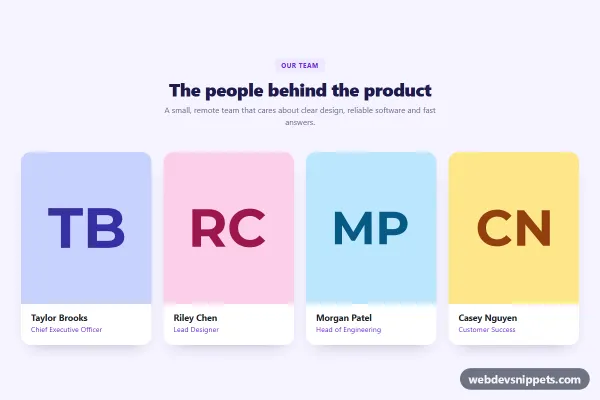
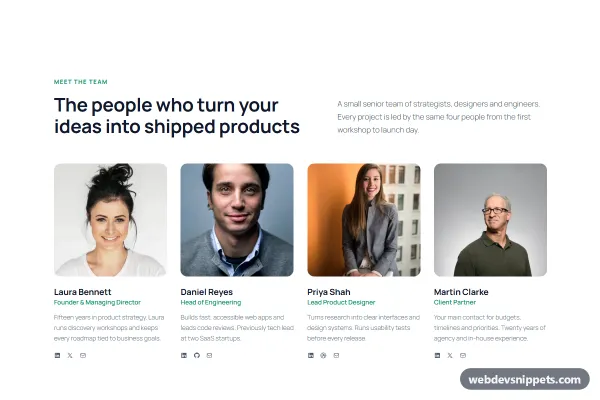
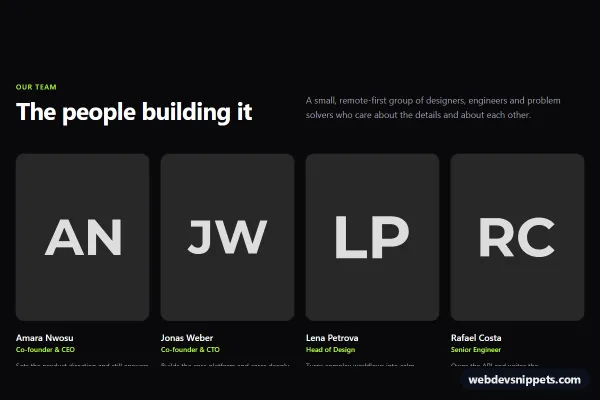
An editorial-style Bootstrap 5 leadership section with large portrait photos, serif names, executive titles, short bios and an expandable "Read more" paragraph for each person. It suits about pages and company profiles where executives should feel personal rather than corporate.
How it works
The root section.lt-team starts with an intro row: a kicker, a serif heading and a lead paragraph offset to the right on large screens. The team itself is a ul.row of four li columns (col-sm-6 col-lg-3), so portraits show one per row on phones, two on tablets and four on desktops.
Each person is an article.lt-person. The .lt-photo-wrap box uses aspect-ratio: var(--lt-photo-ratio) with one asymmetric rounded corner, and the .lt-photo image fills it with object-fit: cover. Photos start slightly desaturated with filter: grayscale(.35) and turn full color with a small zoom on hover or when anything inside the card has focus. A large serif .lt-index number sits in the bottom-left corner of each portrait.
Below the photo come the .lt-name, the .lt-role and a short .lt-bio. A second bio paragraph is wrapped in a Bootstrap .collapse element. The .lt-toggle button opens it through data-bs-toggle="collapse"; Bootstrap updates aria-expanded, and the CSS uses that attribute to swap the label from "Read more" to "Show less" and rotate the plus icon into a cross. No custom JavaScript is needed. A round .lt-social link points to each person's LinkedIn profile.
Customization
--lt-photo-ratioin.lt-team: set1 / 1for square portraits or2 / 3for taller ones.--lt-accent: changes the kicker, role titles, button hover and focus outline color.--lt-serif: swap the font stack for headings and names, for example a Google Font you already load.--lt-bg: sets the warm ivory section background.filter: grayscale(.35)in.lt-photo: usegrayscale(1)for black-and-white portraits that turn color on hover, ornoneto keep them in color.border-radiusin.lt-photo-wrap: remove the large bottom-right curve for plain rectangles.col-lg-3on eachli: usecol-lg-4for three larger portraits per row.
The portraits come from Unsplash; replace them with photos of your own team, cropped to the same ratio.
Use cases
- Company about pages: large portraits with titles and short bios make executives feel personal
- Agency and consultancy sites: each leader has an expandable Read more paragraph for a longer bio
- Investor and press pages: round LinkedIn links give visitors a way to find each executive
- Startup websites: four portraits per row on desktop, two on tablets and one on phones
Accessibility
The team is a real list, and each article is labelled by the person's name through aria-labelledby. Every portrait has descriptive alt text, and the decorative numbers are aria-hidden. Each toggle has aria-controls and an aria-expanded state kept in sync by Bootstrap, plus visually hidden text such as "about Elena Hart" so screen reader users know which bio opens. LinkedIn links have an aria-label with the person's name. Buttons and links show a 2 px outline on :focus-visible. With prefers-reduced-motion: reduce the photo zoom and icon rotation transitions are turned off; Bootstrap also disables the collapse animation.
Usage notes
Requires Bootstrap 5 with its JavaScript bundle (added automatically) and Bootstrap Icons. Keep every id on the .collapse elements unique when you add more people or reuse the section on the same page.