Skip to content

Event Invitation Card with Photo and RSVP

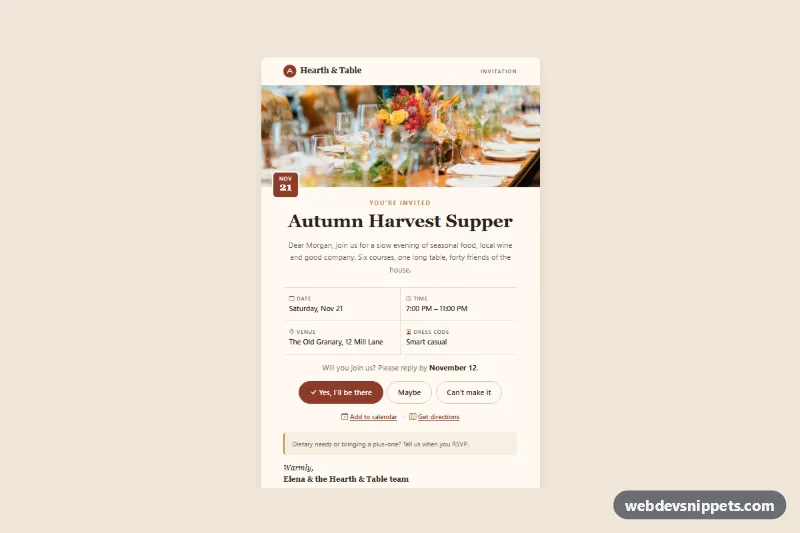
Bootstrap 5 event invitation card with a header photo, date chip, event details grid, RSVP buttons, calendar and directions links.

Also known as: event invitation, rsvp card, party invitation card, event rsvp page

Bootstrap 5 Cards Responsive #card #event #invitation #responsive #rsvp

Event Invitation Card with Photo and RSVP live demo

Open in new tab

Bootstrap 5 code (HTML, CSS, JS)

A warm, editorial event invitation card built with Bootstrap 5: brand header, a wide event photo with a date chip, a serif headline, a four-cell details grid and pill-shaped RSVP buttons. Use it on an event page, in a members area or as the confirmation screen after someone opens an invitation link for a dinner, launch or club evening.

How it works

The root .eie-invite sets the beige page background and all colors as custom properties. Inside it, article.eie-message is a 600px wide paper-colored card, labelled by its h1.

The header shows an inline SVG logo with the brand name and an "Invitation" label. .eie-photo contains the event photo, cropped to a 600 by 220 ratio with aspect-ratio and object-fit: cover, and the .eie-date-chip that overlaps its lower edge. The intro block has the .eie-eyebrow, the .eie-title in Georgia with a fluid clamp() size, and a personal greeting.

.eie-details is a dl turned into a two-by-two Bootstrap row with col-6 cells; the CSS draws the inner divider lines with :nth-child selectors. Each .eie-detail pairs an icon label (dt) with the value (dd). The RSVP area stacks the three .eie-btn links on phones and puts them in a row from sm with flex-sm-row. Calendar and map links, the gold-bordered .eie-note, a signature and the .eie-footer follow.

A short script keeps the demo date in the future: it picks the first Saturday at least four weeks from today, writes it into the elements marked data-eie-month, data-eie-day, data-eie-date and data-eie-time (with matching datetime values), and sets the reply-by date in data-eie-rsvp nine days earlier.

Customization

  • --eie-accent and --eie-accent-dark in .eie-invite: change the primary RSVP button, date chip, icons and links.
  • --eie-bg and --eie-paper: set the outer background and the card color.
  • --eie-serif: switch the headline, brand and signature font to another serif stack.
  • The img inside .eie-photo: point src to your own event photo and keep aspect-ratio: 600 / 220 or change it for a taller banner.
  • Real event: delete script.js and write your date into the data-eie-* elements, or set them from your server.
  • The href of each .eie-btn: link to your RSVP endpoint with a token, for example ?rsvp=yes.

Use cases

  • Event pages: a photo with a date chip and details grid announces a dinner or launch
  • Members areas: guests see time, place and RSVP buttons after opening an invitation link
  • Club evenings: pill-shaped Yes and No buttons collect a reply from each invited guest
  • Confirmation screens: calendar and directions links help guests plan their arrival

Accessibility

The card is an article with aria-labelledby pointing to the headline, the photo has descriptive alt text, and the date chip is aria-hidden because the date is repeated in the details list. Icons are decorative and hidden from screen readers. The RSVP buttons are real links with clear text, links and buttons show a 2px accent focus outline, and muted text colors stay readable on the cream background.

Usage notes

Requires Bootstrap 5 (added automatically) and Bootstrap Icons. The photo comes from Unsplash; replace it with your own image. This is a web component, not an email template: email clients such as Outlook do not load Bootstrap or icon fonts, so for a sent invitation use a table-based email with inline styles.
Event Invitation Card with Photo and RSVP at a glance

Framework
Bootstrap 5
Code
HTML, CSS, JavaScript
JavaScript
Vanilla JavaScript, no jQuery
Dependencies
Bootstrap 5, Bootstrap Icons
Layout
Responsive, works on mobile
Category
Cards
License
Free for personal and commercial use

Questions about this template

Can I use the Event Invitation Card with Photo and RSVP code for free?

Yes. You can copy or download the code and use it in personal and commercial projects, including client work. No sign-up is needed. Reselling it as part of a component library or template collection is not allowed; see the license.

How do I add it to my website?

Load Bootstrap 5 and Bootstrap Icons from a CDN (the links are under Requirements). Paste the HTML where the component should appear, add the CSS to your stylesheet and load the JavaScript before the closing </body> tag. Download HTML gives you a complete page with everything already linked.

Does it need jQuery or a JavaScript framework?

No. The script is plain vanilla JavaScript, so it works without jQuery, React or Vue. You can still use the markup inside those frameworks.

Does it work on mobile?

Yes. The layout adapts to small screens. Use the Mobile and Tablet buttons above the live demo to check it at phone and tablet width.

Requirements

Add these to your page (already included in the download):

  • <link rel="stylesheet" href="https://cdn.jsdelivr.net/npm/bootstrap@5.3.3/dist/css/bootstrap.min.css">
  • <script src="https://cdn.jsdelivr.net/npm/bootstrap@5.3.3/dist/js/bootstrap.bundle.min.js"></script>
  • <link rel="stylesheet" href="https://cdn.jsdelivr.net/npm/bootstrap-icons@1.11.3/font/bootstrap-icons.min.css">
Event Invitation Card with Photo and RSVP – Bootstrap 5 cards component screenshot
Event Invitation Card with Photo and RSVP · Bootstrap 5 Cards

More Cards

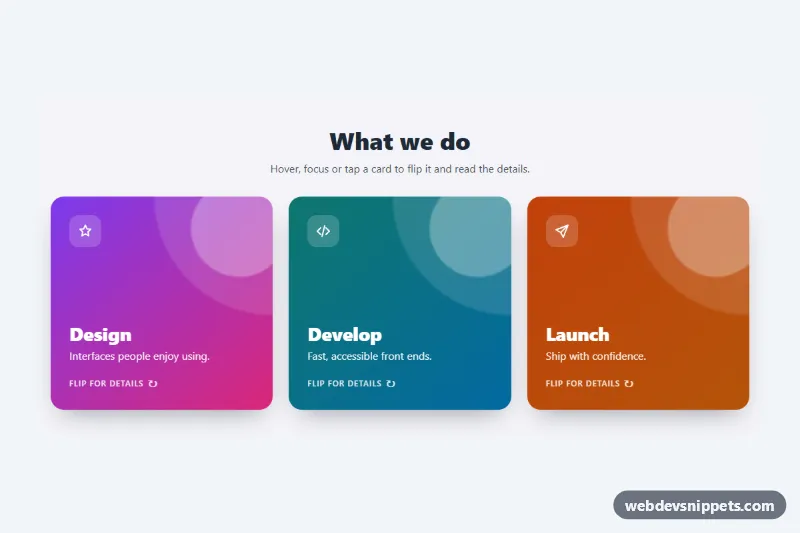
3D Flip Card – Pure CSS cards preview

3D Flip Card

Three pure CSS 3D flip cards that turn on hover, keyboard focus or tap to reveal details and a link on the back.

Event Card with Photo and Date Badge – Pure CSS cards preview

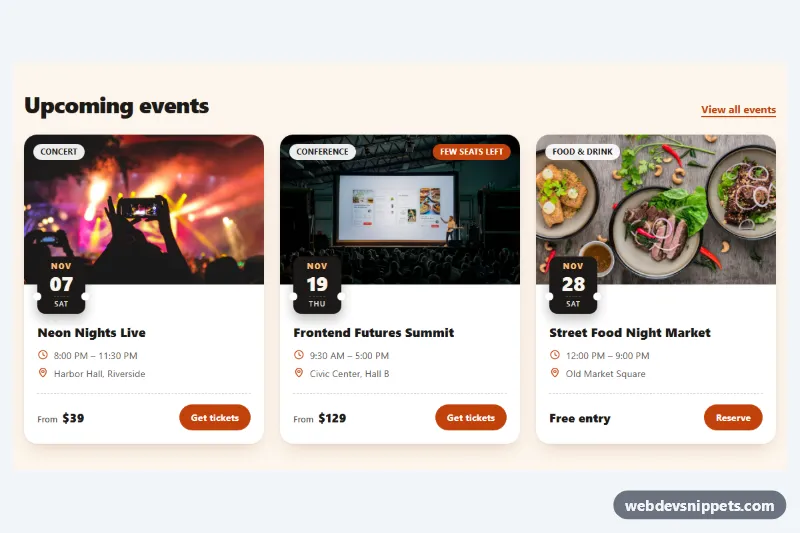
Event Card with Photo and Date Badge

Pure CSS event cards with a cover photo, ticket-stub date badge, category chip, time and venue details, price and a ticket button.

Cards with Hover Lift – Pure CSS cards preview

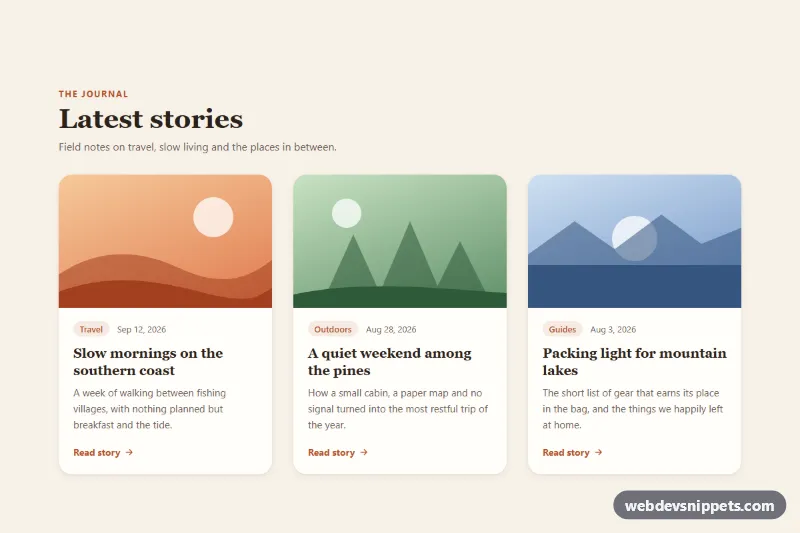
Cards with Hover Lift

Pure CSS blog card grid where each card lifts with a deeper shadow and zooms its image on hover or keyboard focus.

Blog Post Card – Tailwind CSS cards preview

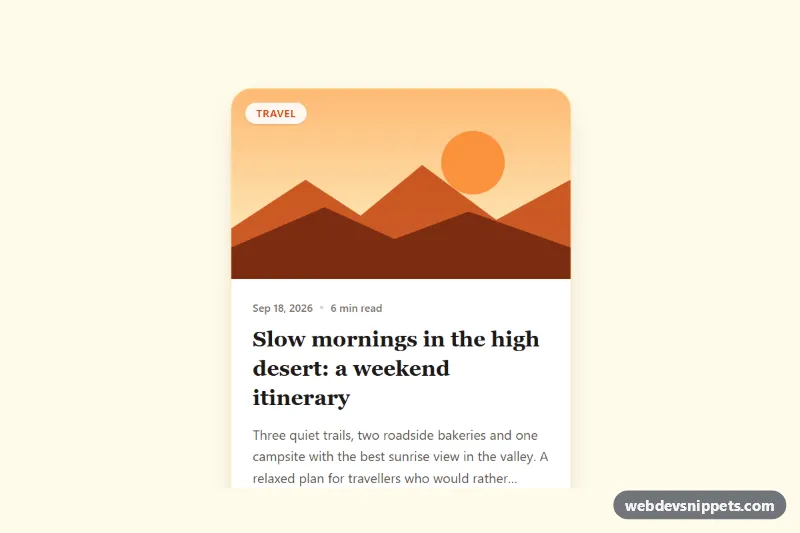
Blog Post Card

Tailwind CSS blog post card with cover illustration, category badge, date, reading time, clamped excerpt, author row and a fully clickable area.

Glassmorphism Card – Tailwind CSS cards preview

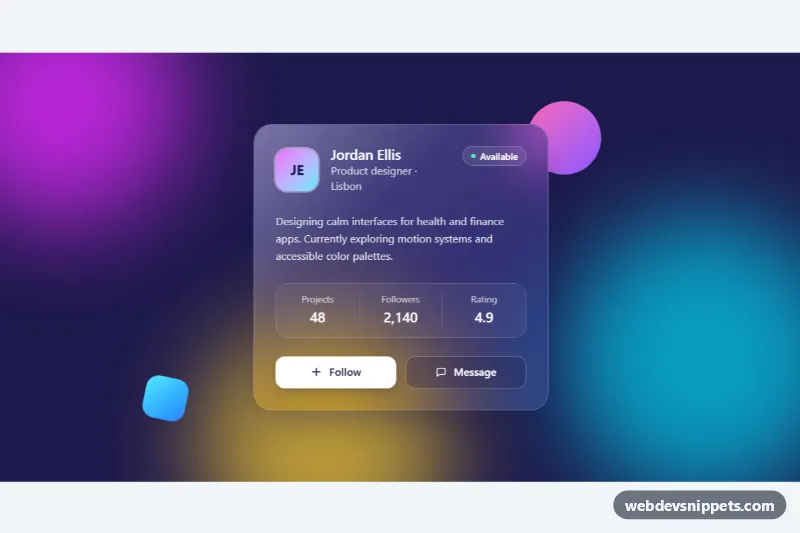
Glassmorphism Card

Frosted glass profile card in Tailwind CSS with backdrop blur, a light reflection and a follow button over colorful animated gradient blobs.

Interactive Card with Hover Lift – Bootstrap 6 cards preview

Interactive Card with Hover Lift

Bootstrap 6 clickable learning path cards that lift with a soft shadow on hover and keyboard focus, using hover-lift, stretched links and a level filter.