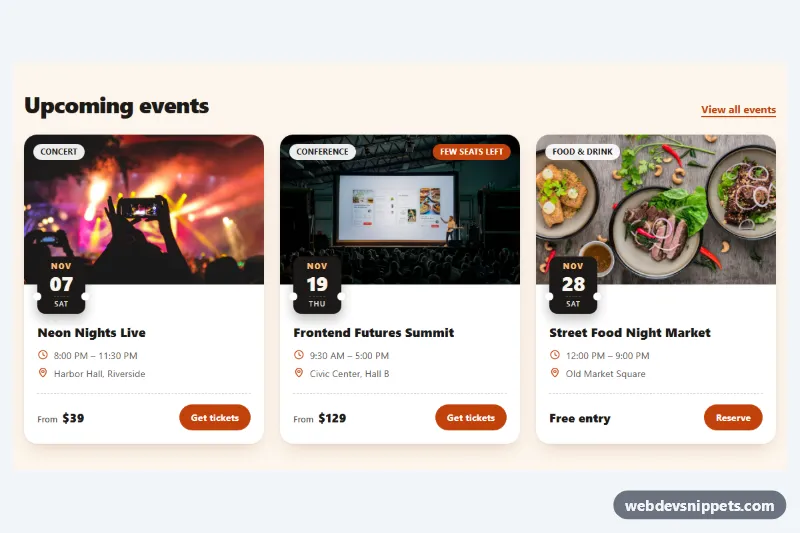
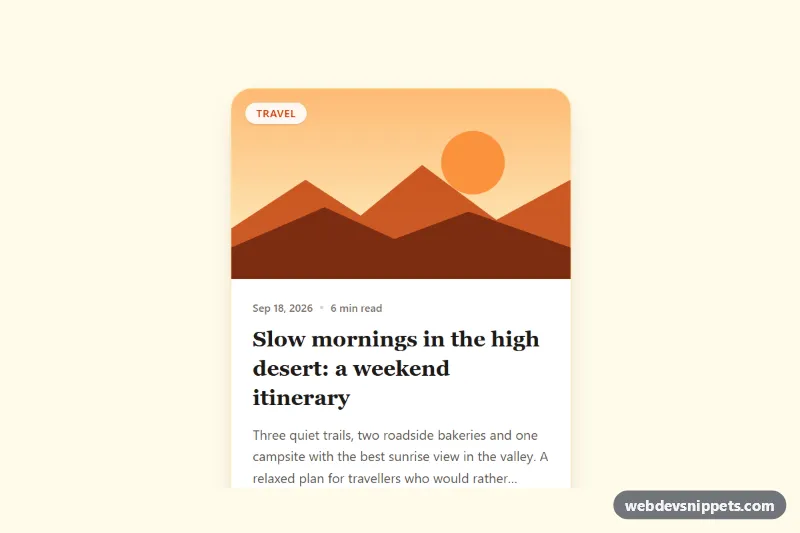
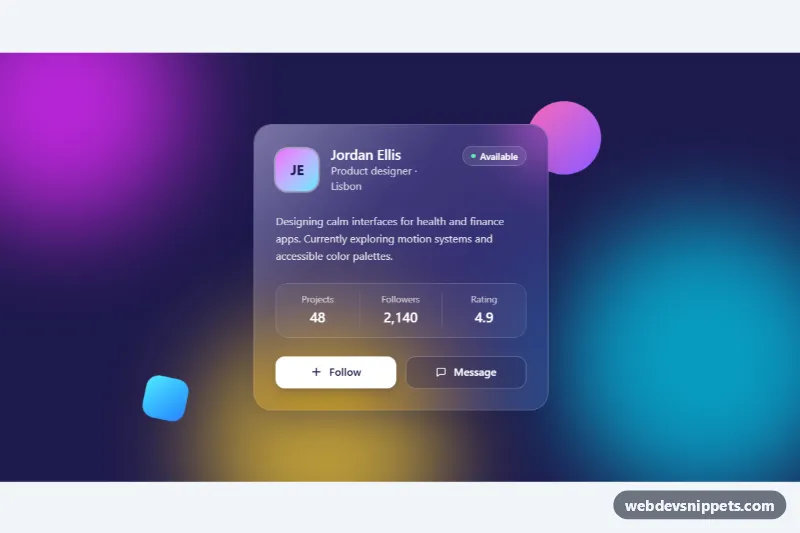
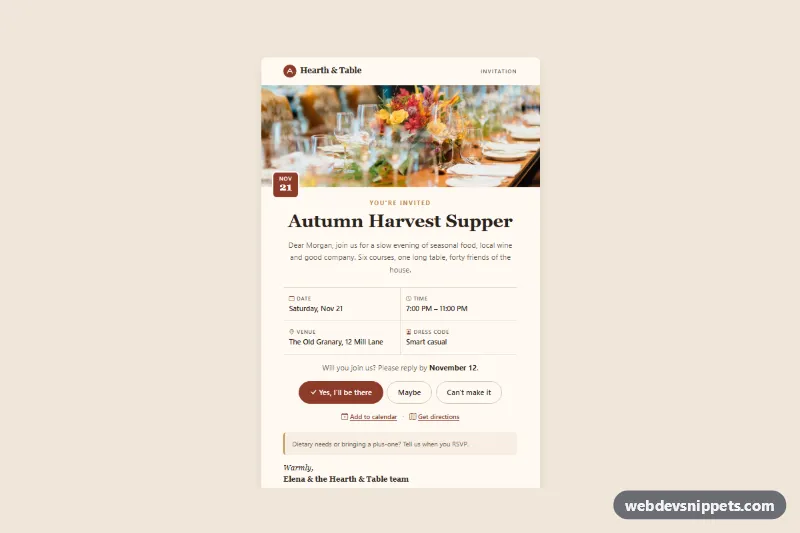
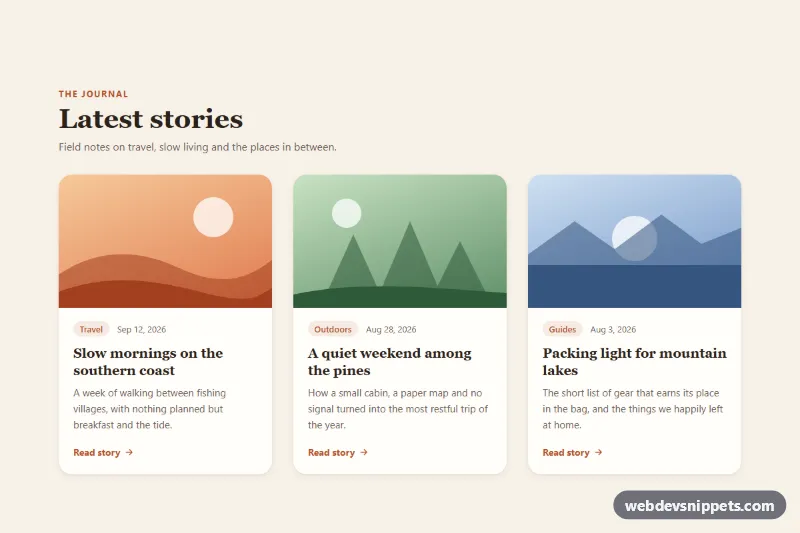
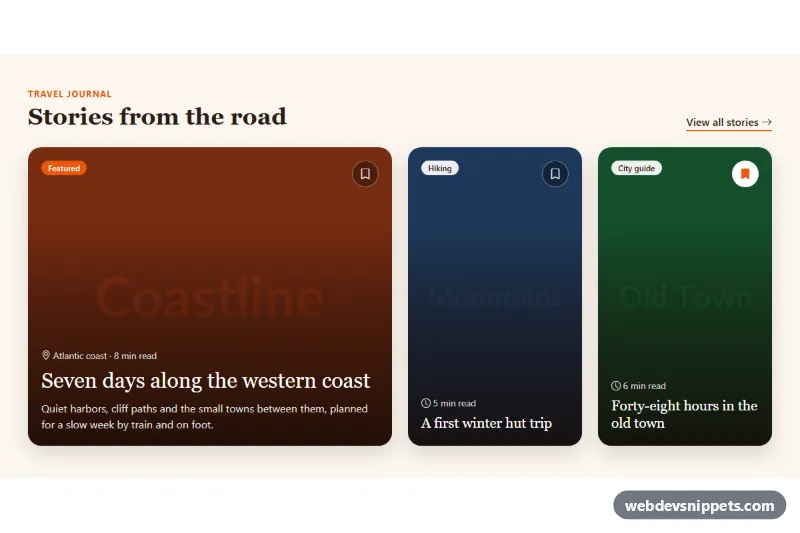
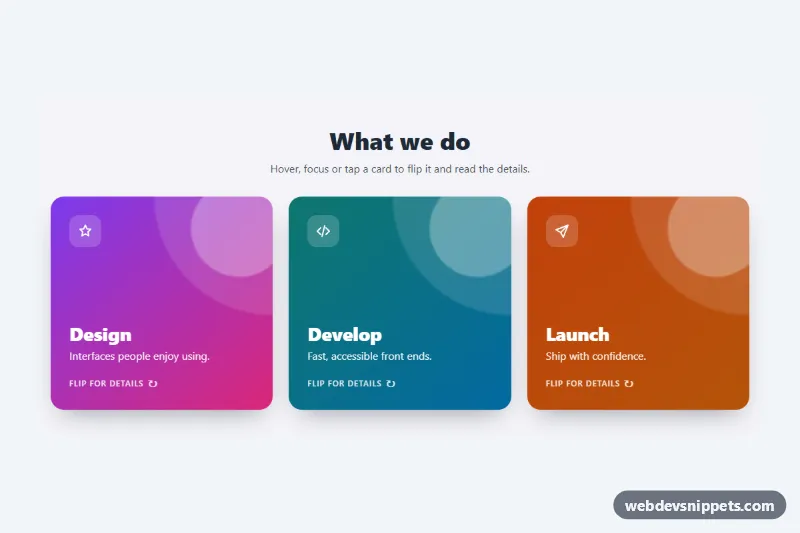
A set of event cards built with pure CSS and a tiny script. Each card combines a cover photo, a dark ticket-stub date badge that overlaps the image, a category chip, time and venue details, a price and a ticket button. Use it for concert listings, conference schedules, meetups, workshops or local event calendars.
How it works
The root section.ev-events holds a heading row (.ev-head with a "View all events" link) and an .ev-grid that shows one column on phones, two from 640px and three from 960px. Every article.ev-card is a flex column with four parts:
.ev-mediakeeps the photo at a fixed ratio withaspect-ratio: var(--ev-photo-ratio), and.ev-imgfills it withobject-fit: cover. One or two.ev-chiplabels sit on top of the photo;.ev-chip--alertmoves to the right corner in the accent color.time.ev-datecarries a machine-readabledatetimevalue and shows.ev-month,.ev-dayand.ev-weekday. A negative top margin pulls it up over the photo. Its::beforeand::afterpseudo-elements are two small circles in the card color, which cut notches into the sides next to the dashed line and turn the badge into a ticket stub..ev-bodycontains the.ev-titleand an.ev-metalist with inline SVG clock and pin icons..ev-footusesmargin-top: auto, so the price and the.ev-ticketbutton line up at the bottom of every card even when titles wrap to different lengths.
On hover or focus (:focus-within) the card lifts and the photo zooms slightly. On DOMContentLoaded, script.js sets each badge to today plus data-ev-days, so the sample events always lie ahead; without JavaScript the static month and day remain.
Customization
--ev-accentand--ev-accent-hoveron.ev-events: the color of buttons, icons, the alert chip and links, e.g. a teal#0f766e.--ev-date-bgand--ev-date-text: the date badge colors; use the accent color for a brighter badge.--ev-photo-ratio: the image shape, e.g.4 / 3for taller photos or21 / 9for slim banners.data-ev-days,data-ev-dowanddata-ev-timeon.ev-date: days from today, the weekday to round up to (0 = Sunday) and the start time; removedata-ev-daysfor a fixed date.--ev-card: the card background, also used by the notch circles.- Add
.ev-chip--alertto a second chip for states like "Sold out" or "Few seats left". grid-template-columnsin the.ev-gridmedia queries: switch to four columns on very wide layouts.
Accessibility
Each card is an article labelled by its title through aria-labelledby. The date uses a time element with an ISO datetime, so assistive technology and search engines read the exact date. Icons are aria-hidden, and visually hidden .ev-sr text adds "Time:" and "Venue:" for screen readers. Every ticket link has an aria-label that includes the event name. Links get a clear :focus-visible outline in --ev-focus. Colors meet WCAG AA, and prefers-reduced-motion: reduce turns off the lift and zoom effects.
Usage notes
The photos come from Unsplash and should be replaced with your own event images.