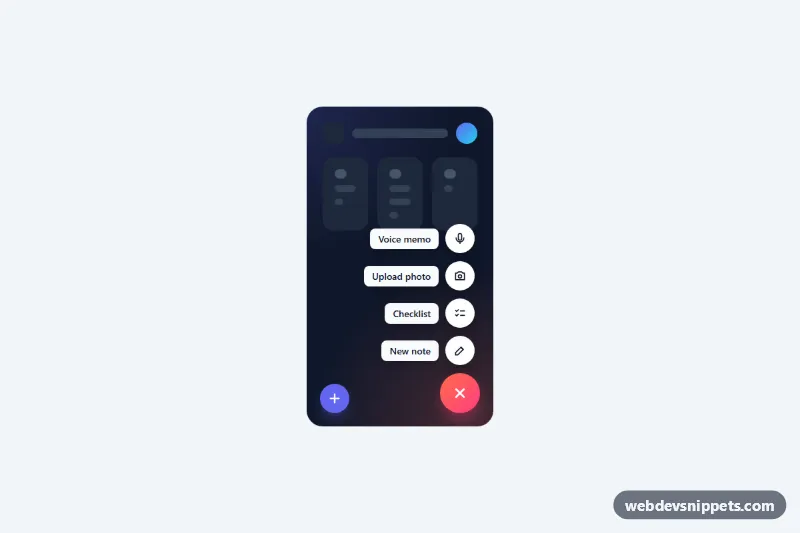
Floating Action Button Speed Dial
Pure CSS floating action button that expands into a staggered speed dial of labeled actions, with vertical and horizontal variants and keyboard support.
FABs and speed-dial menus.
2 component(s)
Pure CSS floating action button that expands into a staggered speed dial of labeled actions, with vertical and horizontal variants and keyboard support.
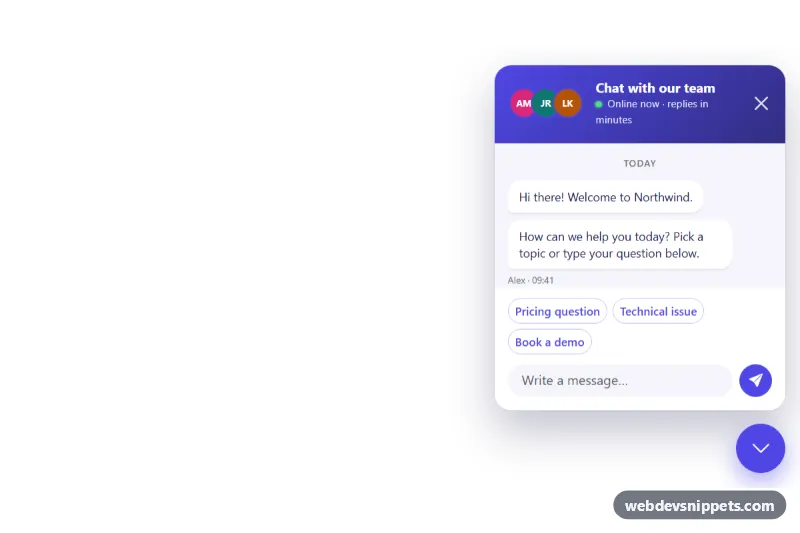
Bootstrap 5 floating chat button fixed to the bottom-right corner that opens a support chat panel with quick replies, typing indicator and unread badge.
A floating action button (FAB) is a circular or rounded button that floats above the content, usually in the bottom-right corner of the screen, and stays in place while the page scrolls. It represents the single most common action on a screen, such as "Compose", "Add task" or "New chat". A speed-dial FAB expands into a small menu of related actions when it is pressed, which is useful when there are two to five closely related creation options.
position: fixed and enough margin so it does not cover important content or the bottom navigation.A FAB is usually icon-only, so it needs an aria-label that names the action, for example "Create new note". For speed-dial menus, set aria-expanded on the trigger and aria-controls pointing to the action list, move focus into the menu when it opens, close it with Escape and return focus to the trigger. Each mini action also needs its own label, often shown as a visible text chip beside the icon. Keep the button large enough for touch and make sure it remains reachable with the keyboard by placing it sensibly in the tab order.
This collection of floating action button CSS and speed dial examples includes Bootstrap 6, Bootstrap 5, Tailwind CSS and pure CSS versions. Static FABs need only HTML and CSS; speed-dial variants include a small script for toggling. Bootstrap 6 versions use theme-* colour roles for the button fill. Use the live preview to check the expand animation, then copy the code from the code tabs or download it.