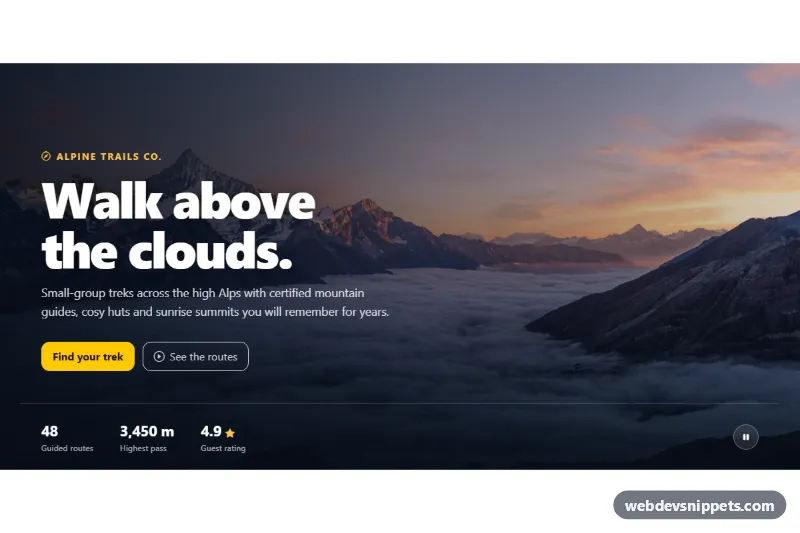
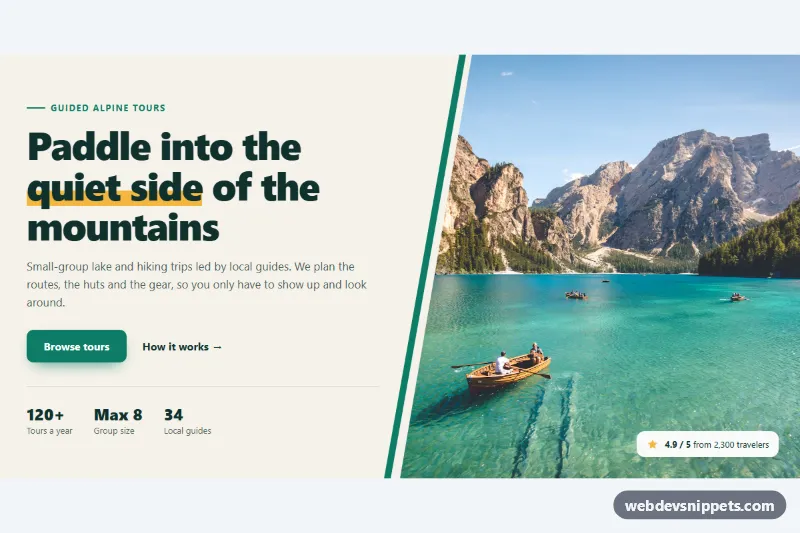
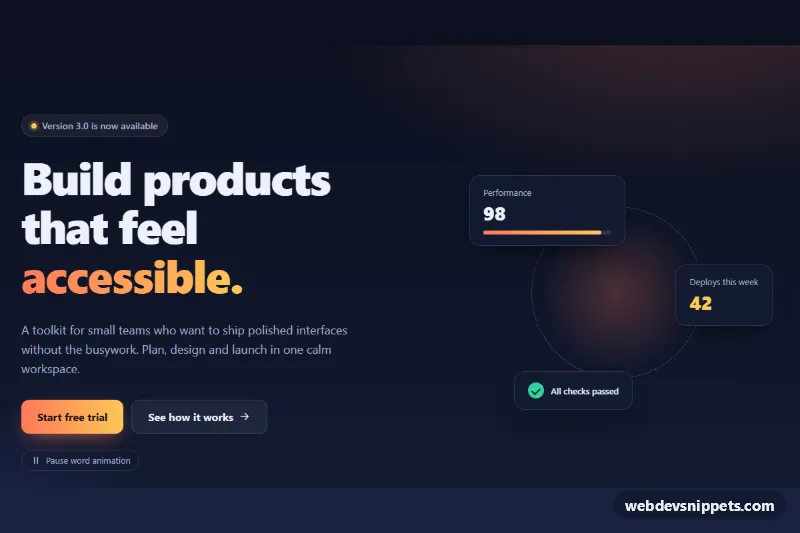
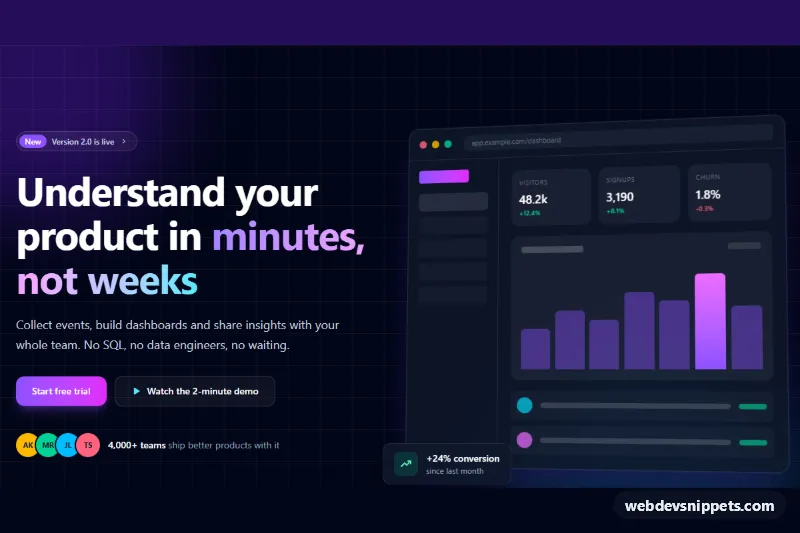
A full-width Bootstrap 6 hero for travel, outdoor or brand landing pages. A muted background video, or a slowly zooming poster photo, plays behind a dark gradient overlay, with a large headline, two buttons and a stats bar. A round pause button lets visitors stop the motion at any time.
How it works
The section .hbv-root is pinned to data-bs-theme="dark" and is a flex column that pushes the content to the bottom. .hbv-media holds two layers that fill the section with object-fit: cover. The first is the poster <img class="hbv-poster">, which runs a slow hbv-drift zoom animation. The second is an empty, muted <video class="hbv-video"> that starts transparent.
script.js reads data-hbv-src from the root. When it holds a video URL, the script sets it as the video source and calls play(). On the first playing event it adds .hbv-has-video, which fades the video in over the poster. If autoplay is blocked or no URL is set (as in this demo), the poster stays visible.
.hbv-shade stacks two gradients built from --hbv-overlay. One darkens from left to right behind the text, and one darkens upward behind the stats bar. The text block .hbv-content holds the eyebrow, <h1>, intro and two buttons: btn-solid theme-warning and btn-outline theme-inverse. .hbv-bar holds a <dl class="hbv-stats"> and the .hbv-toggle button.
Clicking .hbv-toggle pauses or resumes the video. It also toggles .hbv-paused, which stops the poster animation, and updates aria-pressed, the label and the play/pause icon.
Customization
data-hbv-srcon.hbv-root: set it to an MP4 or WebM URL, for example/media/hero-loop.mp4, to play a background video. Keep the file short, silent and compressed.--hbv-overlayon.hbv-root: the RGB triplet of the overlay; use a warmer or lighter value to change the mood.--hbv-accenton.hbv-root: the eyebrow, star and focus outline color.--hbv-heighton.hbv-root: the hero height, which never goes below 560px.hbv-driftkeyframes instyle.css: changescale(1.12)or the28sduration on.hbv-posterfor a stronger or calmer zoom.- Change
theme-warningon.hbv-ctato another color role for a different primary button.
The poster photo comes from Unsplash. Replace it with your own image, ideally the first frame of your video.
Use cases
- Travel and outdoor sites: a muted background video plays behind a dark gradient overlay
- Brand landing pages: a large headline, two buttons and a stats bar sit on top
- Slow connections: a slowly zooming poster photo works when video is not available
- Accessible pages: a round pause button lets visitors stop the motion at any time
Accessibility
The media layers and overlay are aria-hidden, and the poster has empty alt text because it is decorative. The video is muted and has no controls in the tab order. The .hbv-toggle button lets users stop all motion, which meets WCAG 2.2.2 (Pause, Stop, Hide). It is a toggle button with aria-pressed and a label that changes between "Pause" and "Play". Under prefers-reduced-motion the zoom animation is off, and the script starts paused, so the video never autoplays. All buttons have visible amber focus outlines.
Bootstrap 6 notes
Bootstrap 5's btn btn-warning and btn btn-outline-light become btn-solid theme-warning and btn-outline theme-inverse. The icon button uses the new btn-icon class. Dark styling comes from data-bs-theme="dark" instead of bg-dark/text-white. Built on Bootstrap 6.0.0-alpha.1, so APIs may still change.