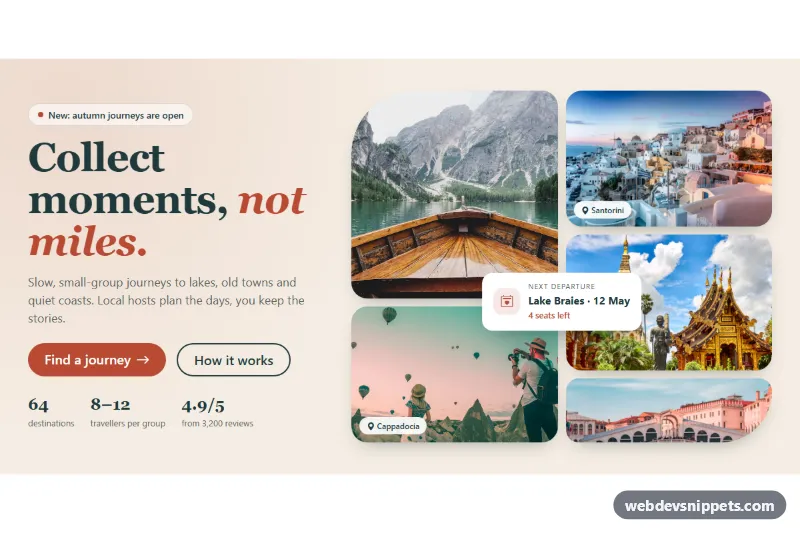
Two-column split hero for consulting and agency sites with a headline, two buttons, three trust stats and a tall team photo, built from core Gutenberg blocks.
Also known as: split hero section, hero with image and text, consulting website hero, hero section with stats, two column hero
A split hero with an image and trust stats, built as a WordPress block pattern from core blocks. Text sits on the left: an eyebrow, a headline, a short value statement, two buttons and three key numbers. A tall team photo with rounded corners sits on the right. It is a two-column hero for consulting firms, agencies and professional services that want to build trust right away.
How it works
A full-width Group with an off-white background (#f8f7f4) holds a Columns block with a 1200px content width, split 54% / 46% and vertically centered. The left column stacks a paragraph eyebrow, an H1, a lead paragraph, a Buttons block with a pill-shaped filled button and a matching outline button, and a Group with Grid layout (3 columns). The grid has a 1px top border and holds three small Groups, each with a large number and a label. The right column holds an Image block cropped to a 4:5 aspect ratio with a 24px radius. On phones the columns stack, text first and photo second.
Use cases
Management and strategy consultants: show experience, clients and retention next to the main promise
Marketing and design agencies: replace the stats with projects delivered and awards
Accounting and legal firms: a calm, credible first section with a call booking button
Coaching and training businesses: the photo shows people at work, the stats show results
How to use it
Copy the block markup.
Paste it into an empty paragraph in the block editor.
Replace the text, the numbers and the photo with your own.
Customization
Background: outer Group > Color > Background #f8f7f4.
Accent: the Book a strategy call button uses Color > Background #14532d; the outline button uses Border color #14532d and the same text color. The eyebrow uses #166534.
Headline: H1 at Typography > Font size 56px, weight 700, Color > Text #10261b.
Column widths: select each Column and change Width (54% and 46%).
Stats: edit the three number paragraphs (36px, weight 700) and labels; the stats Group uses Layout > Grid with 3 columns and a Border top of 1px #dcdad3.
Photo: Image block > Aspect ratio 4/5 and Border radius 24px; use Replace to add your own team photo.
Button shape: Border radius 999px gives the pill shape; set 8px for a squarer look.
The photo comes from Unsplash; replace it with a photo of your own team.
Accessibility
The headline is the H1 and the photo has descriptive alt text. Dark green text on the off-white background and white text on #14532d pass WCAG AA contrast. The stats are plain text, so screen readers read the number and its label together, and the buttons are standard keyboard-focusable links.
Can I use the Split Hero with Image and Trust Stats code for free?
Yes. You can copy or download the block markup and use it in personal and commercial projects, including client work. No sign-up is needed. Reselling it as part of a component library or template collection is not allowed; see the license.
How do I add it to my WordPress site?
Copy the block markup, open a page in the block editor, click into an empty paragraph and paste. WordPress turns it into regular blocks that you can edit like any other content. You can also paste it in the Code editor view (Options menu > Code editor).
Does it need a page builder or plugin?
No. The pattern is built only from core blocks such as Group, Columns, Heading, Image and Buttons, so it works without Elementor, Spectra, Kadence or any other plugin. Colors and spacing are set on the blocks themselves; headings and text use your theme's fonts.
Will it look the same in my theme?
The layout, colors and spacing come with the blocks, so they carry over. Fonts, link styles and the content width follow your theme, so small differences are normal. The live demo shows the pattern in the default Twenty Twenty-Five theme. It works best with block themes; in classic themes the block editor still renders it, with your theme's styles.
Does it work on mobile?
Yes. The layout adapts to small screens. Use the Mobile and Tablet buttons above the live demo to check it at phone and tablet width.
How to install
Copy the block markup above.
Open a page or post in the WordPress block editor, click into an empty paragraph and paste. The editor turns the markup into blocks.
Replace the sample text and images. To reuse it, select the blocks and choose Create pattern from the block toolbar menu.
Uses only core WordPress blocks, so no plugin is needed. Tested with WordPress 6.8 and later. Fonts come from your theme; the live demo uses the default Twenty Twenty-Five theme. WebDevSnippets is not affiliated with or endorsed by the WordPress Foundation.
Split Hero with Image and Trust Stats · WordPress Hero Sections
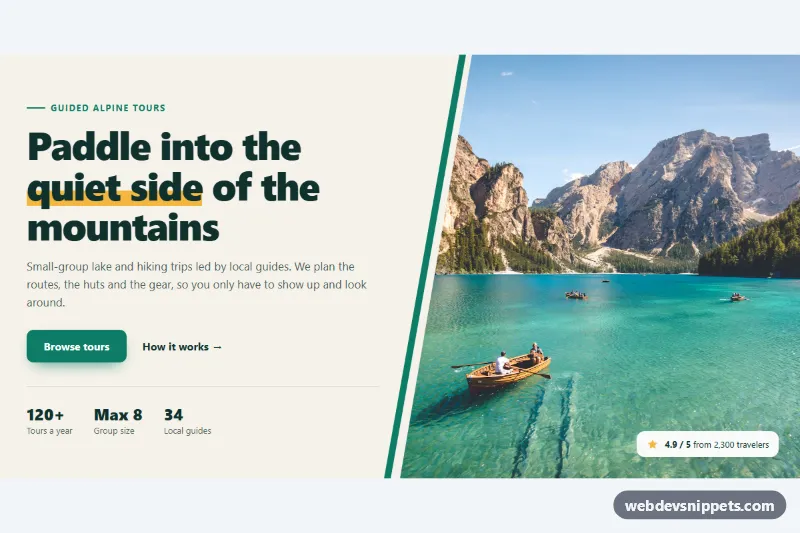
Pure CSS split hero with headline, buttons and stats beside a full-height photo cut on a diagonal with clip-path, plus an accent stripe and rating badge.
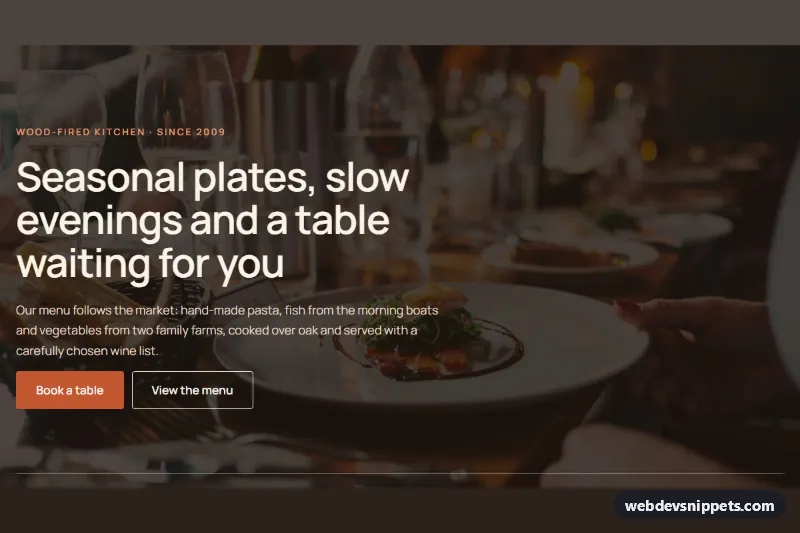
Restaurant cover hero with a full-width photo background, dark overlay, Book a table and View the menu buttons and an opening hours row, built only with core blocks.
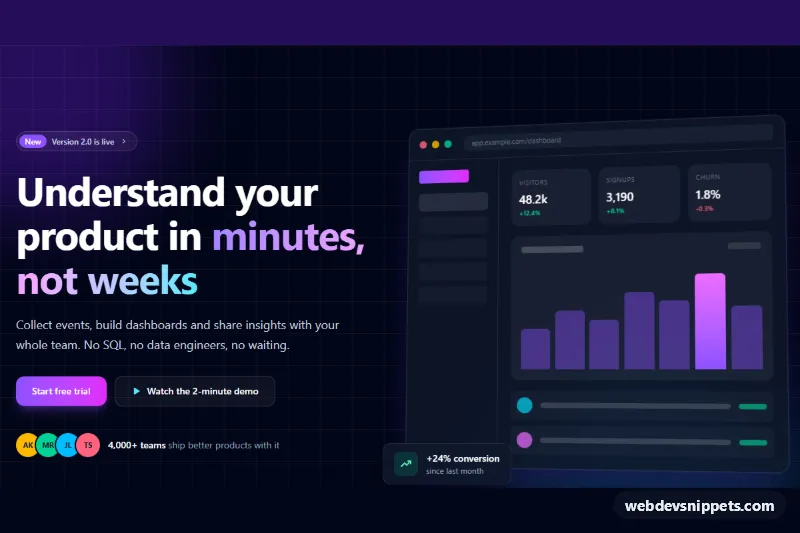
Centered SaaS hero section for the block editor with a headline, two buttons and a framed product dashboard screenshot, ready to paste as a Gutenberg pattern.
Bootstrap 5 hero section with a serif headline, call-to-action buttons and stats on the left and a five-photo collage grid with a floating card on the right.