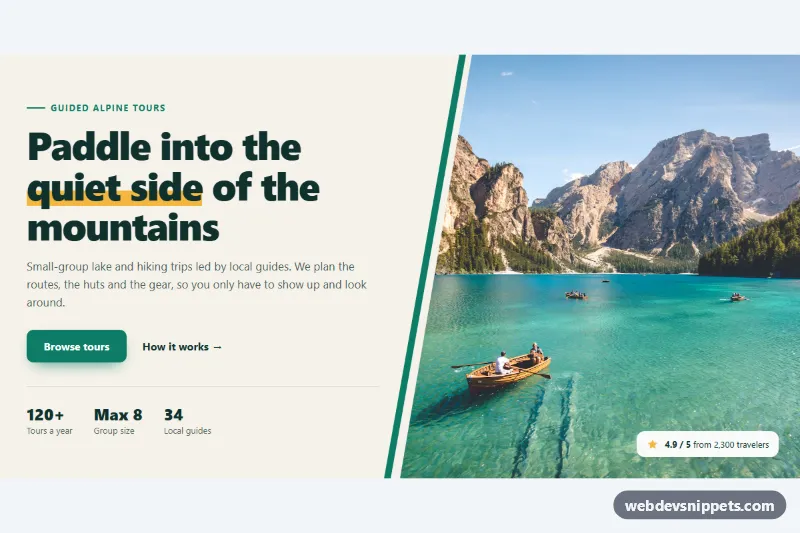
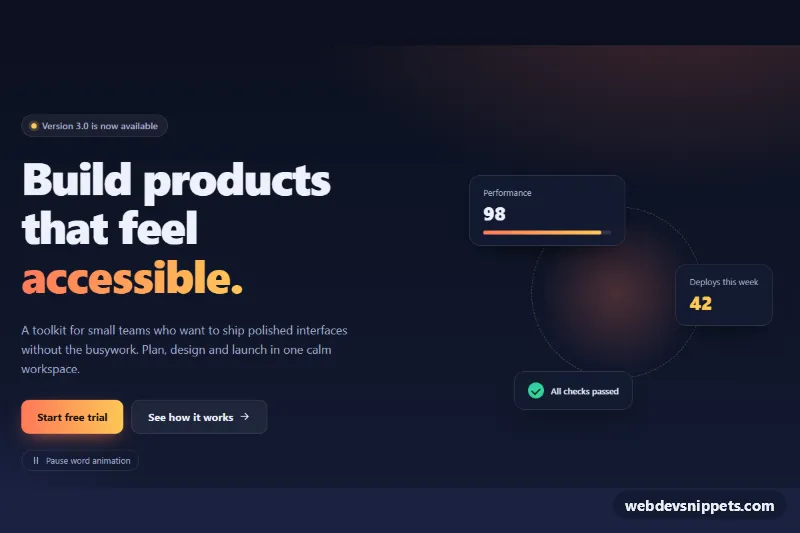
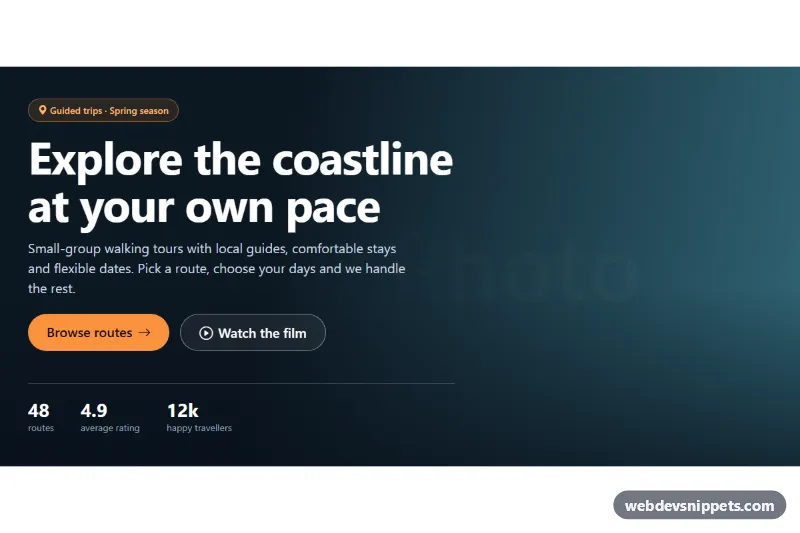
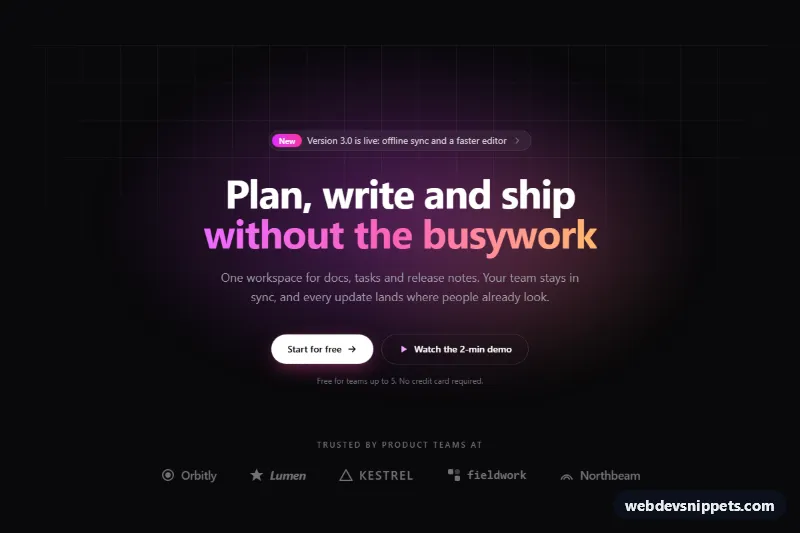
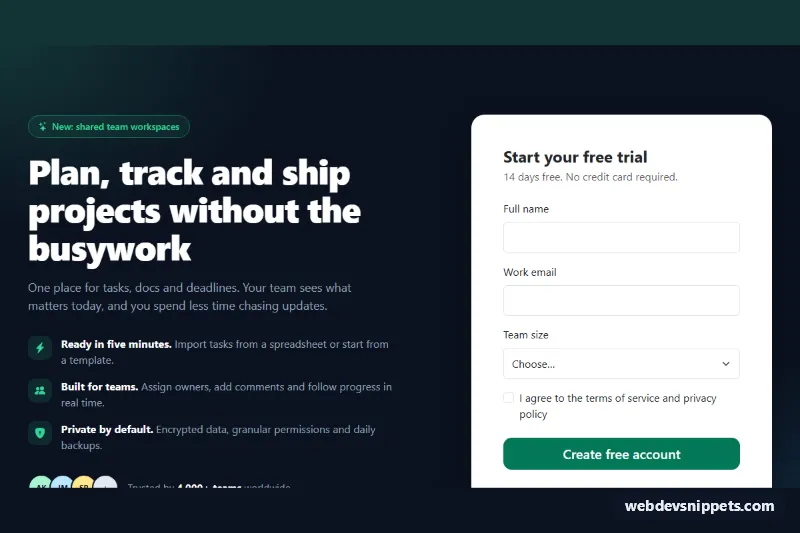
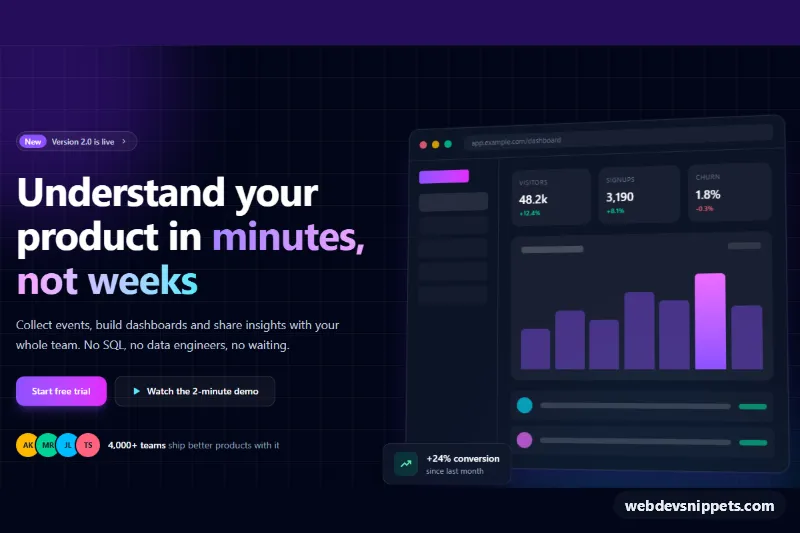
A split hero section in pure CSS with copy on the left and a full-height photo on the right whose inner edge is cut at an angle with clip-path. A thin accent stripe follows the diagonal, and a rating badge floats over the image. It suits travel and tour sites, agencies, outdoor brands and any landing page that needs a strong first impression with a single photo.
How it works
The root section.hdp is a CSS grid. .hdp-copy contains the eyebrow line, the h1.hdp-title with a highlighted .hdp-mark phrase, the .hdp-lead paragraph, two buttons in .hdp-actions and a dl.hdp-stats list. The stat items use flex-direction: column-reverse, so the number appears above its label while the markup keeps the correct dt/dd order.
The photo lives in figure.hdp-media. From 900px the grid has two equal columns and img.hdp-img is absolutely positioned to fill its column with object-fit: cover. The diagonal comes from clip-path: polygon() whose first point is moved right by --hdp-cut. The .hdp-media::before pseudo-element draws the accent stripe as a narrow polygon with the same slope, just left of the photo. On smaller screens the figure moves above the text with order: -1, gets a fixed height and the diagonal flips to the bottom edge, controlled by --hdp-cut-mobile. The figcaption.hdp-badge shows the rating. No JavaScript is used.
The photo comes from Unsplash; replace it with your own image.
Customization
--hdp-cuton.hdp: how far the diagonal leans on desktop;0%gives a straight split,30%a steep angle.--hdp-cut-mobile: height of the slanted bottom edge of the photo on phones.--hdp-accent: primary button and eyebrow color;--hdp-stripecolors the diagonal stripe separately.--hdp-highlight: marker color behind.hdp-markand the star in the badge.--hdp-bgand--hdp-ink: background and text color of the copy side.--hdp-min-height: minimum height of the hero on desktop.- Remove
figcaption.hdp-badgeor thedl.hdp-statsblock for a cleaner, minimal hero.
Accessibility
The section is labelled by its h1 with aria-labelledby. The photo has a descriptive alt text, width/height attributes and fetchpriority="high" instead of lazy loading, because it is above the fold. The star icon is aria-hidden and the rating is plain text. Statistics use a description list, so label and value stay connected for screen readers. Buttons have a visible amber focus outline, text colors meet WCAG AA contrast on the sand background, and the only motion (a small button lift) is disabled with prefers-reduced-motion: reduce.
Usage notes
clip-path with polygon() is supported in all current browsers. If you only want one h1 per page and already have one, change the heading to h2.