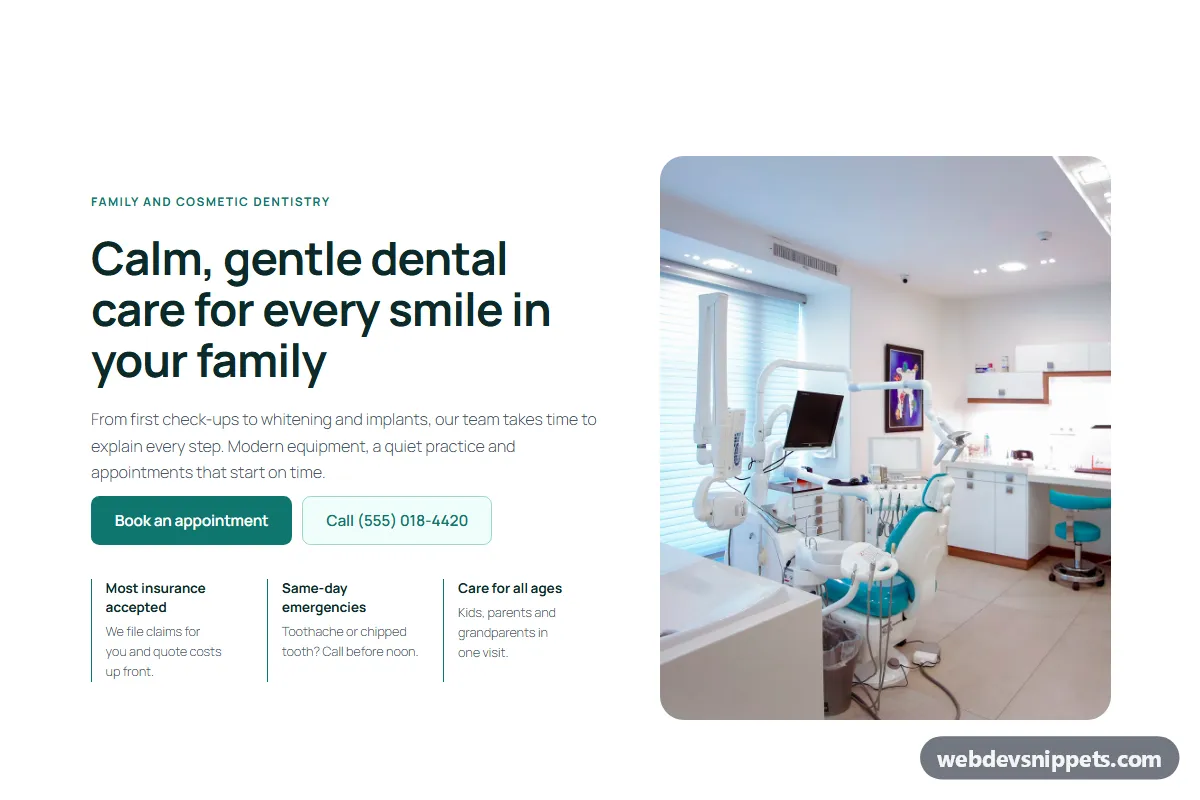
A dental clinic hero section with a booking button, a call button, three patient trust points and a rounded treatment room photo, built from core Gutenberg blocks.
Also known as: dentist website hero, dental clinic header section, book appointment hero, medical practice hero section
This dental clinic hero is a WordPress block pattern for the top of a dentist homepage: a calm headline, a short welcome text, a "Book an appointment" button, a call button and three trust points next to a rounded photo of a treatment room. It works as a dentist website header, a medical practice hero section or the landing section of an orthodontist or dental hygiene page, and it uses only core Gutenberg blocks.
How it works
The outer full-width Group has a white background, 104px top and bottom padding and a 1200px content width. Inside, a Columns block splits the hero into a 53% text column and a 47% image column, both vertically centered. The text column stacks a mint uppercase eyebrow, an h1 heading, an intro paragraph and a Buttons block with a solid mint booking button and a light outlined call button. Below the buttons, a nested Columns block holds three trust points (insurance, same-day emergencies, care for all ages); each is a Column with a thin mint left border, a small h3 and one line of text. The Image block on the right uses a 4:5 aspect ratio, Cover scaling and 28px rounded corners. On phones the columns stack: text first, then the trust points, then the photo.
How to use it
Copy the block markup with the copy button.
In the block editor, click into an empty paragraph and paste; WordPress turns the markup into blocks.
Replace the headline, phone number, trust points, button links and the photo with your own.
Customization
Section background: select the outer Group, Color > Background, #ffffff.
Accent color: the eyebrow text and the booking button use #0f766e; change it in Color > Text or Color > Background of each block, and in Border > Color of the trust point Columns.
Call button: select the second Button, Color > Background #f0fdfa, Text #0f766e, Border > Color #99d5cc; put a tel: link in its URL.
Headline size: select the h1 Heading, Typography > Font size 54px, weight 700.
Column widths: select each Column and change Width (53% and 47%).
Trust point accent line: select a trust Column, Border > Left, width 2px, color #0f766e, with Dimensions > Padding left 16px.
Photo shape: select the Image, Aspect ratio 4/5 and Border > Radius 28px.
The photo comes from Unsplash; replace it with a picture of your own practice and team.
Use cases
Family dental practices: invite new patients to book and show the practical reasons to choose you.
Orthodontists and cosmetic dentists: present treatments with a direct consultation button.
Multi-location clinics: use one hero per location page with its own phone number.
Dental hygiene and emergency services: highlight same-day appointments above the fold.
Accessibility
The headline is the page h1 and the trust points are h3 headings, so the structure is clear for screen reader users. The image has descriptive alt text. Body text #475569 and mint #0f766e on white meet WCAG AA contrast, as does white text on the mint button. Replace the # links with your booking page and a tel: link before publishing.
Dental Clinic Hero with Appointment Button at a glance
Can I use the Dental Clinic Hero with Appointment Button code for free?
Yes. You can copy or download the block markup and use it in personal and commercial projects, including client work. No sign-up is needed. Reselling it as part of a component library or template collection is not allowed; see the license.
How do I add it to my WordPress site?
Copy the block markup, open a page in the block editor, click into an empty paragraph and paste. WordPress turns it into regular blocks that you can edit like any other content. You can also paste it in the Code editor view (Options menu > Code editor).
Does it need a page builder or plugin?
No. The pattern is built only from core blocks such as Group, Columns, Heading, Image and Buttons, so it works without Elementor, Spectra, Kadence or any other plugin. Colors and spacing are set on the blocks themselves; headings and text use your theme's fonts.
Will it look the same in my theme?
The layout, colors and spacing come with the blocks, so they carry over. Fonts, link styles and the content width follow your theme, so small differences are normal. The live demo shows the pattern in the default Twenty Twenty-Five theme. It works best with block themes; in classic themes the block editor still renders it, with your theme's styles.
Does it work on mobile?
Yes. The layout adapts to small screens. Use the Mobile and Tablet buttons above the live demo to check it at phone and tablet width.
How to install
Copy the block markup above.
Open a page or post in the WordPress block editor, click into an empty paragraph and paste. The editor turns the markup into blocks.
Replace the sample text and images. To reuse it, select the blocks and choose Create pattern from the block toolbar menu.
Uses only core WordPress blocks, so no plugin is needed. Tested with WordPress 6.8 and later. Fonts come from your theme; the live demo uses the default Twenty Twenty-Five theme. WebDevSnippets is not affiliated with or endorsed by the WordPress Foundation.
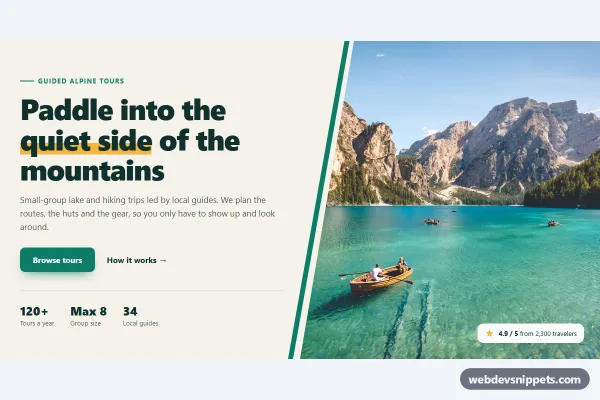
Pure CSS split hero with headline, buttons and stats beside a full-height photo cut on a diagonal with clip-path, plus an accent stripe and rating badge.
Full-width Bootstrap 6 hero with a muted background video or slow-zoom poster photo, dark gradient overlay, headline, two buttons, stats and a pause control.