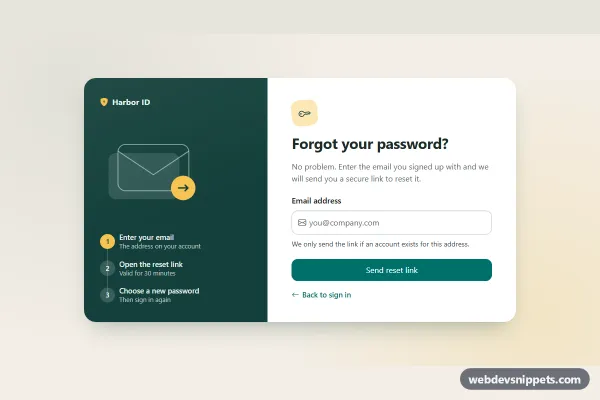
Forgot Password Form
Bootstrap 6 forgot password form with an email field, inline validation, a loading button, a stepper and a check-your-inbox success state with resend timer.
Authentication forms: sign in, register, password reset.
6 components
Bootstrap 6 forgot password form with an email field, inline validation, a loading button, a stepper and a check-your-inbox success state with resend timer.
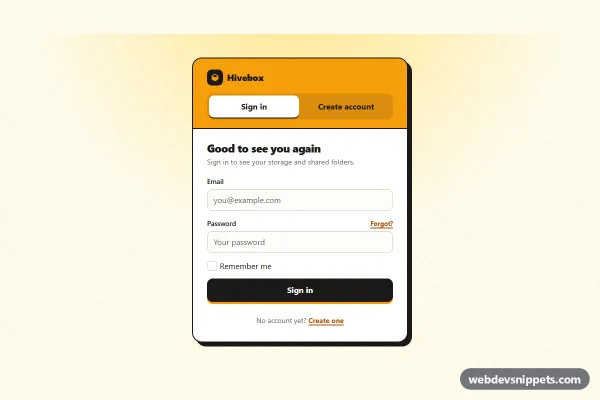
Bootstrap 6 card with segmented tabs that switch between a sign-in form and a create-account form, with validation, cross-links and simulated submits.
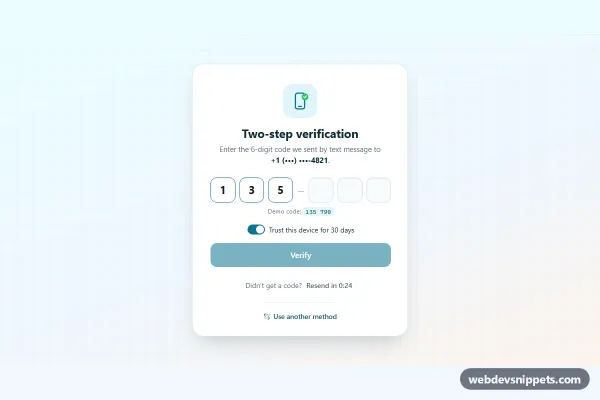
Bootstrap 6 two-factor verification card using the new OtpInput component, with grouped digit slots, auto-submit, attempt limit, resend countdown and trust-device switch.
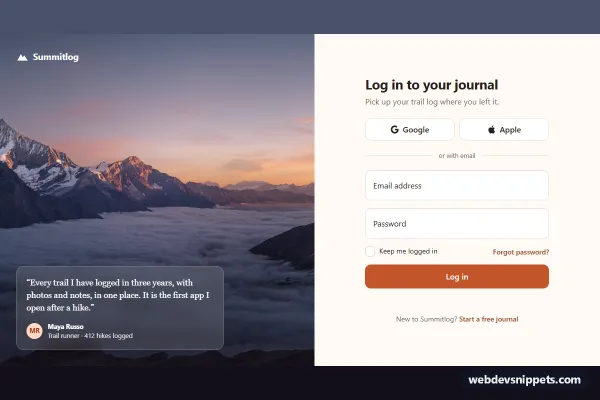
Bootstrap 6 split-screen login page with a full-height photo and testimonial on one side and a floating-label form with Google and Apple sign-in on the other.
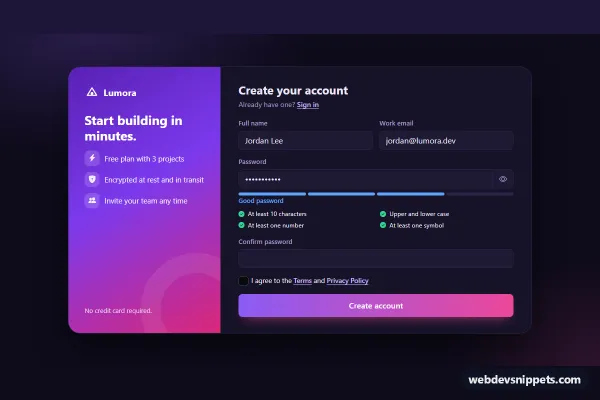
Dark Bootstrap 6 signup form using the new Strength component, with a live password checklist, show/hide toggle, confirm field, terms checkbox and success state.
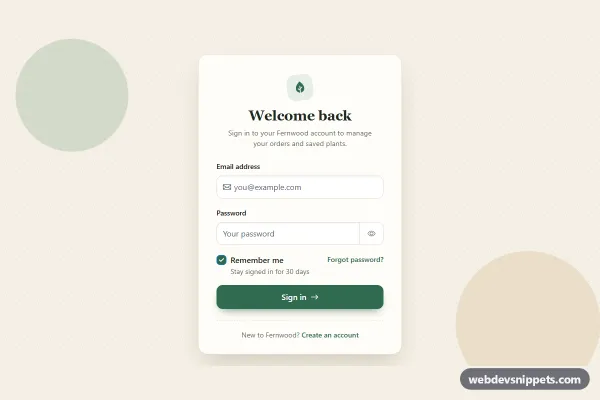
Bootstrap 6 login card with an email field, show/hide password toggle, Caps Lock hint, Remember me checkbox that recalls the email, forgot link and validation.