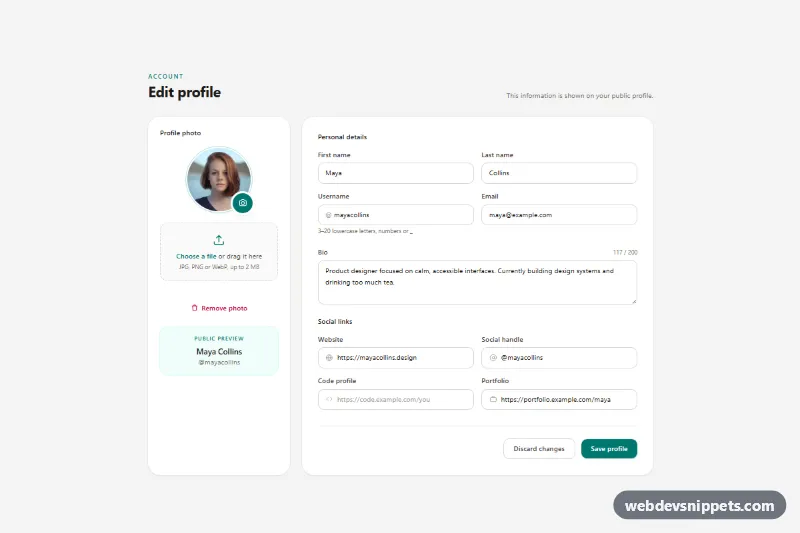
Edit Profile Form with Photo Upload
Tailwind CSS edit profile form with drag-and-drop photo upload and live preview, bio character counter, social link fields and simulated save.
User profile and account settings pages.
2 components
Tailwind CSS edit profile form with drag-and-drop photo upload and live preview, bio character counter, social link fields and simulated save.
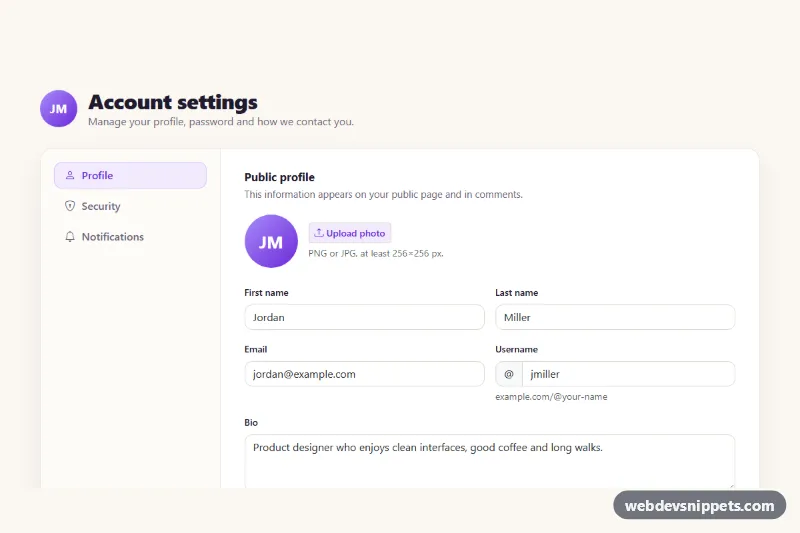
Bootstrap 5 account settings page with profile, security and notification tabs, password strength meter, session list and simulated save.
A profile page shows information about a user and, in many apps, lets them manage their account. Public profile pages display an avatar, name, bio, stats and recent activity, while account settings pages contain forms for personal details, password, notifications, privacy and billing. User profile templates are used in social apps, communities, SaaS products, marketplaces and admin panels.
Every field needs a visible label, and helper text should be linked with aria-describedby. Tabs must follow the tab pattern with arrow key support, or use simple links to separate pages. Toggle switches for notifications need labels that describe the setting, not just "On". Confirm successful saves with a status message announced to assistive technology, and keep focus where the user was working.
Each profile page template comes with a live preview, code tabs, a copy button and a download. Bootstrap 6 versions use the new alpha with theme-* colour roles and <dialog>-based confirmation modals, Bootstrap 5 versions use cards, nav tabs and form controls, and Tailwind CSS and pure CSS versions keep things lightweight. Choose your framework with the filter, copy the layout and connect the forms to your own user and account API.