Wave Section Dividers
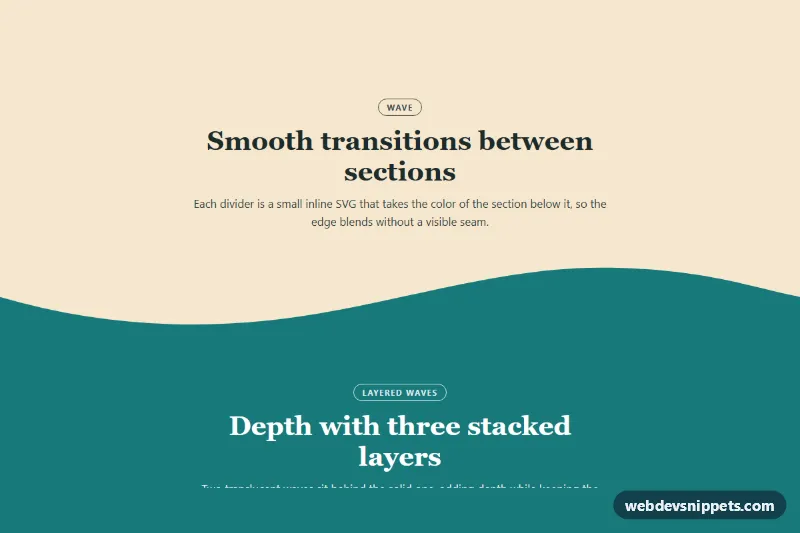
Pure CSS and inline SVG section dividers with wave, layered wave, curve and tilt shapes that inherit the next section's color and stretch to any width.
SVG section dividers and decorative shapes.
1 component(s)
Pure CSS and inline SVG section dividers with wave, layered wave, curve and tilt shapes that inherit the next section's color and stretch to any width.
Shape dividers are decorative edges between page sections: waves, curves, slants, zigzags, tilts and layered mountain shapes that replace a straight horizontal line. This category also includes decorative shapes such as blobs, circles and geometric accents. They are used on landing pages, marketing sites and portfolios to make transitions between coloured sections feel smoother and less boxy.
Use a divider when two adjacent sections have different background colours and you want a softer or more dynamic break. One style repeated consistently looks intentional; mixing many shapes on a single page looks busy.
Best practices for SVG wave dividers and CSS shapes:
preserveAspectRatio="none" and width: 100% so the shape stretches across any screen width.currentColor or a CSS custom property so it matches the next section's background and adapts to themes.aria-hidden="true" and focusable="false".clip-path: polygon() is a lightweight alternative that needs no extra markup.Each shape and divider has a live preview and code tabs. Most are SVG plus a few lines of CSS, so they fit any stack. Bootstrap 6 versions use the new alpha ES module build and theme-* colour roles so fills follow light and dark themes, Bootstrap 5 versions work with background utilities, Tailwind CSS versions use fill- and text- utilities, and pure CSS versions use custom properties. Use the framework filter, copy or download the code and change colours and height.