Music Player Card
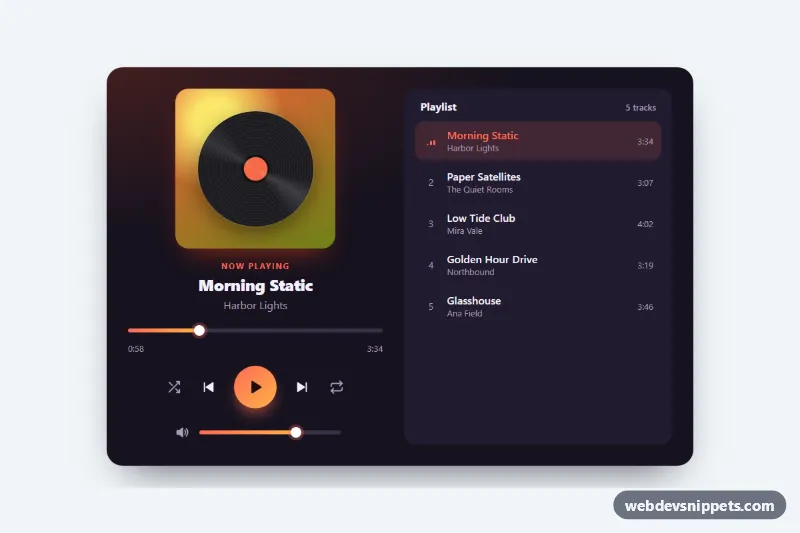
Dark music player card with a spinning vinyl cover, seek bar, play, skip, shuffle and repeat controls, volume slider and a clickable playlist.
Audio player interfaces.
1 component(s)
Dark music player card with a spinning vinyl cover, seek bar, play, skip, shuffle and repeat controls, volume slider and a clickable playlist.
A music player UI is the interface for playing audio on a web page: album artwork, track title and artist, play and pause, previous and next, a progress bar, volume and often a playlist. These audio player designs are used for podcasts, band and artist sites, streaming app prototypes, course platforms and portfolios.
The native <audio controls> element is accessible and reliable, but its look differs between browsers. A custom HTML5 music player makes sense when the player is a visible part of your design or when you need features such as playlists, waveforms or a mini player bar.
Best practices for a custom audio player:
<audio> element underneath and control it with the Media API (play(), pause(), currentTime, volume).<button> elements with clear labels, and update the label or aria-pressed when play changes to pause.<input type="range"> so they work with arrow keys and screen readers.preload="none" or metadata on pages with many tracks.Every music player comes with a live preview and code tabs for HTML, CSS and JS. Bootstrap 6 versions use the new alpha ES module build and theme-* colour roles, Bootstrap 5 versions use cards, buttons and range inputs, Tailwind CSS versions use utility classes, and pure CSS versions keep the player framework-free with a small vanilla script. Choose your stack with the framework filter, copy or download the code, then point it at your own audio files and artwork.