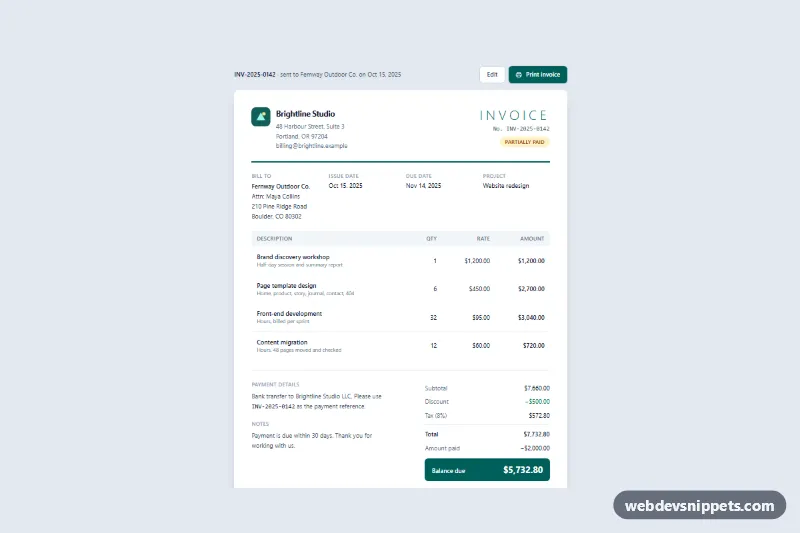
Printable Invoice Layout
Tailwind CSS invoice with line items, auto-calculated discount, tax and balance due, a print button and print-friendly A4 styles.
Order lists, invoices and tracking.
2 component(s)
Tailwind CSS invoice with line items, auto-calculated discount, tax and balance due, a print button and print-friendly A4 styles.
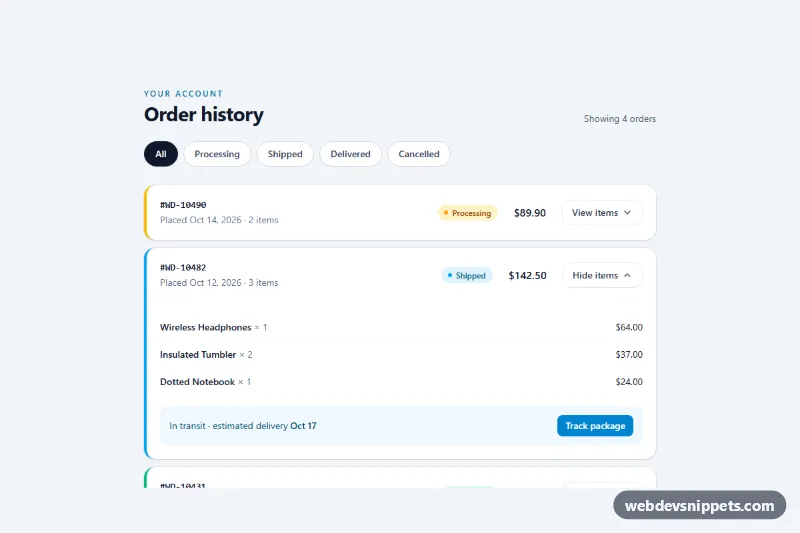
Tailwind CSS order history list with status filter chips, colored status badges and expandable order details.
An order history component shows a customer the orders they have placed: order numbers, dates, totals, status and links to details, invoices or tracking. It usually lives in the account area of an online store, but the same patterns work for subscription billing pages, B2B portals and marketplaces. Typical layouts include an order list, an expandable order card, an invoice view and a shipment tracking timeline.
If you use a table, give it a caption and proper th header cells with scope. Progress or tracking steps should expose the current step in text, for example "Step 3 of 4: Out for delivery". Make icon-only actions accessible with an aria-label. Keep dates in an unambiguous format and use the time element. Invoice views should print cleanly, so test a simple print stylesheet that hides navigation.
Every order history example has a live preview, code tabs, a copy button and a download option. Bootstrap 6 versions are built on the new alpha with theme-* colour roles for status badges, Bootstrap 5 versions use tables, cards and list groups, and the Tailwind CSS and pure CSS versions rely on plain HTML and utility classes. Use the framework filter to pick your stack, copy the markup and connect it to your own order data from the backend.