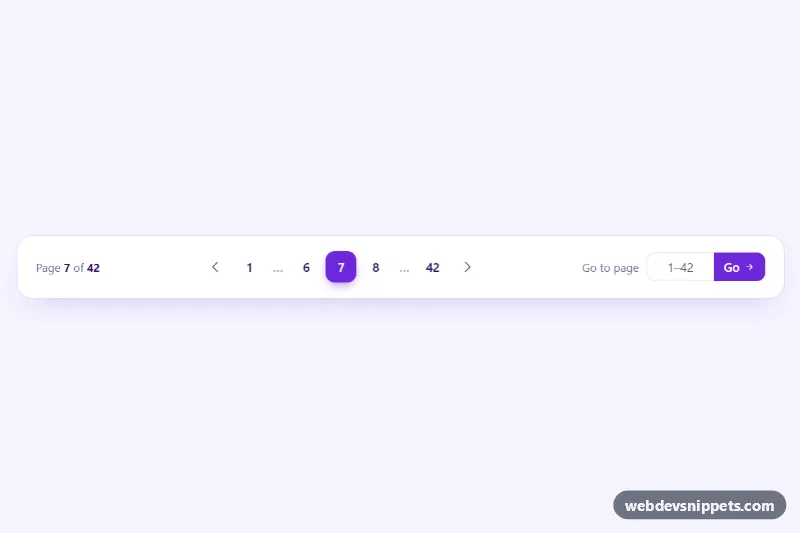
Pagination with Page Jump
Bootstrap 5 pagination with smart ellipses, previous and next arrows, a page counter and a validated 'go to page' input.
Page navigation for long lists and tables.
3 component(s)
Bootstrap 5 pagination with smart ellipses, previous and next arrows, a page counter and a validated 'go to page' input.
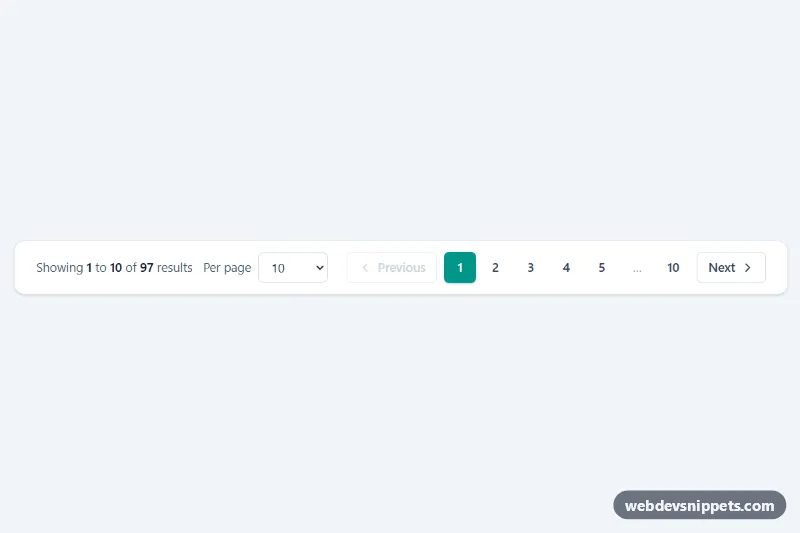
Tailwind CSS pagination bar with Previous/Next, numbered pages with ellipsis, a per-page select and a live 'Showing 1 to 10 of 97 results' summary.
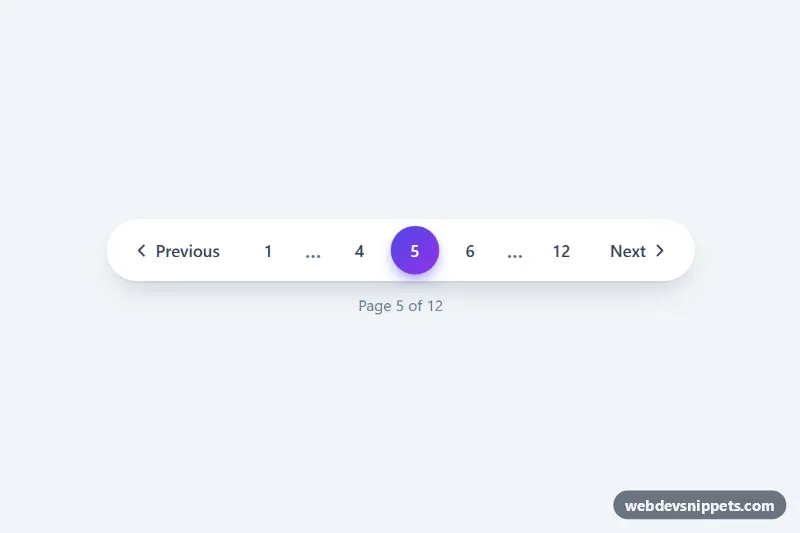
Pill-shaped pagination with ellipsis, previous/next buttons and a gradient active page, made interactive with a few lines of vanilla JS.
Pagination splits a long list of items, such as search results, blog posts, products or table rows, into separate pages and gives users controls to move between them. A typical pagination component shows previous and next buttons, numbered page links and sometimes first and last links, an ellipsis for skipped ranges or a page-size selector.
Pagination works well when users need to find a specific item, return to a known position or share a link to a particular page. It also keeps server responses and DOM size small. For casual browsing feeds, infinite scroll or a "Load more" button may feel smoother, but they make it harder to reach the footer and to bookmark a position.
<nav aria-label="Pagination"> and use a list for the page items.aria-current="page" and give it a clear visual style.?page=3) so pages can be crawled and shared.Pagination examples are available for Bootstrap 6, Bootstrap 5, Tailwind CSS and pure CSS. Bootstrap 5 versions use the pagination and page-item classes with size variants; the Bootstrap 6 alpha versions use theme-* colour roles to style the active page. Tailwind and pure CSS pagination covers numbered, compact, rounded and table-footer styles. Filter by framework, check the live preview, then copy the HTML and CSS from the code tabs or download the snippet and connect the links to your own paging logic.