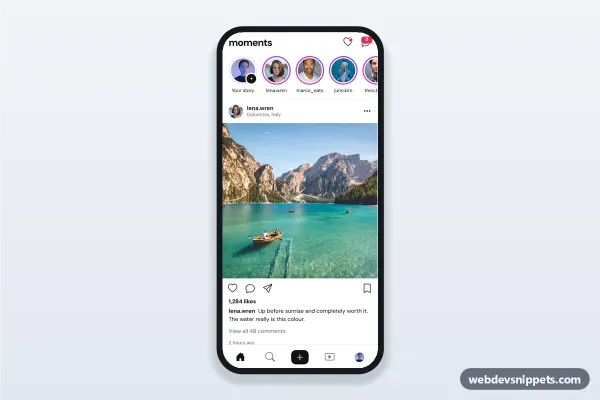
Social Media App Feed with Stories
Social media app feed with a stories row and story viewer, photo posts with like, comment and save, a comments bottom sheet and a tab bar with a create button.
HTML mobile templates: app-style screens for phones, ready for mobile websites, PWAs and Capacitor apps.
60 components
Social media app feed with a stories row and story viewer, photo posts with like, comment and save, a comments bottom sheet and a tab bar with a create button.
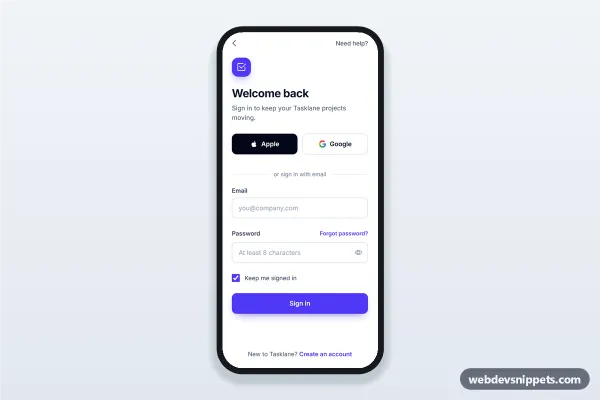
Mobile login screen with Apple and Google social sign-in, email and password fields, show password toggle, inline validation and a forgot password bottom sheet.
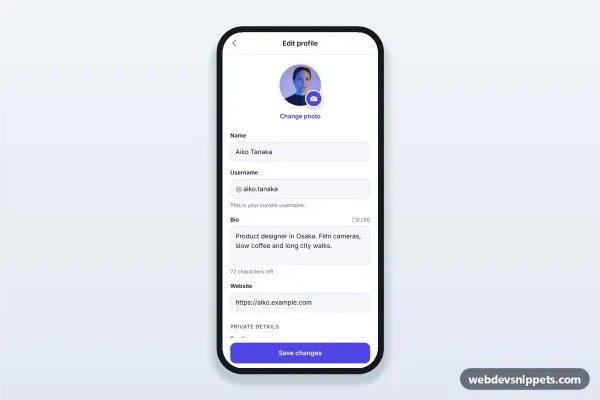
Edit profile screen for mobile apps with an avatar picker bottom sheet, username availability check, bio character counter, validation and a sticky save button.
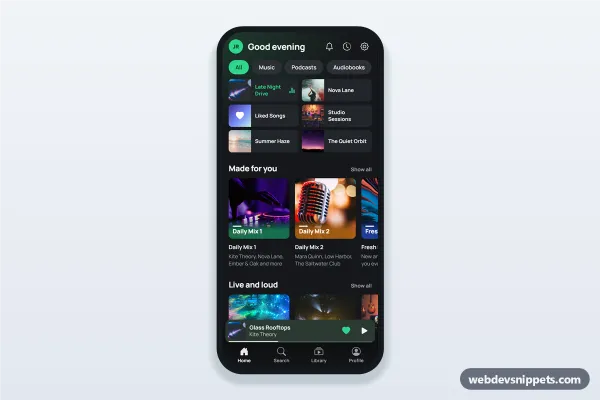
Music streaming app home screen in dark mode with greeting, recently played grid, made for you playlist row, mini player above the tab bar and a full player bottom sheet.
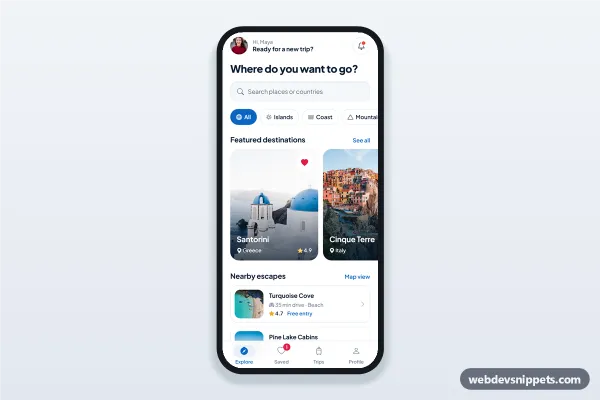
Travel app explore screen with destination search, category chips, featured destination cards in a horizontal scroll, nearby list, bottom sheet details and bottom tab bar.
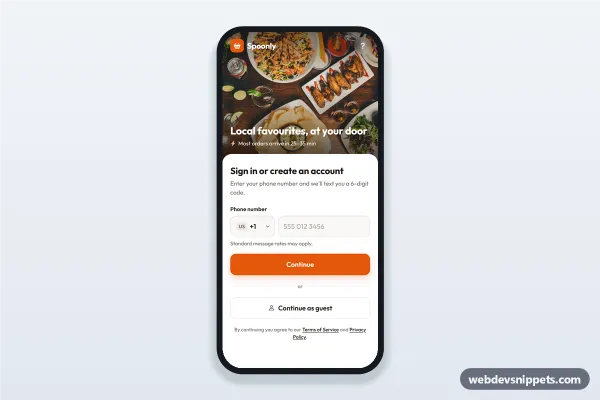
Food delivery app phone login screen with searchable country code picker, SMS code step and continue as guest: a mobile phone number sign-in UI with a food photo header.
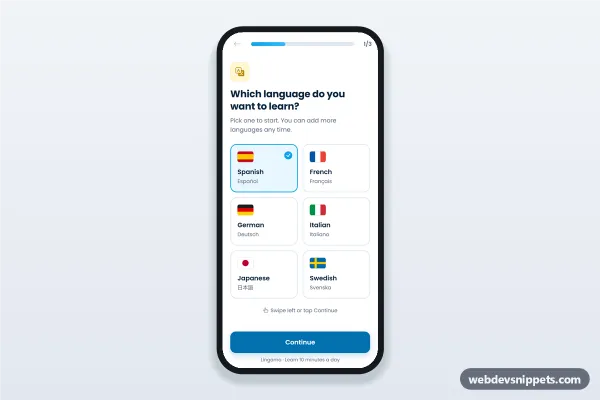
Language learning app onboarding screen with flag language picker, level choice, daily goal and progress bar: a three-step mobile app onboarding flow with swipe support.
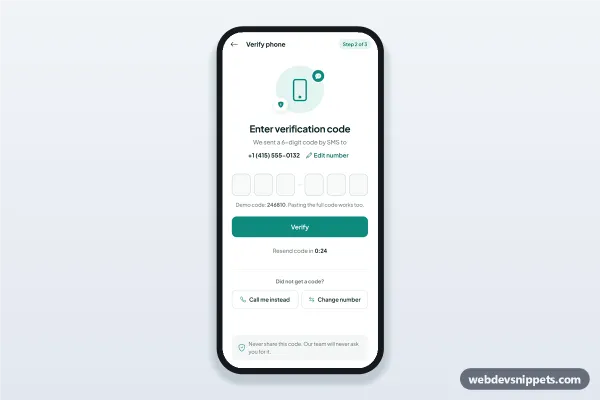
OTP verification screen with six one-digit code inputs, auto advance, paste and one-time-code autofill, a resend timer and an edit phone number sheet.
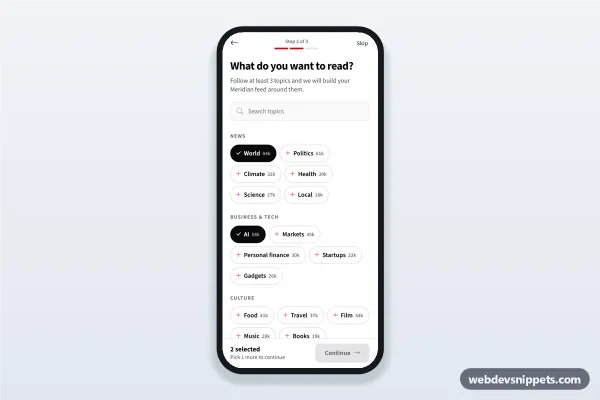
News app topic picker onboarding screen: follow topics as chips with follower counts, search them and continue once three interests are selected.
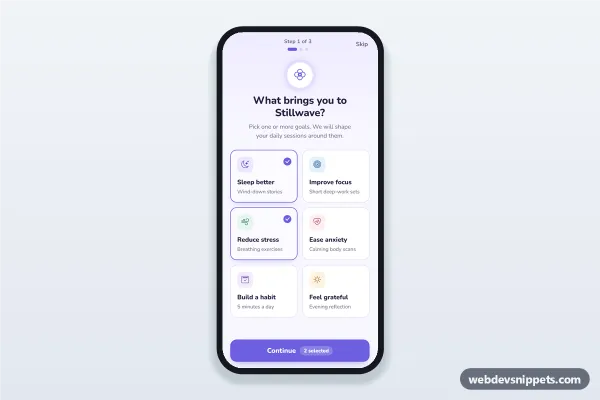
Meditation app onboarding screen where users pick goals as selectable cards, set a daily reminder time and days, then see their plan, with a step counter.
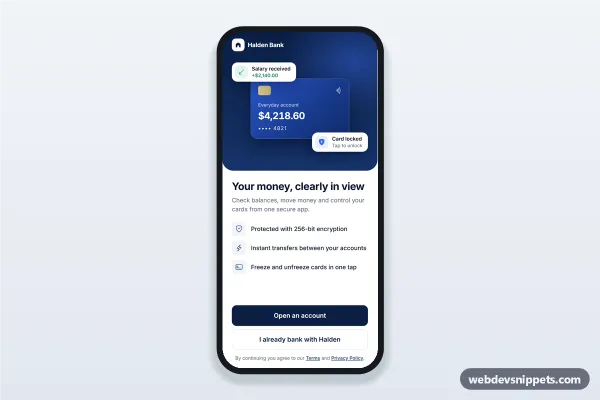
Banking app welcome screen with a notifications and Face ID permission flow, clear explanations, Allow and Not now buttons and a setup summary.
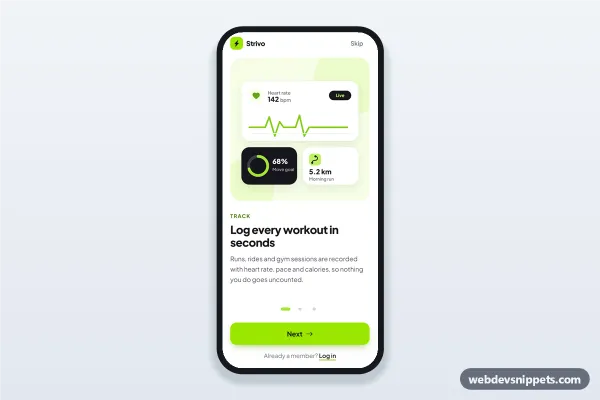
Fitness app onboarding screens with three swipeable steps, SVG illustrations, progress dots, Skip and Get started, built as a mobile app intro walkthrough.